The SQL Technical Screen: What Interviewers Actually Watch You Do Live
The SQL technical screen is a live, shared-editor round, not a take-home. Here's the format, what interviewers watch for beyond correct output, and how to prep.
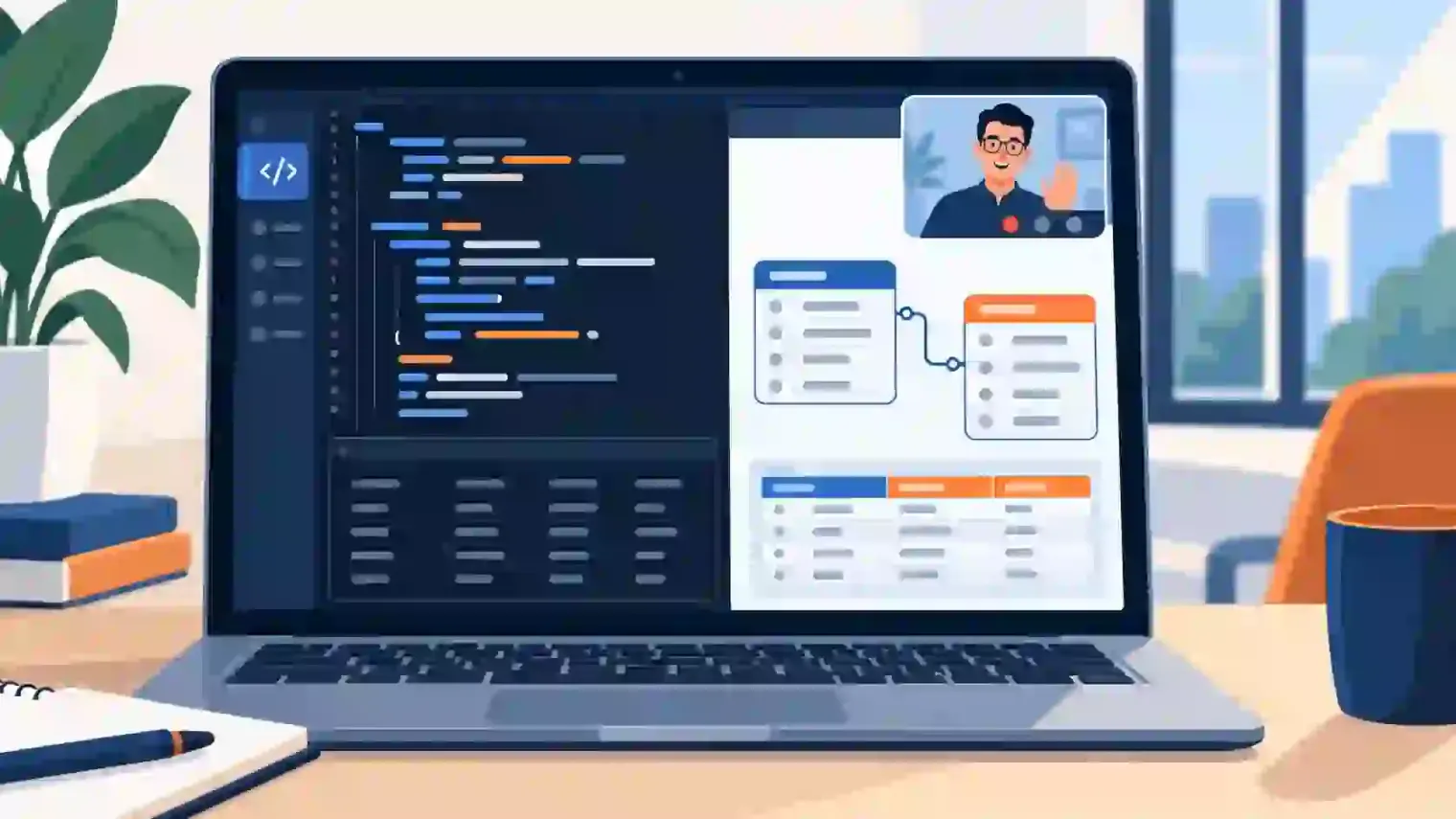
TL;DR: Going silent while you write your query is the single most common way candidates undersell themselves in a live SQL screen — the interviewer is grading how you think out loud, not just whether the query eventually runs. Below is what a narrated fix actually sounds like, with a full runnable query.
If your next interview is for a data analyst, data engineer, or analytics engineer role, there's a good chance it includes a round that looks nothing like the SQL question banks you've been drilling: a shared editor, someone watching your screen the whole time, and no take-home window to quietly look things up in.
What a Live SQL Technical Screen Actually Looks Like
The structure is consistent across most companies that run one:
- A shared online editor (often a lightweight tool built into the video-call platform, or a dedicated one like CoderPad or HackerRank) connected to a sample database
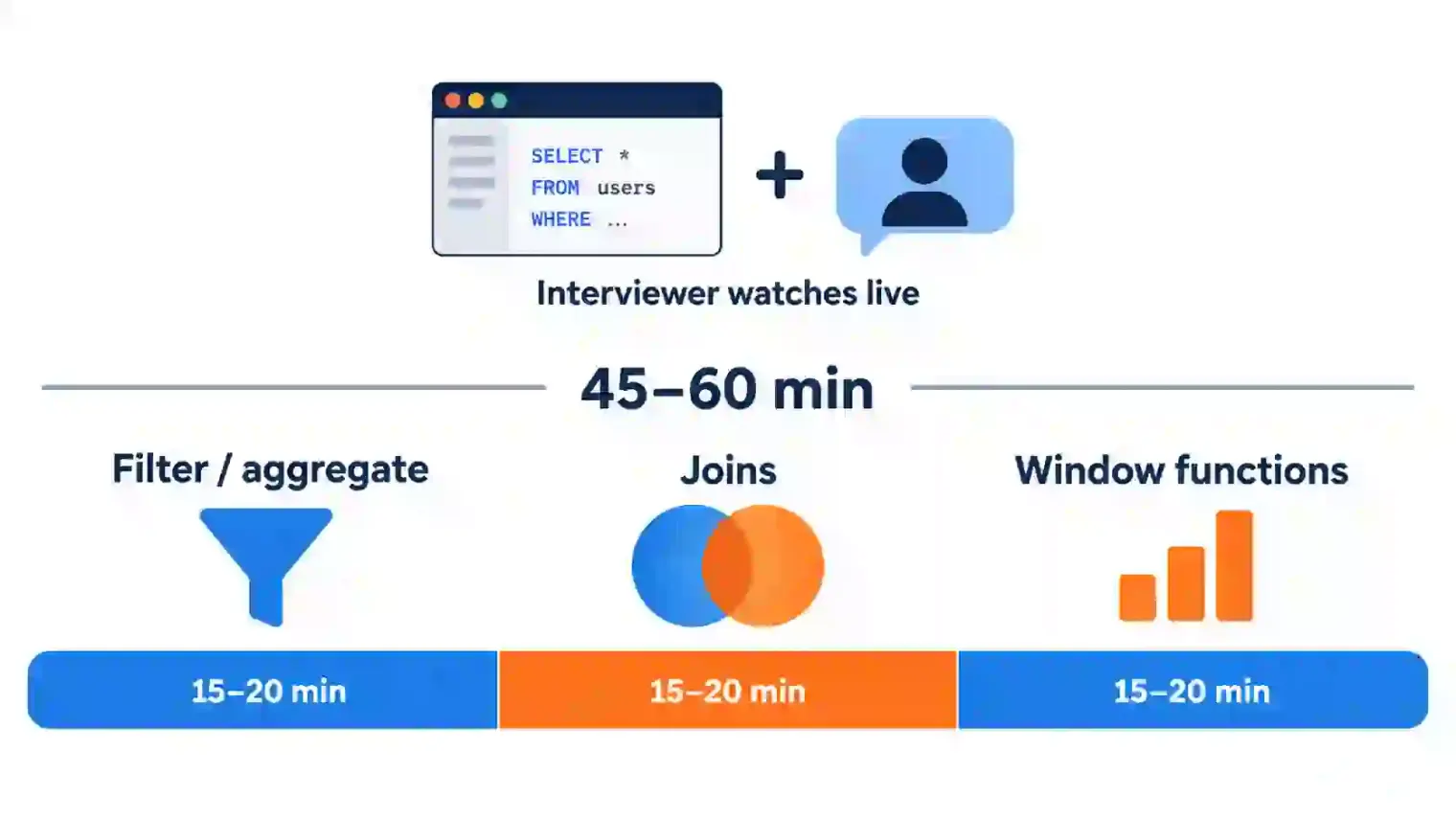
- 45 to 60 minutes, with the interviewer watching your screen the entire time
- 3 to 6 questions, ordered from easy to hard: usually a basic
SELECT/WHEREfilter first, then a join across two or more tables, then something involvingGROUP BYor a window function near the end
The key difference from a take-home assignment isn't the SQL itself — it's that someone is watching you produce it. You can't step away to look something up, and you're expected to talk while you type.
What Interviewers Are Actually Watching For
Two topics dominate in the screens I've sat in on and reviewed: joins and window functions.
- Joins — not just writing one, but knowing when an
INNER JOINwill silently drop rows you needed, or when aLEFT JOINwill duplicate rows because of a one-to-many relationship you didn't account for - Window functions —
ROW_NUMBER(),RANK(), and running totals viaPARTITION BY, which show up constantly in "find the top N per group" and "compute a rolling metric" style questions - CTEs vs. subqueries — less about which one you pick and more about whether you can break a complex query into readable steps instead of one unreadable nested block
But the thing that separates a strong live screen from a weak one isn't any of the above. It's narration. Here's what that actually sounds like on a "find each customer's top 3 orders by amount" question, against orders(customer_id, order_id, amount, order_date):
Silent version: candidate types for two minutes, runs it, gets a syntax error on PARTITION BY, deletes half the query, retypes it, runs it again, says nothing the whole time.
Narrated version: "I need this ranked per customer, so I'll reach for ROW_NUMBER() partitioned by customer_id, ordered by amount descending — let me write that as a CTE first so I can filter on the rank after." Types it. Gets the same syntax error. "Right, PARTITION BY goes inside the OVER() clause, not after it — let me fix that." Fixes it, runs it, done:
-- broken first pass: PARTITION BY placed outside OVER() throws a syntax error
WITH ranked AS (
  SELECT
    customer_id,
    order_id,
    amount,
    ROW_NUMBER() OVER (PARTITION BY customer_id ORDER BY amount DESC) AS rn
  FROM orders
)
SELECT customer_id, order_id, amount
FROM ranked
WHERE rn <= 3;
Both candidates end up with this same correct query. Only the narrated one gave the interviewer anything to grade before the final result came back.
The Rehearsal Problem Most SQL Prep Doesn't Cover
I've seen candidates write a fully correct query and still score lower than someone slower who talked through their reasoning the whole time — most SQL prep is a list of standalone questions with model answers, which teaches syntax but doesn't rehearse the live-screen habit of narrating a fix instead of going quiet to figure it out. That habit only feels natural if you've practiced saying it out loud before the clock is running for real.
For rehearsing that specific habit — talking through a query, out loud, while something's timed — that's what AceRound AI's mock interview sessions are for. If your loop also includes an async take-home instead of a live screen, our take-home coding guide covers that format separately.
FAQ
What does the interviewer actually write down while you talk?
Most SQL screens are graded against a rubric that scores approach, correctness, and communication as separate line items, not just whether the final query ran. That's why an incomplete but clearly-reasoned-through query can score higher than a rushed, silent one that happened to finish — the interviewer needs something to write down before the query returns results.
How should you budget your time across a 45-60 minute SQL screen?
A reasonable split for a 3-question screen: 10-12 minutes on the easy filter/aggregate warm-up (don't overthink it, it's meant to be fast), 15-18 minutes on the join question, and whatever's left on the window-function question. If you're still stuck on question one past the 12-minute mark, say so out loud — "I want to make sure we get to the harder questions, let me simplify my approach here" — rather than silently burning the clock.
What should you actually say when you hit an error mid-query?
Name the error and your fix in one breath instead of going quiet: "That's a syntax error on my PARTITION BY placement — it needs to be inside the OVER() clause, let me move it." The content of the fix matters less than saying it out loud as you make it; a candidate who narrates a mistake and corrects it reads as more competent than one who silently deletes and retypes until it works.
Is a SQL interview live or take-home?
Both formats exist. A take-home gives you hours with no one watching, so it mostly checks whether the final query is correct. A live screen compresses that into real time with an audience — that's why it grades your reasoning and how you debug an error, not just whether the query eventually runs.
Can you use AI tools during a live SQL technical screen?
Assume no unless a recruiter explicitly says otherwise, and ask directly at the start if it's unclear — "is external tooling okay for this round?" A shared-editor screen makes covert use harder to hide than a take-home does anyway, since the interviewer sees your screen and typing pattern in real time, not just the final query.
Author · Alex Chen. Career consultant and former tech recruiter. Spent 5 years on the hiring side before switching to help candidates instead. Writes about real interview dynamics, not textbook advice.
Related Articles

The Palantir Forward Deployed Engineer Interview: What Decomposition Tests
Palantir's FDE interview has a round most candidates never expect: decomposition. Here's what it actually tests, and why AI tools are banned in the room.
The Byteboard Interview at Google, Waymo & Dropbox: What CoreEval Tests
Byteboard swaps algorithm trivia for a two-part take-home assessment. Here's what CoreEval measures, who uses it, and where AI tools actually fit.
System Design Interview Questions: The 2026 Prep Guide
System design interview questions for 2026: the 5-step framework, how Amazon, Google, and Meta's rounds differ, and why GenAI questions are now common.