Does TCS iON Detect AI or Cheating During the NQT Exam?
Does TCS iON detect AI during the NQT? What its remote proctoring monitors, and why the interview round after is a safer, prep-friendly stage.
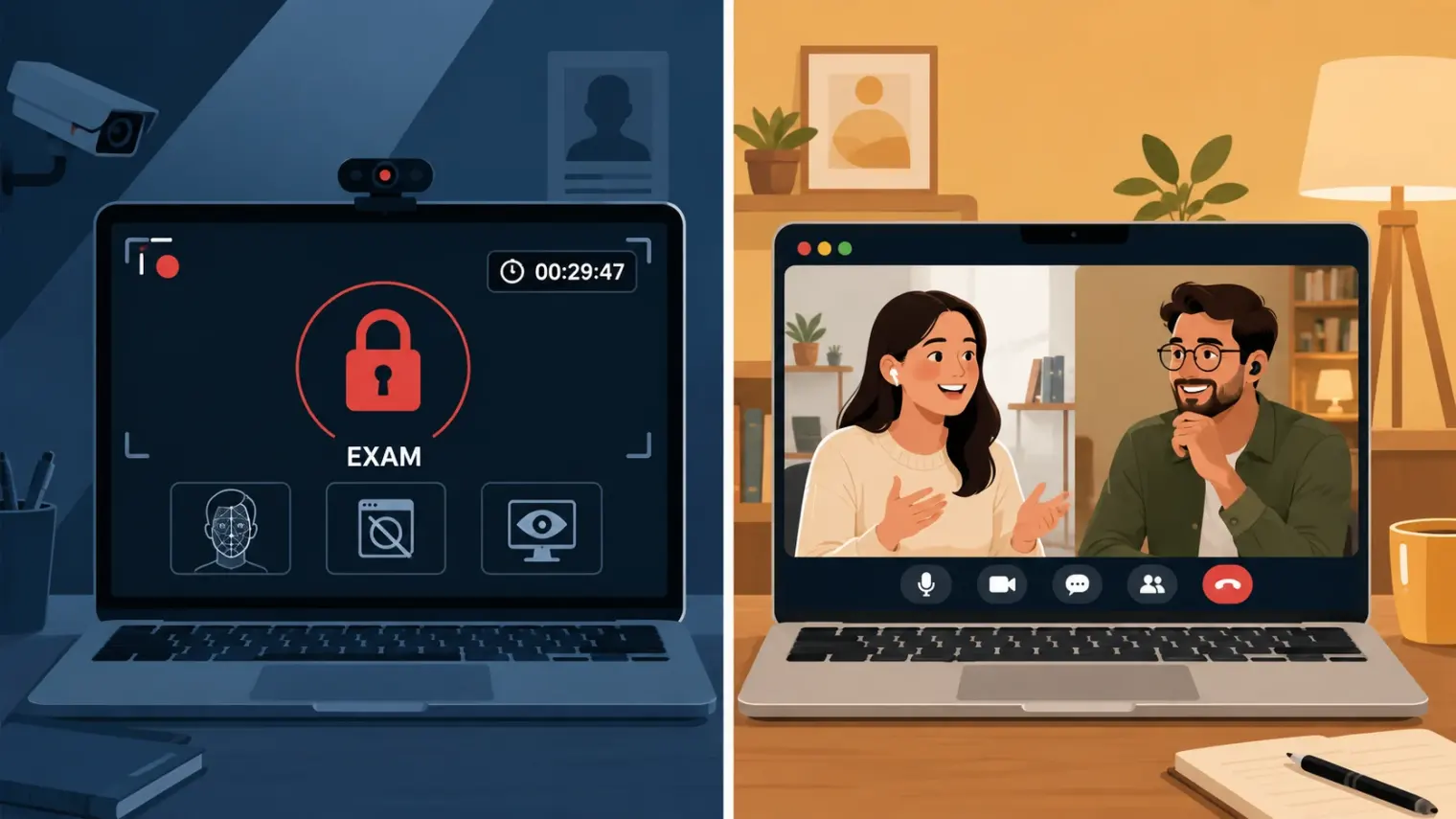
TL;DR: TCS iON's remote proctoring for the NQT is genuinely AI-monitored — webcam streaming to a cloud system, tab-switch detection that can end your session, and candidate accounts confirming AI tools are explicitly banned during the coding round. That's the high-risk stage. The technical and HR interview that comes after is a different environment entirely: a normal video call with a human panel, not a continuously-flagged lockdown. Understanding which stage is which changes where it's actually reasonable to use AI at all — and it's in preparation, not in either live round.
If you're a few weeks out from a TCS NQT drive, you've probably already read that the exam is proctored. What most guides don't tell you is how the monitoring actually works, or that it doesn't extend the same way into the interview round that follows. That gap matters, because it's the difference between "don't try anything during the test" and "there's nowhere safe to use AI at all" — and those are not the same statement.
What TCS iON Actually Is
TCS iON is TCS's own assessment infrastructure — the same unit that runs TCS NQT also builds and sells remote-exam products to universities and other employers. TCS's own press materials describe the remote-assessment product as streaming candidate webcam video to a cloud server where AI/ML models analyze it in real time, flagging suspected malpractice for human invigilators to review. That's a hybrid model: an algorithm doing the first pass, a person making the call on what gets flagged. It is not a rumor or a marketing claim from a third party — it's how TCS itself describes the product.
What the Online Test Actually Monitors
Across prep communities (PrepInsta, BharatNQT) and real candidate write-ups, the picture of the NQT online test is consistent:
- Webcam and mic mandatory, with continuous face monitoring and an ID/admit-card check before the test even starts.
- Tab-switching can end the exam immediately on some drives — not a warning, a termination.
- A second person entering frame, or a second device in view, is treated as a serious violation, part of the same room-scan logic proctoring platforms in this category all use.
- Environment risk is real: a dropped connection or a webcam obstruction can trigger termination mid-test, which is part of why candidates unsure about their home setup are often steered toward an in-centre TCS iON exam venue rather than a remote sitting.
And this isn't theoretical. A candidate's documented off-campus TCS interview account from late 2024 states plainly that "collaboration with friends and using AI were prohibited during the coding test... AI tools like ChatGPT are explicitly not allowed" — reference material and documentation were permitted with citation, AI assistance was not. That's about as direct a confirmation as you'll find that AI use during the online test is a named rule violation, not just a detection risk.
The Risk Gradient Nobody Draws Out
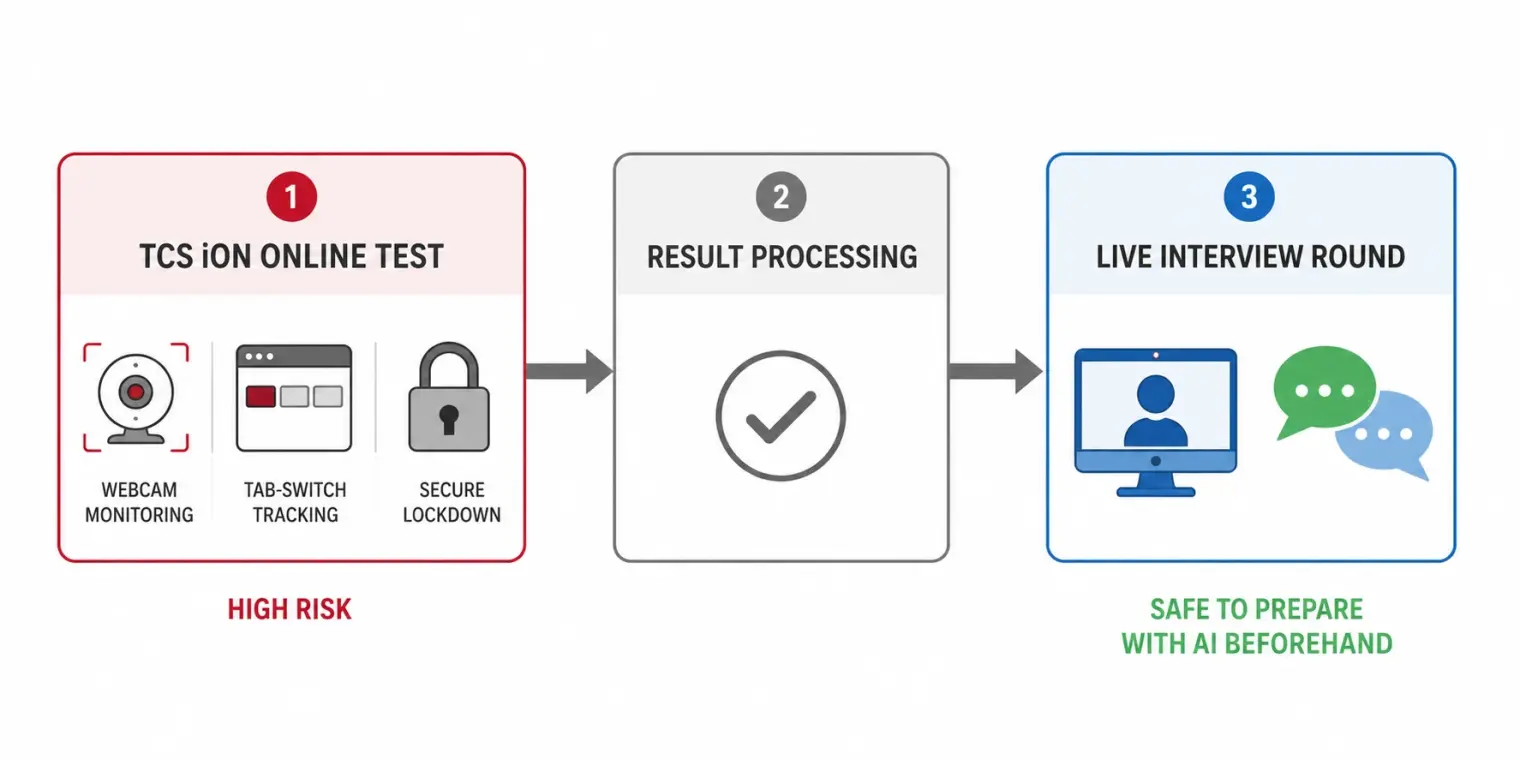
Here's what most TCS content gets wrong: it treats "TCS proctoring" as one thing. It's actually two very different environments stacked back to back.
Stage 1 — the NQT online test. Continuous webcam monitoring, tab-switch detection, a locked test window, AI use explicitly against the stated rules, and a real chance of the session ending mid-way if something looks wrong. This is the stage to treat as fully monitored and off-limits for any live assistance.
Stage 2 — the technical and HR interview. Per interview-prep breakdowns and candidate accounts (InterviewBit, FreshersHunt, real Naukri Code360 write-ups), this is a live video or in-person session with a human panel — Ninja-track interviews run shorter, around 20–30 minutes; Digital-track interviews run 60–90 minutes and go deeper into DSA and system-level questions. It's a conversation, not a browser-lockdown environment. Nothing published describes this round using the same continuous AI-flagging as the NQT test window.
Confusing those two stages is exactly why some candidates over-worry about a round where the actual risk is low, while underestimating how strictly the earlier test is watched. If your process pairs an NQT-style OA with a separate interview, how the SHL online assessment handles proctoring and what HackerRank actually flags cover how comparable platforms draw the same line.
Where AI Preparation Actually Fits
The honest framing, once you see the two stages clearly: don't touch AI assistance during the NQT window — it's a stated rule violation with real termination risk, and it's the stage TCS iON is specifically built to watch. The interview round afterward is where preparation, including AI-assisted mock practice done beforehand, is both safe and genuinely useful, because you're building the answer and the delivery before you're ever in front of the panel.
Our broader TCS, Infosys, and Wipro interview prep guide covers the NQT format, tier structure, and the communication round in depth. AceRound AI is built as a real-time interview copilot for that later, conversational stage — running mock sessions against TCS-style technical and HR questions before your actual interview, so the pressure of the live round is the only new variable on the day, not the format itself.
FAQ
Does TCS iON detect AI usage during the NQT exam?
It is built to try. TCS iON streams your webcam feed to a cloud system that uses AI/ML models to flag anomalies for human invigilators, and candidate accounts confirm AI tools are explicitly listed as prohibited during the coding section. Continuous face monitoring, tab-switch logging, and session termination on suspicious activity are all part of the same online-test environment. Treat it as actively monitored, not as a test you can quietly route around.
Can TCS iON see other tabs or windows during the test?
Candidate and prep-forum reports describe tab-switch detection that can end the exam immediately, not just log a warning. This is standard behavior for this class of remote-proctoring platform, similar to how HackerRank and other browser-based test environments monitor window focus. Assume any tab or window change outside the test itself is visible to the system.
Is the TCS NQT interview also proctored like the online test?
No, and this is the detail most guides skip. The technical and HR interview that follows a cleared NQT is a live video (or in-person) session with a human panel, typically 30 to 90 minutes depending on your track. It is a normal video call, not the locked-down, continuously-flagged environment of the online test. The two stages carry very different monitoring intensity.
What happens if the TCS NQT exam gets disconnected midway?
Forum accounts describe environment issues like a dropped connection or someone briefly entering frame as real termination risks in remote sittings, which is part of why candidates who are unsure about their setup are often advised to prefer an in-centre TCS iON exam venue over a remote sitting. If you do sit remotely, a stable connection and a clean, single-occupant room matter as much as your preparation.
Can I use mobile phone or a second screen during the TCS NQT exam?
No. A second device or a second screen in view is exactly what the room-scan and webcam monitoring exist to catch, and it sits in the same prohibited category as AI tools during the coding section. None of this is ambiguous in candidate accounts of the actual exam rules.
Is it safe to use AI tools to prepare for a TCS interview?
Yes — preparing beforehand with AI mock interviews is a completely different activity from using AI live during the proctored NQT, and it is not something TCS's proctoring stack has any reason to flag, since it happens before you are ever in the monitored session. The honest distinction is timing: AI as prep is safe, AI as a live aid during the online test is a stated rule violation.
Author · Alex Chen. Career consultant and former tech recruiter. Spent 5 years on the hiring side before switching to help candidates instead. Writes about real interview dynamics, not textbook advice.
Related Articles

LockedIn AI Review 2026: Pricing, Refunds, Is It Worth It?
LockedIn AI review: $69.99 Credits and $139.99 Unlimited plans on 4 Nov 2026, what the free plan covers, the no-refund rule and a hidden Trustpilot score.
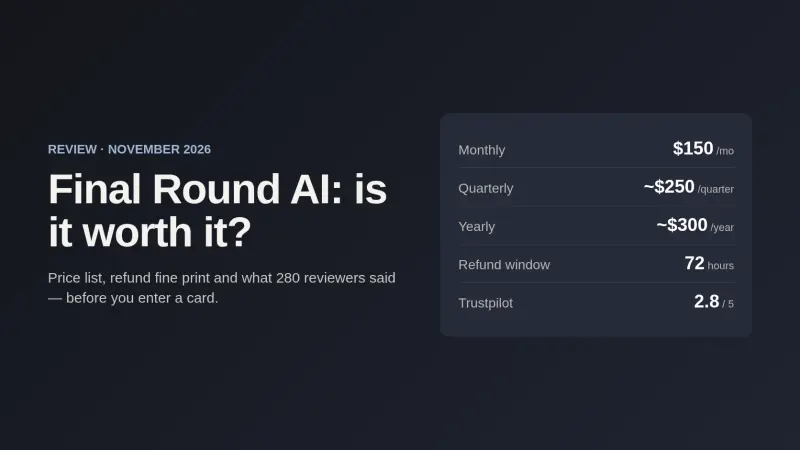
Final Round AI Review 2026: Price, Refunds, Is It Worth It?
Final Round AI review: the $150/$83.33/$25 plan list on 2 Nov 2026, the 72-hour refund fine print, a 2.8 Trustpilot score, and who it suits.
OpenAI's AI Interview Policy: Banned, Required, or Team-Dependent
OpenAI sells AI coding agents, then bans most candidates from using one. Here's the round-by-round policy, including the new agentic round that flips it.