Does Mercer Mettl Detect Cheating? What Gets Flagged
Does Mercer Mettl detect cheating? Here's the full proctoring stack — seven AI flags, audio proctoring, Secure Browser — and what it actually can't see.
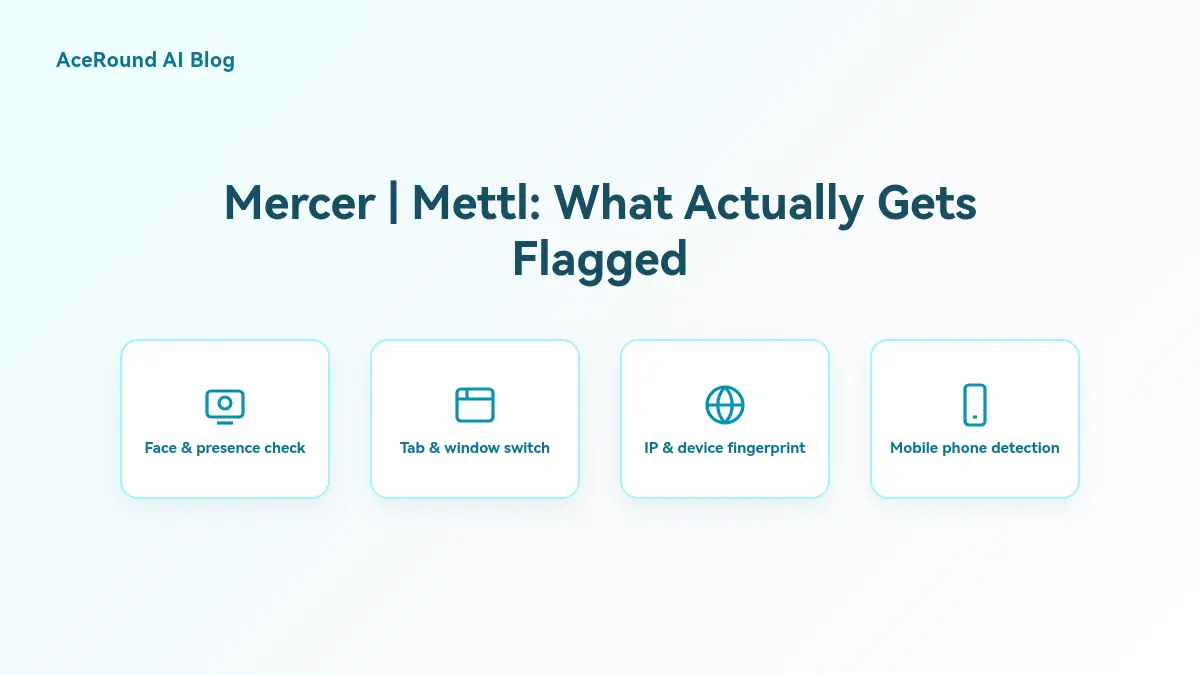
TL;DR: Does Mercer Mettl detect cheating? Yes — through seven named AI visual-proctoring flags (face missing, another person, looking away, phone detected, and more) that roll into a Low/Medium/High Credibility Index for human review, plus a mandatory webcam room scan, IP/device fingerprinting, and an optional Secure Browser lockdown. Audio proctoring exists but is off by default. What most search results skip is which layers are actually risky versus just nerves, and what the system can't see at all.
You've got a Mettl assessment link with a 48-hour window, and no idea whether this specific employer turned on webcam monitoring, audio proctoring, or the full lockdown browser. That uncertainty is the real problem — Mettl's proctoring is configurable per assessment, not a single fixed setting, and most of what ranks for "does Mercer Mettl detect cheating" is either vendor sales copy aimed at recruiters or bypass-tool marketing that overstates how invisible anything actually is.
The Proctoring Stack Is Configured Per Assessment, Not Platform-Wide
Mercer | Mettl sells its anti-cheating features — AI visual proctoring, audio proctoring, Secure Browser lockdown, IP restriction — as options an employer enables when building a specific test, not a uniform setting applied to every Mettl assessment everywhere. A high-volume entry-level screening might run with minimal monitoring. A bank running a proctored exam for a sensitive role might enable everything, including audio. There's no way to tell from the email invite alone, so the safer assumption going in is that any layer could be active.
The Seven AI Visual-Proctoring Flags
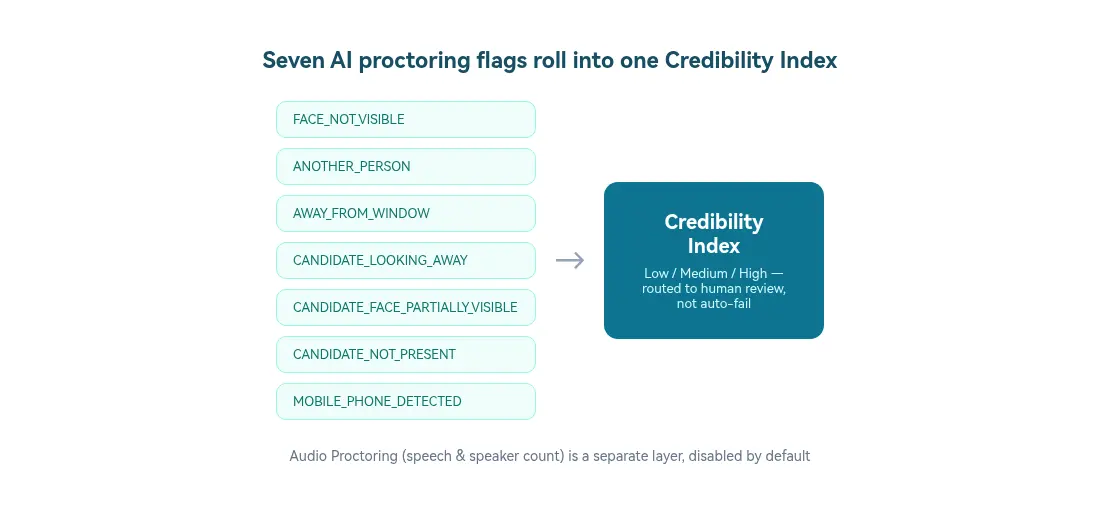
Per Mettl's own support documentation on anti-cheating measures, the AI-based Advanced Visual Proctoring module generates exactly seven named flags during a session:
FACE_NOT_VISIBLEANOTHER_PERSONAWAY_FROM_WINDOWCANDIDATE_LOOKING_AWAYCANDIDATE_FACE_PARTIALLY_VISIBLECANDIDATE_NOT_PRESENTMOBILE_PHONE_DETECTED
These flags don't automatically fail a candidate. They roll into a Credibility Index — Low, Medium, or High — that a human authorizer reviews and decides on, in most configurations. A single accidental flag (glancing at a notification, a shadow crossing the frame) is a much weaker signal in that review than a pattern of repeated flags across the session.
What Else Is in the Stack: Identity, Browser Lockdown, and IP Checks
Beyond the visual flags, Mettl's documentation confirms several other layers, each independently configurable:
- Biometric and 3-point identity verification before the test starts, plus a mandatory 360-degree webcam pan of the room.
- Mettl Secure Browser, a lockdown mode that blocks third-party applications, screen capture, printing, and external drives during the session.
- Browsing tolerance, which counts tab or window switches and can terminate the session once a configured threshold is hit — a separate mechanism from the visual flags above.
- IP address and device fingerprinting, to catch the same person retaking a test under a different identity or from an unexpected location.
- Screen and webcam snapshot capture, typically every 60 seconds, for the human reviewer to reference later.
- Multiple-monitor detection, which surfaces a visible "we have detected multiple screens" warning to the candidate mid-test.
Audio Proctoring Exists, but It's Off by Default
The detail most "how to cheat on Mettl" content glosses over: Mettl does have an Audio Proctoring layer, explicitly described in its own materials as detecting human speech and the number of distinct speakers during the test. It is disabled by default on every assessment and has to be turned on deliberately by whoever configured it. If a test does have it active, a second voice in the room — coaching, or a person feeding answers — is exactly the kind of signal it's built to catch, independent of whether anyone is visible on camera.
What the Stack Doesn't Claim to Catch
None of Mettl's own published materials claim the visual or audio layers can see a second device sitting entirely outside the webcam's field of view, or that the system checks whether test questions were seen in advance through leaked question banks or prep forums. The proctoring stack is built around what a webcam, browser session, and microphone can directly observe — not a guarantee against every possible workaround. That's worth knowing, but it isn't a loophole worth building a strategy around either: flags route to a human reviewer, and unusual patterns (a candidate who never moves, or one who's suspiciously fluent on questions they'd have no reason to already know) draw attention regardless of which specific detection layer catches it.
How to Actually Prepare
The straightforward path is also the one that doesn't put an offer at risk: know the material and your own reasoning well enough that you don't need a workaround during a proctored assessment. Where a real-time copilot like AceRound AI actually earns its place is the live interview stage that typically follows a Mettl-style screen — the conversation with an engineer or hiring manager where you're explaining your approach out loud, not answering on a monitored screen. For that stage, see our guide to interview AI assistant tools for the India job market, and if your process includes other assessment platforms alongside Mettl, our breakdowns of HackerRank's detection setup and Codility's proctoring stack cover how the approach differs platform to platform.
FAQ
Does Mercer Mettl detect cheating?
Yes, through a layered system rather than one check. Mettl's own support documentation lists seven named AI visual-proctoring flags, biometric identity checks, a mandatory 360-degree webcam room scan, IP and device fingerprinting, and an optional Secure Browser lockdown mode. Most flags feed into a Low/Medium/High Credibility Index for a human to review, rather than triggering an automatic disqualification.
Does Mettl listen to audio during the test?
Only if the employer turns it on. Mettl's Audio Proctoring layer is described in its own documentation as detecting human speech and counting the number of distinct speakers, but it's disabled by default on every test and has to be explicitly enabled by whoever configured the assessment.
Can Mettl detect a second phone or device out of camera view?
Not directly, based on Mettl's own published documentation. The flags focus on what the webcam and browser session can see: your face, another person entering frame, looking away, a mobile phone visible in the shot, or leaving the window. None of Mettl's public materials claim to detect a device sitting fully outside the camera's field of view.
What happens if I switch tabs during a Mettl test?
Mettl's "browsing tolerance" setting counts tab or window switches and can terminate the session once a configured limit is reached, separate from the visual-proctoring flags. If the employer has also enabled the Secure Browser lockdown mode, switching away may not even be possible, since it blocks third-party apps and screen capture at the OS level.
Is Mercer Mettl the same assessment used by TCS, Infosys, or Wipro?
Mettl-style assessments are widely used across large Indian IT services firms and enterprise hiring pipelines for exactly this kind of mass technical screening, though the specific vendor and configuration varies by employer and role. If you're preparing for one of these employers, treat any Mettl-branded link as if the full proctoring stack could be active, since configuration is set per assessment, not per platform.
Author · Alex Chen. Career consultant and former tech recruiter. Spent 5 years on the hiring side before switching to help candidates instead. Writes about real interview dynamics, not textbook advice.
Related Articles
Meesho SDE-1 Interview Process for Freshers: Three 2025 Accounts Compared
Meesho SDE-1 campus accounts from 2025 disagree on test length, round order and design format. Here is what each reported and how to prep for any of them.
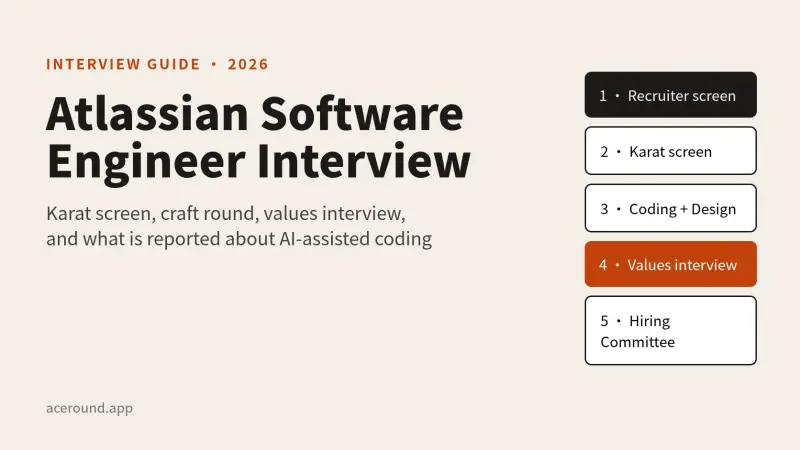
Atlassian Software Engineer Interview: Karat Screen, Craft Round and the Values Interview
How Atlassian's engineering loop works, from the Karat screen to the values round, what is official and what candidates report, including the AI-assisted rounds.
LinkedIn's AI-Enabled Coding Interview: What Candidates Report and How to Prepare
LinkedIn reportedly swaps one coding round for a CoderPad session with an AI panel. Here is the reported format, what gets scored, and what is unconfirmed.