AI Interview Assistant for Phone Interviews: The Safest Format to Use One
Why phone screens are the lowest-risk format for an AI interview assistant, the questions recruiters actually ask, and how to set it up without anyone knowing.
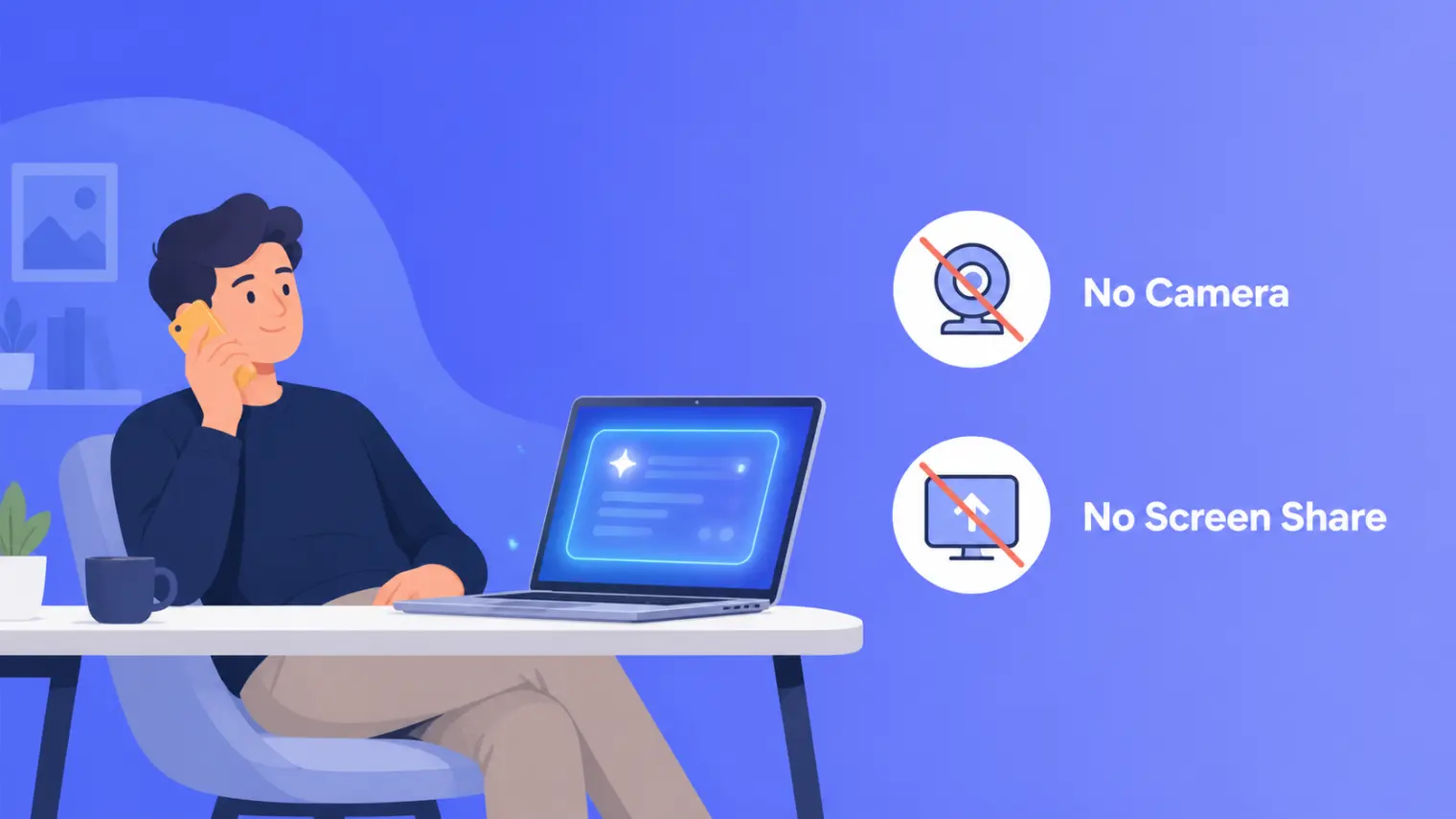
TL;DR — A phone screen is the easiest interview format to use an AI interview assistant on, because there's nothing for the interviewer to see. No camera, no screen-share, no gaze-tracking risk — just your voice on a call while a laptop sits silently out of range. Pair that with the fact that phone screens ask a small, predictable set of questions (resume walkthrough, why this role, salary expectations, availability) and it's the lowest-effort, lowest-risk way to get comfortable with real-time AI help before you ever touch a video interview.
Every guide to phone interviews tells you the same three things: find a quiet room, keep your resume in front of you, and smile so you sound friendlier. All true, and all missing the obvious part — you're on a phone call. There is no camera. Nobody sees your desk, your second monitor, or the browser tab open six inches from your face. If you've ever worried about whether an AI interview assistant is safe to use on a video call, a phone screen is the one format where that worry mostly doesn't apply.
Why phone screens are structurally the safest format
Every risk that comes up around AI-assisted video interviews traces back to one thing: a screen the interviewer can potentially see, directly or through a recording. Screen-share safety is about what's inside the shared window. Dual-device setups exist because people need somewhere to look that isn't the shared screen, and that "somewhere to look" is itself the thing gaze-tracking research shows interviewers can notice.
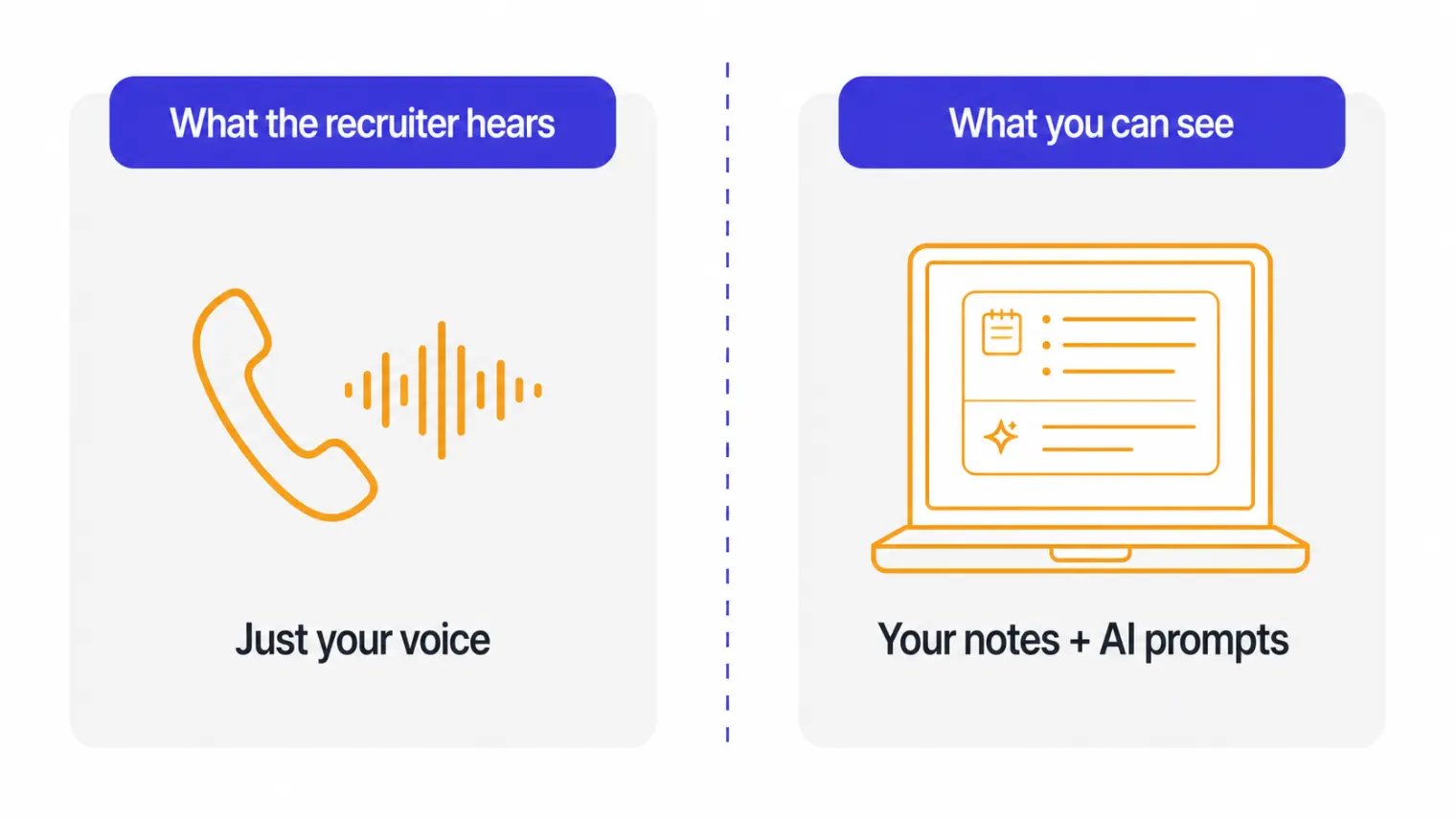
A phone screen has none of that surface area. The interviewer's only sensory channel is audio. Your laptop, your notes, a second monitor with your resume open — all of it is invisible by default, because nothing about a voice call transmits what's on your screen. You don't need a phone-on-a-stand rig or a careful glance-timing routine. You just need a quiet room, which is already the first thing every phone-interview guide tells you to arrange anyway.
To be fair, this isn't a completely undiscovered idea — a few interview-copilot products already advertise an audio-only or phone-call mode as a feature. What's missing from that corner of the internet is a straight answer to the two questions that actually matter: what will they ask, and how do you not sound like you're reading?
The questions phone screens actually ask
Phone screens are a filter, not a deep evaluation — most run 15 to 30 minutes, and recruiters are working through a checklist, not probing your technical depth. Across dozens of published phone-screen breakdowns, the same handful of questions show up almost every time:
- "Walk me through your resume" — the opener on nearly every call, and the one people most often ramble through unprepared.
- "Why are you interested in this role/company?"
- "Why are you looking to leave your current job?" — recruiters treat this as close to mandatory; a vague or bitter answer is a common reason candidates don't advance.
- "What are your salary expectations?"
- "What's your availability / notice period?"
- "What do you know about our company?"
- "What are your strengths and areas you're working on?"
- "Do you have any questions for me?"
None of these require live AI help to answer well — they're predictable enough to prepare for in advance. Where a quick, glanceable reminder actually earns its keep is the follow-up nobody scripts for: a specific number when you hadn't settled on a range, or a sharper reason for leaving than "looking for growth" when the recruiter pushes back on it.
How not to sound like you're reading
This is the part that actually matters, because a phone call removes every visual tell but adds an audio one: cadence. A few things that make AI-assisted answers sound scripted on a call:
- Reading verbatim. Full, grammatically perfect sentences delivered at a steady clip sound different from someone thinking out loud — recruiters do this call every day and notice the pattern.
- A suspiciously complete answer after a long pause. A few seconds of silence followed by a polished paragraph is a more obvious tell on audio than it would be on video, where a thoughtful pause looks normal.
- No filler, no self-correction. Real answers have a "well, I'd say..." or a mid-sentence rephrase. A read-aloud script usually doesn't.
The fix is to treat AI-generated notes as a bullet-point cue, not a script: glance at the key fact or number, then say it in your own words, at your own pace. That's also just good phone-interview technique independent of any tool — recruiters consistently rate "sounds natural and specific" higher than "sounds polished."
Where this fits if you're new to AI-assisted interviewing
If you haven't used an AI interview assistant before, a phone screen is the easiest place to start — not because the stakes are low, but because the format removes the two things people worry about most: something showing up on a shared screen, and looking away from the camera at a suspicious rhythm. AceRound listens to the call audio and surfaces quick, relevant prompts you glance at and rephrase, whether you're on a phone screen today or a full video interview next round; if you're prepping for a specific platform after this one, see the best AI interview tools guide for a broader comparison, or the mobile assistant setup if your phone screen is actually happening on your phone itself.
FAQ
Can you use an AI interview assistant during a phone interview? Yes, and it's technically easier to use one on a phone screen than on a video call. There's no camera to frame, no screen to accidentally share, and no eye-contact pattern for an interviewer to notice — the interviewer only has your voice to go on, and your laptop or second screen sits completely outside that channel.
How long does a phone interview usually last? Most recruiter phone screens run 15 to 30 minutes, with 20-25 minutes being typical. It's a filtering conversation, not a deep-dive — expect a handful of standard questions rather than technical whiteboarding or case studies.
What questions do recruiters actually ask on a phone screen? The near-universal set is: walk me through your resume, why this role/company, why are you leaving your current job, what are your salary expectations, what's your availability, what do you know about us, and do you have questions for me. Almost every phone screen hits most of these.
Is it obvious when someone is reading from notes on a phone call? It can be, if you read verbatim. A monotone cadence, sentences that are too polished and too fast, or long silences followed by a suspiciously complete answer all give it away. Skimming AI-generated talking points and speaking them in your own words sounds completely different from reading them aloud.
Should I still prepare if I'm using an AI assistant on the call? Yes. An assistant is a safety net for the questions you didn't expect, not a replacement for knowing your own resume, your salary number, and why you want the job. The phone screen questions above are predictable enough that you should be able to answer most of them without any help at all.
What's the actual failure point of a phone screen? Rarely the questions themselves — it's usually salary misalignment, a vague answer to "why are you leaving," or sounding unprepared for a role you supposedly researched. Those are judgment and delivery problems, not knowledge gaps, which is exactly where quick reminders help most.
Author · Alex Chen. Career consultant and former tech recruiter. Spent 5 years on the hiring side before switching to help candidates instead. Writes about real interview dynamics, not textbook advice.
Related Articles
OpenAI's AI Interview Policy: Banned, Required, or Team-Dependent
OpenAI sells AI coding agents, then bans most candidates from using one. Here's the round-by-round policy, including the new agentic round that flips it.
Does Harver Detect Cheating? What Its Proctoring Actually Checks
Does Harver detect cheating on its pre-employment assessments? A candidate look at Harver's Proctoring add-on, what gets logged after a flag, and what happens next.
Micro1's Zara AI Interview: What It Actually Tests (And Why Timing Gets Flagged)
Micro1's AI interviewer Zara has run 300,000+ interviews for remote roles. Here's why it flags response latency as a cheating signal, and what that means for AI prep.