Natively AI Alternative: Free but DIY Setup
Natively AI is a free, open-source interview copilot with BYOK setup — no Linux, no mock mode. Here's the honest trade-off vs a turnkey tool.
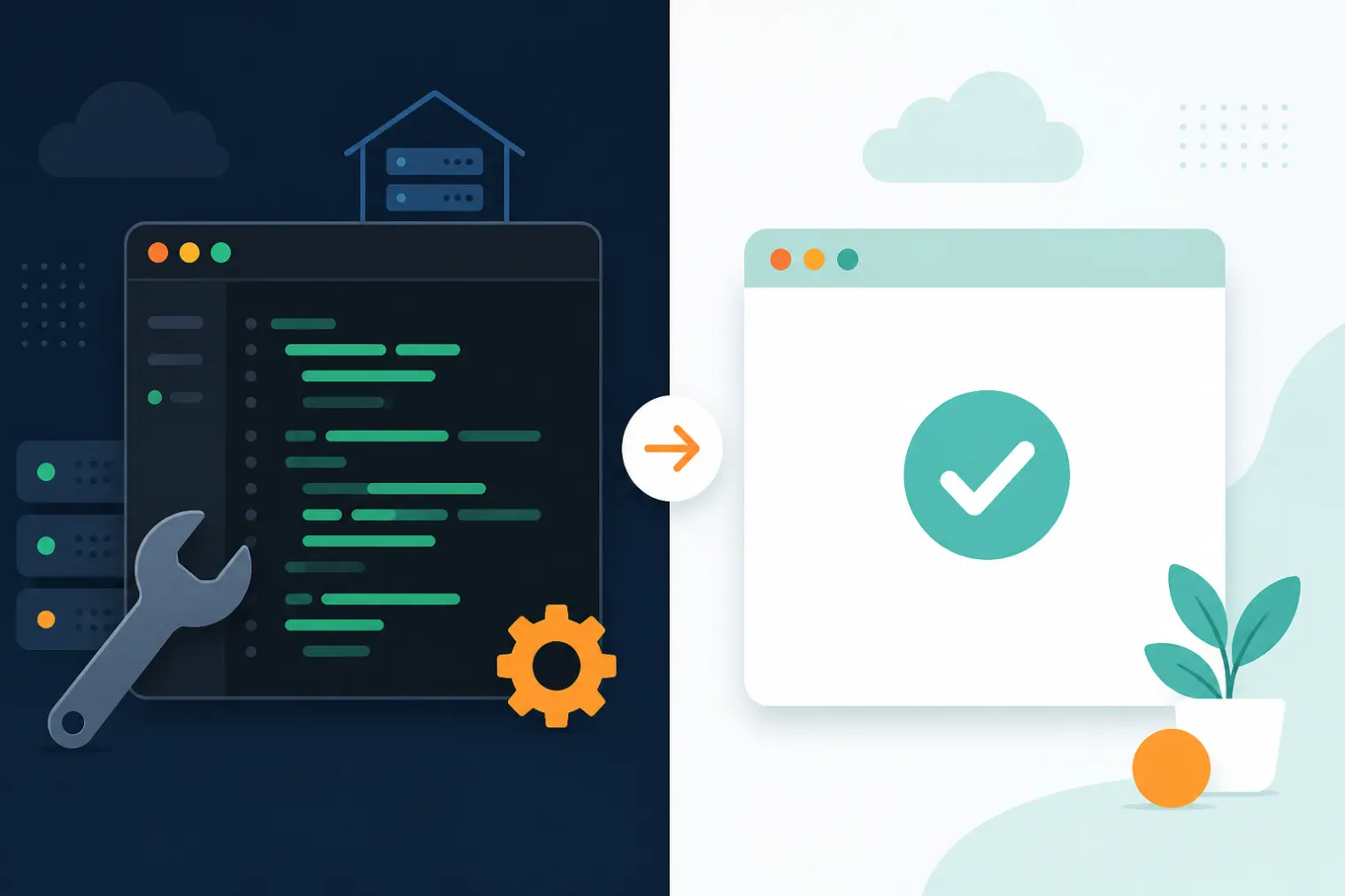
TL;DR: A Natively AI alternative search usually means one of two things: you don't want to compile a Rust/Node.js toolchain and manage your own API key the night before an interview, or you're on Linux, which Natively doesn't support yet. Natively AI is a genuinely free, source-available, BYOK interview copilot — local-first, no subscription, real privacy control — but "free" assumes you're comfortable self-hosting, paying an AI provider separately, and living without a structured mock-interview mode. AceRound trades that DIY setup for a maintained desktop client that works out of the box, with AI usage included and dedicated practice sessions built in.
Natively AI shows up in almost every 2026 "Cluely alternative" roundup for a good reason: it's the rare option in this category that's actually free to run, with your data staying on your own machine instead of a vendor's servers. That pitch is real. But between "free" and "running smoothly during your interview" sits a setup process most white-collar job seekers have never touched — git clone, a Rust toolchain, and either an API key bill or a local model to manage. Here's what that setup actually looks like, and where it's worth it.
What Natively AI Actually Is
Natively is an open source interview copilot and meeting assistant that positions itself as a free replacement for Cluely, Final Round AI's Interview Copilot, and Interview Coder. It offers screenshot OCR for reading coding problems off your screen, real-time transcription, a local RAG (retrieval-augmented generation) memory that recalls earlier parts of the conversation, an invisible stealth overlay, and support for behavioral, system-design, and live-coding interview formats.
The core design choice is BYOK: instead of a subscription that bundles AI usage into the price, Natively expects you to bring your own API key from OpenAI, Anthropic, or a compatible provider — or run a local model through Ollama for a setup that costs nothing at all, provider fees included. Everything (transcripts, embeddings, keys) stays on your machine by default; there's no central server holding your interview data. One detail worth flagging honestly: Natively's own GitHub repository lists its license as a "Personal-Use Source License," which permits personal, educational, and non-commercial use — that's meaningfully different from a standard open-source license like MIT or AGPL, and worth reading before you assume "open source" means "free for any use."
Is Natively AI Really Free? The BYOK Math
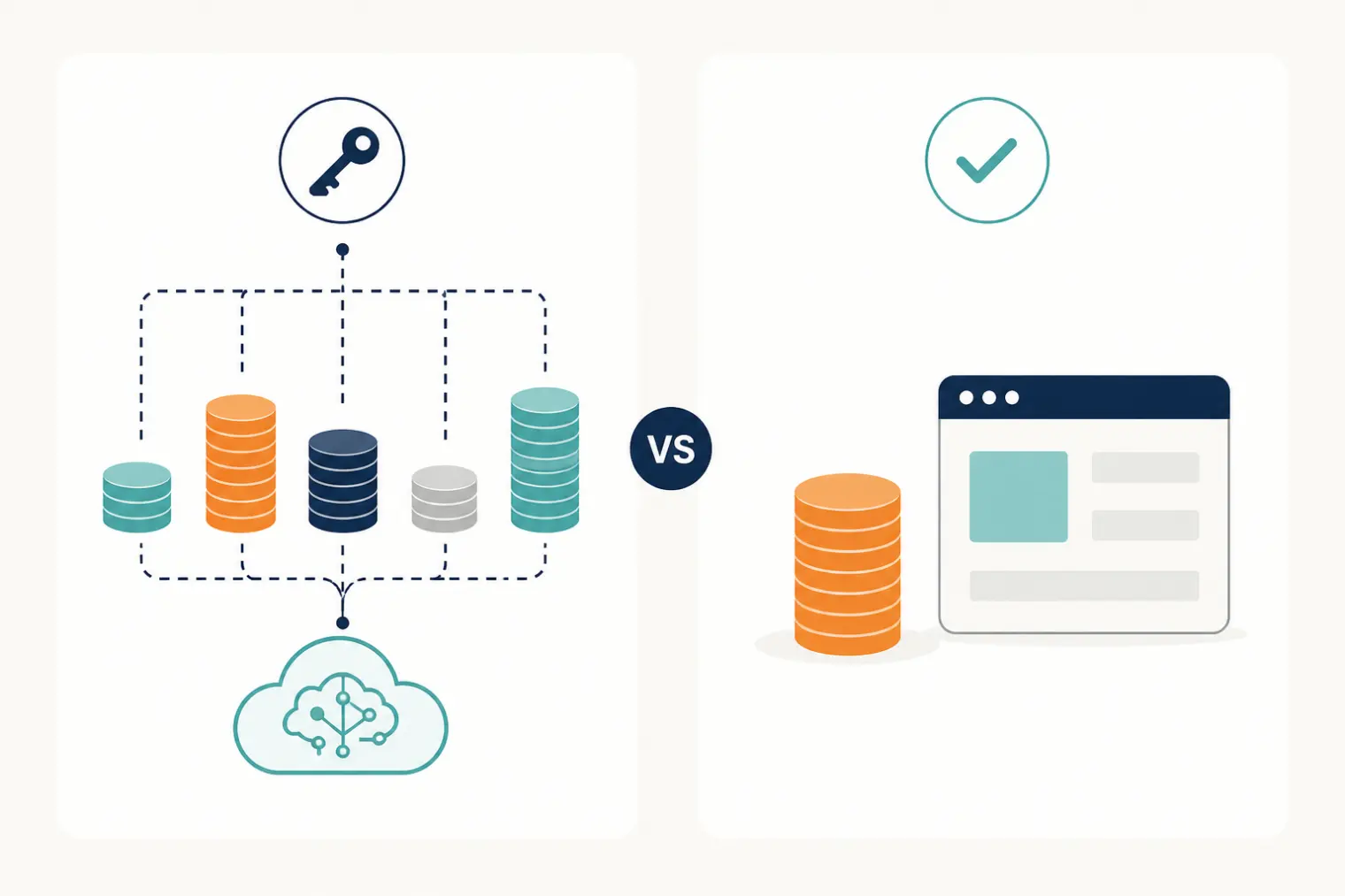
The software license costs $0 either way. What you pay depends on which path you take:
- Bring a hosted API key (OpenAI, Anthropic, Google): the app is free, but every transcription and every suggested answer draws down your own account, billed by that provider at their usage rates — separate from anything Natively charges, because Natively charges nothing directly.
- Run a local model via Ollama: genuinely $0 end to end, but you need hardware capable of running a local LLM at usable speed, and answer quality depends on which local model you pick versus a hosted GPT- or Claude-class model.
Compare that to a flat-priced tool: AceRound's structure is a free tier to try it, a $9.90 one-time Starter Pack for a single high-stakes round, or unlimited access at $39.90/month or $69.90 for a 90-day Season Pass — each a one-time payment with no auto-renewal, so the AI usage itself is already included in that number. With Natively, your real cost is the sum of your own API bill plus the time spent managing it — which can land higher or lower than a flat fee depending on how much you use it, but is much harder to predict in advance.
The Setup: What Running Natively AI Actually Takes
This is the part most roundup articles skim past. Getting Natively AI running from its GitHub repo means: cloning the repository, having Node.js v20+ and a Rust toolchain installed, and running a native build step (npm run build:native) that compiles platform-specific modules. Community reports point to real friction here — Rust compile errors and missing native module files are recurring issues the project has had to patch. None of this is unusual for a self-hosted developer tool, but it is unusual for an interview-prep tool, where the target user is often a non-engineer (or an engineer with zero interest in debugging a build the night before a final round).
Platform support is also narrower than a typical commercial tool: macOS 12+ and Windows 10/11 are supported today, with Linux listed as on the roadmap and the project "actively seeking maintainers" to ship it. If your interview is tomorrow and your laptop runs Linux, or your build fails on an unfamiliar Rust error, there's no support line to call — you're debugging it yourself or asking in the project's community channels.
Where Natively AI Falls Short
- No structured mock-interview mode. Natively is built for live-session assistance, not for rehearsing answers ahead of time with feedback on delivery or content.
- Unverified detection claims. Natively markets its stealth overlay as "battle-tested" and undetectable, but we found no independent testing confirming a specific detection rate on real platforms — treat this as a vendor claim, not a verified fact, for Natively or any competitor making the same promise.
- Community-paced support only. As a source-available project run largely by volunteer maintainers, there's no SLA, no live support, and fixes ship on whatever timeline maintainers have available.
- License terms are stricter than "open source" implies. The Personal-Use Source License restricts commercial use — worth reading in full if your use case is anything beyond personal job search.
Feature by Feature
| AceRound AI | Natively AI | |
|---|---|---|
| Platform support | Mac + Windows desktop client | Mac + Windows (Linux "on roadmap," no date) |
| Setup required | Download, sign in, done | Git clone, Node.js + Rust toolchain, native build step |
| AI usage cost | Included in AceRound's price | Billed separately by your chosen provider, or free via local Ollama model |
| Live interview support | Behavioral + technical + case/PM, screen-share-safe overlay | Live transcription, screenshot OCR, local RAG memory, invisible overlay |
| Mock interview / practice mode | Yes, with delivery + keyword scoring | Not part of the documented feature set |
| Data handling | Cloud-based service | Local-first by default; no central server |
| Support | Maintained product with support channels | Community/volunteer-maintained, no SLA |
| License | Commercial product | Personal-Use Source License (not standard open source, no commercial use) |
Who Should Actually Use Natively AI
Natively AI makes sense if: you're comfortable with a git clone and a build step, you want your interview data to never leave your machine, you already have (or don't mind paying for) your own AI provider API key, and you're on Mac or Windows.
AceRound makes sense if: you want something that works the first time you open it, you'd rather pay one flat price than manage a variable API bill, you want a dedicated mock-interview mode to rehearse before the real thing, or your interview is soon enough that debugging a build isn't something you want to risk.
For more honest competitor breakdowns, see our Cluely alternative comparison and the full AceRound AI review covering pricing and where our own product's limits are.
FAQ
Is Natively AI really free?
The software itself is $0 — but that's not the whole cost. Natively is BYOK ("bring your own key"), so you either connect a paid API key from OpenAI, Anthropic, or Google (billed separately by that provider) or run a local Ollama model on your own machine for a fully free setup. Either way, "free" means you handle the AI usage cost and the setup, not that the experience is free of any effort.
What does BYOK mean and why does it matter?
BYOK stands for bring your own key — instead of a vendor billing you a flat subscription that includes AI usage, you supply your own API key from an AI provider and pay that provider directly for what you use. It matters because your total cost becomes variable and depends on your usage and provider pricing, and you're responsible for managing rate limits, billing alerts, and key security yourself.
Does Natively AI work on Windows and Mac?
Yes, on macOS 12+ and Windows 10/11. Linux is listed as on the roadmap but not yet shipped, according to the project's own GitHub repository. If you're on Linux today, Natively AI isn't an option yet regardless of your comfort with the setup process.
Can Natively AI be detected during a screen-shared interview?
Natively's own marketing describes a "battle-tested" invisible overlay, but we found no independent, third-party testing that verifies a specific detection rate on real interview platforms. Treat any "undetectable" claim from any AI interview tool, including Natively's own, as the vendor's own description rather than a verified guarantee — screen-sharing behavior varies by platform, OS version, and how the interviewer's software captures the screen.
What's the real difference between AceRound and Natively AI?
Natively is a free, source-available, self-hosted tool: you clone the repo, build it locally, and bring your own AI provider key or a local Ollama model — real control, but real setup work, and no built-in mock-interview practice mode. AceRound is a maintained, cross-platform desktop client you download and sign into, with AI usage included in the price and a dedicated practice mode with delivery and keyword scoring, trading DIY control for zero setup risk on interview day.
Author · Alex Chen. Career consultant and former tech recruiter. Spent 5 years on the hiring side before switching to help candidates instead. Writes about real interview dynamics, not textbook advice.
Related Articles
OpenAI's AI Interview Policy: Banned, Required, or Team-Dependent
OpenAI sells AI coding agents, then bans most candidates from using one. Here's the round-by-round policy, including the new agentic round that flips it.
Does Harver Detect Cheating? What Its Proctoring Actually Checks
Does Harver detect cheating on its pre-employment assessments? A candidate look at Harver's Proctoring add-on, what gets logged after a flag, and what happens next.
Micro1's Zara AI Interview: What It Actually Tests (And Why Timing Gets Flagged)
Micro1's AI interviewer Zara has run 300,000+ interviews for remote roles. Here's why it flags response latency as a cheating signal, and what that means for AI prep.