AceRound vs InterviewFox: 2026 Comparison
AceRound vs InterviewFox compared on pricing math, language coverage, and the behavioral risk behind InterviewFox's dual-device stealth mode.
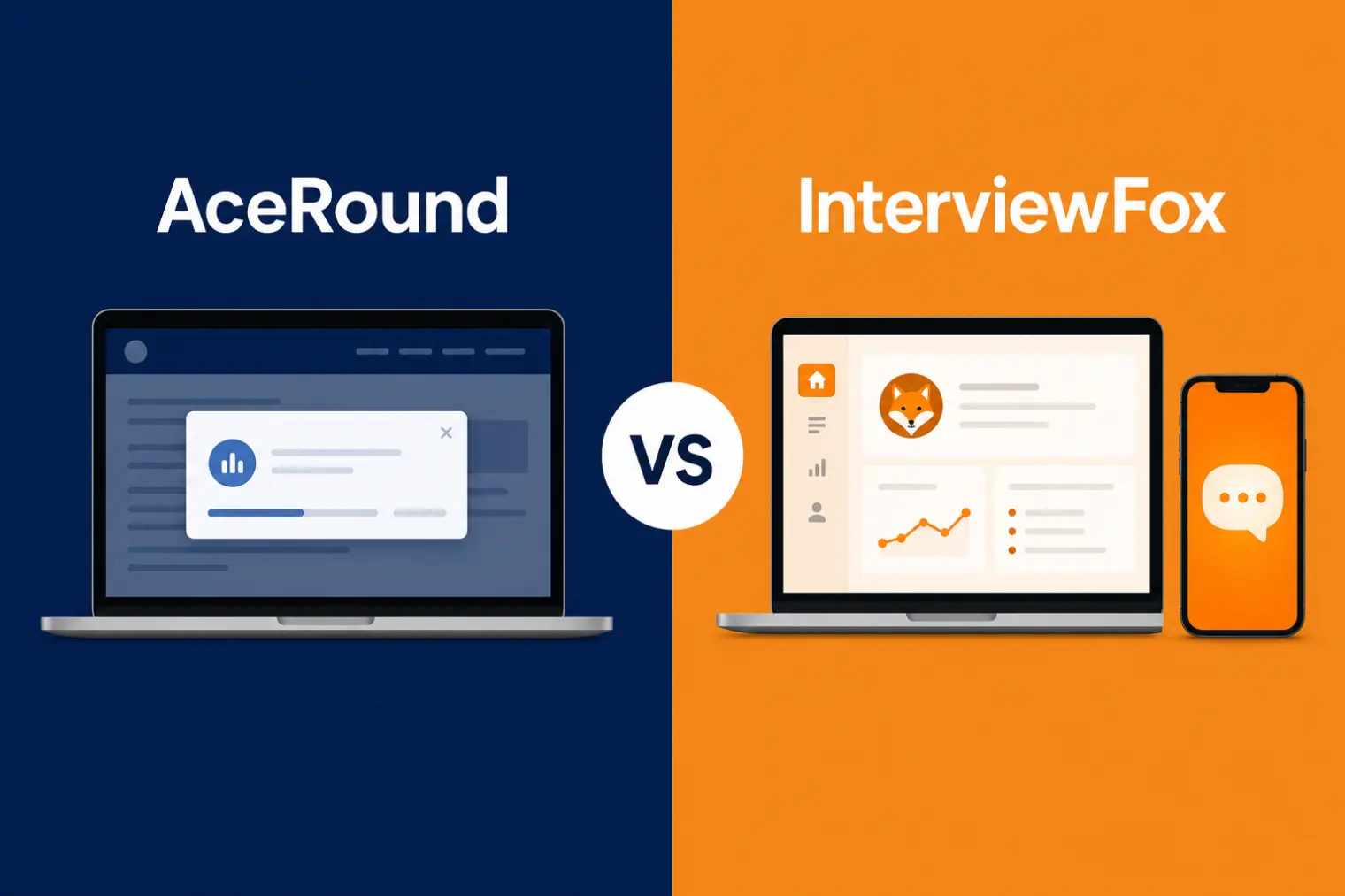
TL;DR: AceRound vs InterviewFox comes down to whether you're willing to manage a second device mid-interview. InterviewFox's dual-device "air-gap" mode keeps answers off your shared screen by putting them on a paired phone — which solves the screen-capture problem but creates a new one: interviewers are trained to notice candidates glancing repeatedly at something off-camera. AceRound's overlay stays on one screen, isn't visible to standard screen-share capture, and adds mock-interview practice InterviewFox doesn't have. Pricing also splits differently — InterviewFox sells credits or a $129/month subscription; AceRound starts free and caps out at $39.90/month.
InterviewFox launched into a crowded 2026 field of AI-copilot tools and built its reputation on one specific angle: a dual-device "air-gap" mode that keeps generated answers off the screen you're sharing entirely, by routing them to a paired phone instead. It's a real, working approach, and it shows up constantly in 2026 roundups of screen-share-safe tools alongside 35+ advertised languages. But "nothing on the shared screen" and "nothing the interviewer can notice" are two different claims, and that gap is the whole story of this comparison.
What InterviewFox Actually Does
InterviewFox is a real-time AI interview copilot that listens to the interviewer's question and generates a spoken-style answer, with a dedicated coding-assistant mode for algorithm and system-design rounds. Its headline feature is the dual-device / air-gap setup: the desktop client only relays audio and video to a paired phone, and every generated answer renders on that phone's screen — never on the laptop or desktop window you're actually sharing on Zoom, Meet, or Teams.
Beyond the live call, InterviewFox includes a WhatsApp/SMS-based prep agent for resume tweaks and cover letters, and it advertises support for 35+ languages, which is a notably wider list than most competitors publish. What it doesn't include: a structured mock-interview mode with scored feedback, or any analytics on how your delivery actually performed after the call ends.
Feature by Feature
| AceRound AI | InterviewFox | |
|---|---|---|
| Live interview support | Yes, behavioral + technical + case/PM | Yes, general chat + coding assistant mode |
| Screen-share safety approach | Same-screen overlay, not visible to standard capture | Dual-device: answers render on a separate paired phone |
| Second device required | No | Yes |
| Mock interview / prep mode | Yes, with delivery + keyword scoring | Prep agent (resume, cover letters) — no scored mock mode |
| Language coverage | ~6 named languages, verified Mandarin/English code-switching | 35+ languages advertised, limited independent verification |
| Pricing model | Free tier + flat monthly/season pass | One-time credit bundles or monthly subscription |
| Post-interview feedback | Yes | No |
| Free option | Yes, ongoing free tier | 600 free credits, no card required |
The practical trade-off is straightforward: InterviewFox's dual-device model is a genuinely clever way to solve the screen-capture problem, but it solves exactly one problem and introduces a new one — a second device you have to physically manage, glance at, and read from without breaking rapport.
The Dual-Device Trade-Off, and What's Actually Documented
The screen-capture part of InterviewFox's claim checks out: in a standard screen share, your shared window or full desktop genuinely doesn't show the overlay, because the overlay isn't on that device at all. That's a real, verifiable difference from tools that render an overlay on the same screen you're sharing and hope the interviewer doesn't ask you to share the full desktop.
What's less settled is the behavioral side. Recruiter-facing guides on spotting AI copilot use — like Sherlock's breakdown of detecting AI copilot usage in interviews — flag exactly this pattern: a candidate's gaze breaking away from the camera repeatedly, especially in a rhythm that lines up with question-and-answer timing, reads as a tell to anyone trained to watch for it. A separate piece from recruiter and hiring-advisor Dorothy Dalton on spotting "hiring hoaxes" covers the same second-screen pattern from the hiring side. Even a third-party comparison written from InterviewFox's own ecosystem acknowledges the issue directly, describing it as "you are reading answers off a phone, which means repeatedly looking down and away from the camera" — a shared weakness of every dual-device tool, not a knock unique to InterviewFox.
None of this means the dual-device approach doesn't work as designed — it does, and it genuinely closes the screen-capture gap. It means the risk moved from "can this software be detected" to "can a human notice my eyes leaving the camera," and that second question doesn't have a technical fix. It's a behavior you have to manage, every single round.
Pricing: Credits, a Subscription, or a Flat Rate
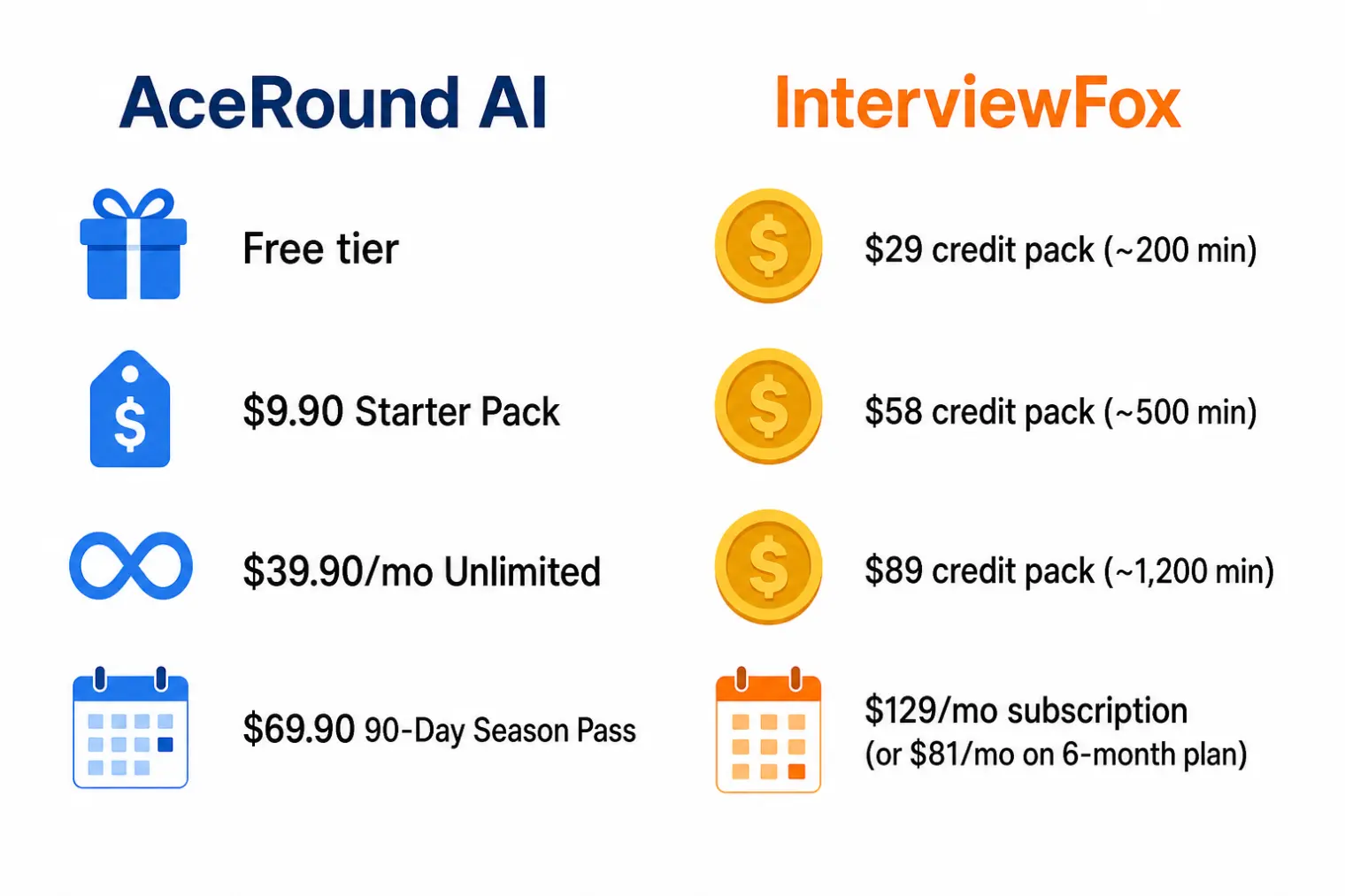
InterviewFox gives you two ways to pay: one-time credit bundles — $29 for roughly 200 minutes, $58 for about 500 minutes, $89 for around 1,200 minutes, billed by the second — or a subscription at $129/month, discounted to $99/month on quarterly billing or $81/month if you commit to six months upfront. There's also a 600-credit free trial with no card required, which is generous as trials go, though it's still a metered allowance rather than ongoing access.
AceRound skips both the credit-estimation problem and the high-commitment subscription: a free tier lets you test the product with no time limit on trying it, a $9.90 Starter Pack covers a single high-stakes round if that's genuinely all you need, and unlimited access runs $39.90/month or $69.90 for a 90-day Season Pass — well under InterviewFox's cheapest subscription tier, with no six-month lock-in required to get there.
Who Should Actually Use Which
InterviewFox makes sense if: you specifically need the dual-device approach because your interview platform is known to capture the full desktop rather than a single window, you're confident about managing a second device without breaking eye contact, or you're interviewing in a language outside AceRound's verified set and are willing to test InterviewFox's broader list yourself.
AceRound makes sense if: you'd rather not introduce a second device into a high-stakes call, you want to practice with scored feedback before the real thing rather than relying entirely on live generation, your budget favors a lower flat rate over credit math or a $129/month commitment, or you're interviewing across Mandarin and English specifically and want that handled as a verified core feature rather than one line on a language list.
For a wider set of options, the InterviewFox alternatives roundup covers more tools if neither of these is your final pick, and AceRound vs Parakeet AI covers the other major dual-device-adjacent comparison in this category.
FAQ
Is InterviewFox safe to use during a screen-shared interview? The screen-share part is genuinely safe in the narrow sense — nothing InterviewFox generates renders on the window or desktop you're sharing, because the answers show up on a paired phone instead. What it doesn't solve is the behavioral side: repeatedly looking down and away from the camera to read a second screen is a documented interviewer red flag, independent of anything a screen-capture tool could catch.
Can interviewers tell if you're using InterviewFox's dual-device mode? Not through screen capture — that channel is clean by design. But hiring-side write-ups on spotting AI copilot use, plus real interviewer accounts, both point to the same tell: a candidate's gaze repeatedly breaking toward something off-camera, especially paired with reading answers rather than speaking naturally. That's a human-detection risk, not a software one.
How much does InterviewFox cost compared to AceRound? InterviewFox sells one-time credit bundles ($29 for roughly 200 minutes, $58 for ~500 minutes, $89 for ~1,200 minutes, billed by the second) or a subscription at $129/month, dropping to $81/month if you commit to six months upfront. AceRound starts with a free tier, then a $9.90 Starter Pack for a single high-stakes round, or unlimited access at $39.90/month or $69.90 for a 90-day Season Pass — no credit math, no long-term lock-in required for the lower rate.
Does InterviewFox support non-English interviews better than AceRound? On paper, yes — InterviewFox advertises 35+ languages against AceRound's roughly six named languages. But broad language listing and verified live-interview performance in a specific language pair are different claims, and InterviewFox has close to no independent reviews yet to check that against. AceRound's strongest verified case is native Mandarin/English code-switching, which is a narrower but better-documented claim.
What's the real difference between AceRound and InterviewFox? InterviewFox needs a second physical device to keep answers off your shared screen; AceRound's overlay renders only on your own desktop and isn't visible to standard screen-share capture, so there's no second device to manage or glance at. InterviewFox pairs that with a wider language list and a WhatsApp-based prep agent; AceRound pairs its single-device approach with built-in mock-interview practice and delivery-quality feedback that InterviewFox doesn't currently offer.
Author · Alex Chen. Career consultant and former tech recruiter. Spent 5 years on the hiring side before switching to help candidates instead. Writes about real interview dynamics, not textbook advice.
Related Articles
Does Harver Detect Cheating? What Its Proctoring Actually Checks
Does Harver detect cheating on its pre-employment assessments? A candidate look at Harver's Proctoring add-on, what gets logged after a flag, and what happens next.

Micro1's Zara AI Interview: What It Actually Tests (And Why Timing Gets Flagged)
Micro1's AI interviewer Zara has run 300,000+ interviews for remote roles. Here's why it flags response latency as a cheating signal, and what that means for AI prep.
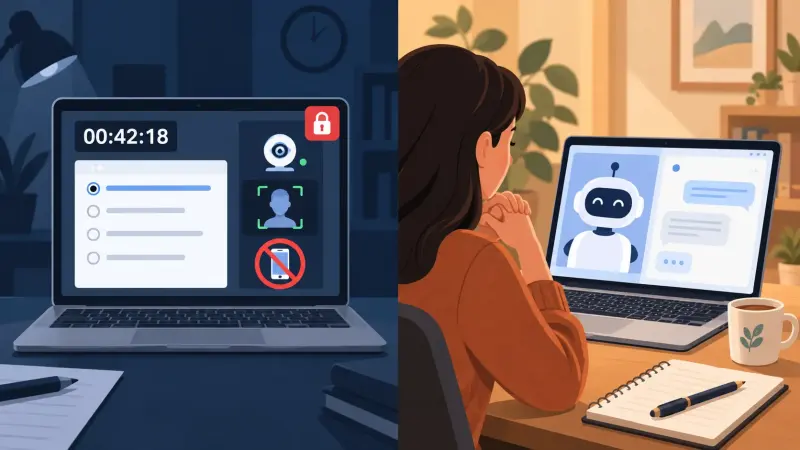
Does CoCubes Detect Cheating During the Online Assessment?
CoCubes (an Aon platform) proctors off-campus drives with real AI monitoring — what it actually watches, what candidates report, and where prep helps.