InterviewBee Alternative: What Reviews Found
Looking for an InterviewBee alternative? Here's what hands-on reviews say about its Windows-only invisible mode, session caps, and pricing tiers.
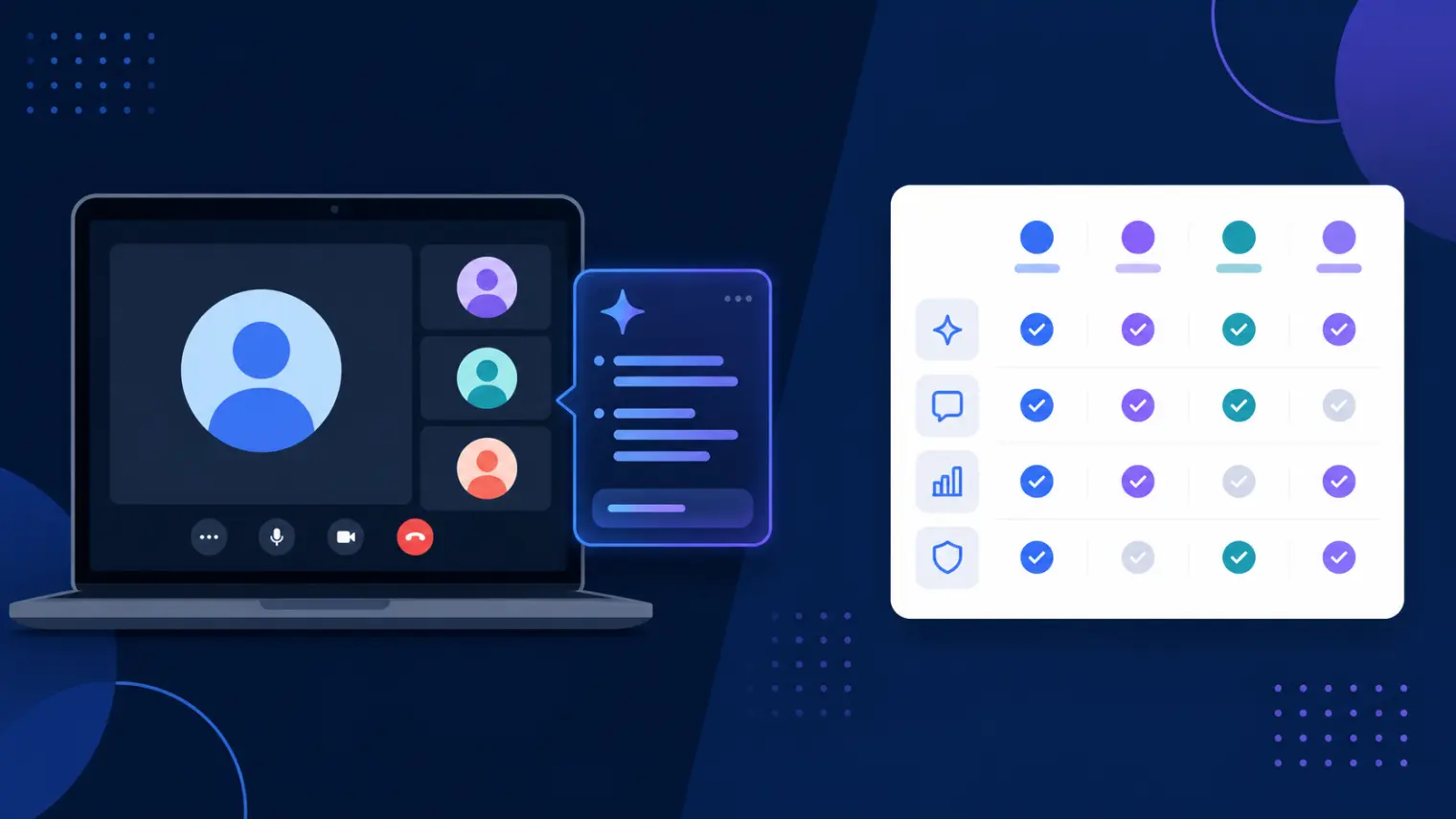
TL;DR: People search for an InterviewBee alternative for three reasons hands-on reviews keep surfacing: its fully invisible mode only exists in the Windows desktop app (Mac is still "coming soon"), its browser version has been caught during tab-switches on a live call, and every plan — free or paid — caps how many sessions you get per month. A solid replacement needs to actually cover your OS, survive real screen-share conditions, and not run out mid-search.
You're on Zoom, sharing your full screen for a live coding round, and you tab over to check a talking point InterviewBee generated. According to at least one hands-on reviewer who tested this exact scenario, the interviewer noticed the tab switch. That's the kind of detail that doesn't show up in feature-list comparison pages, but it's exactly why "InterviewBee alternative" is a search a lot of candidates run before committing to a plan.
What InterviewBee Actually Does
InterviewBee is a real-time AI interview assistant built around a fairly standard pitch for the category: it listens during live calls on Zoom, Google Meet, and Microsoft Teams, and surfaces talking points in under two seconds so you're not staring at a blank screen mid-answer. It covers a wide range of formats — technical, behavioral, case, and structured STAR-style questions — and pairs the live tool with voice-based mock interviews, a resume-to-story generator, a CV/job-description matcher, a resume builder, and a cover-letter maker. The desktop app (also sold under the "AssistBee" branding) is the version marketed as invisible during screen share; there's also a lighter browser-based mode.
None of that is unusual for 2026's crop of interview copilots — most cover similar ground. The differences worth knowing about show up once you look past the feature list.
Where Hands-On Reviews Say InterviewBee Falls Short
A few gaps come up across independent, hands-on reviews rather than InterviewBee's own marketing pages:
- Mac users don't get the invisible mode. The truly undetectable-on-screen-share desktop app is Windows-only. Mac support is listed as "coming soon" across multiple review sites and InterviewBee's own download page, with no confirmed release date as of this writing.
- The browser version has been caught on tab-switch. At least one hands-on reviewer reports that switching from the meeting tab to InterviewBee's browser tab mid-call was visible to the person on the other end — the opposite of what "invisible" implies. If your interview loop requires a full-screen share, this is the exact failure mode to worry about.
- Session caps exist on every tier, including paid ones. The free plan is limited to one live session and two mock sessions (15 minutes each). Paid tiers raise the ceiling but don't remove it — reviewers note that an active job seeker doing several interviews a week can exhaust a Pro-tier monthly allowance well before the month is over.
- CV upload reliability issues. A reviewer testing the resume-to-mock-interview flow reported errors uploading a CV that blocked access to the mock interview page entirely — a functional bug, not a design tradeoff.
- Pricing that's inconsistently reported. Different sources list the starter tier at $39/month and at a promo-discounted $29/month, and the job-board feature bundled into higher tiers has been flagged by reviewers for listings that lack verification or working links.
- The company's own terms don't promise data security. InterviewBee's terms of service state it cannot guarantee that data transmission or storage is entirely secure — standard legal boilerplate, but worth reading if you're pasting resume or interview content into any tool, InterviewBee included.
None of this means InterviewBee is broken — the sub-two-second response time and the range of formats covered suggest real product work. It means the gap between "invisible AI interview assistant" as marketed and what you actually get depends heavily on your OS and how your interview is shared.
What to Actually Compare Before Switching
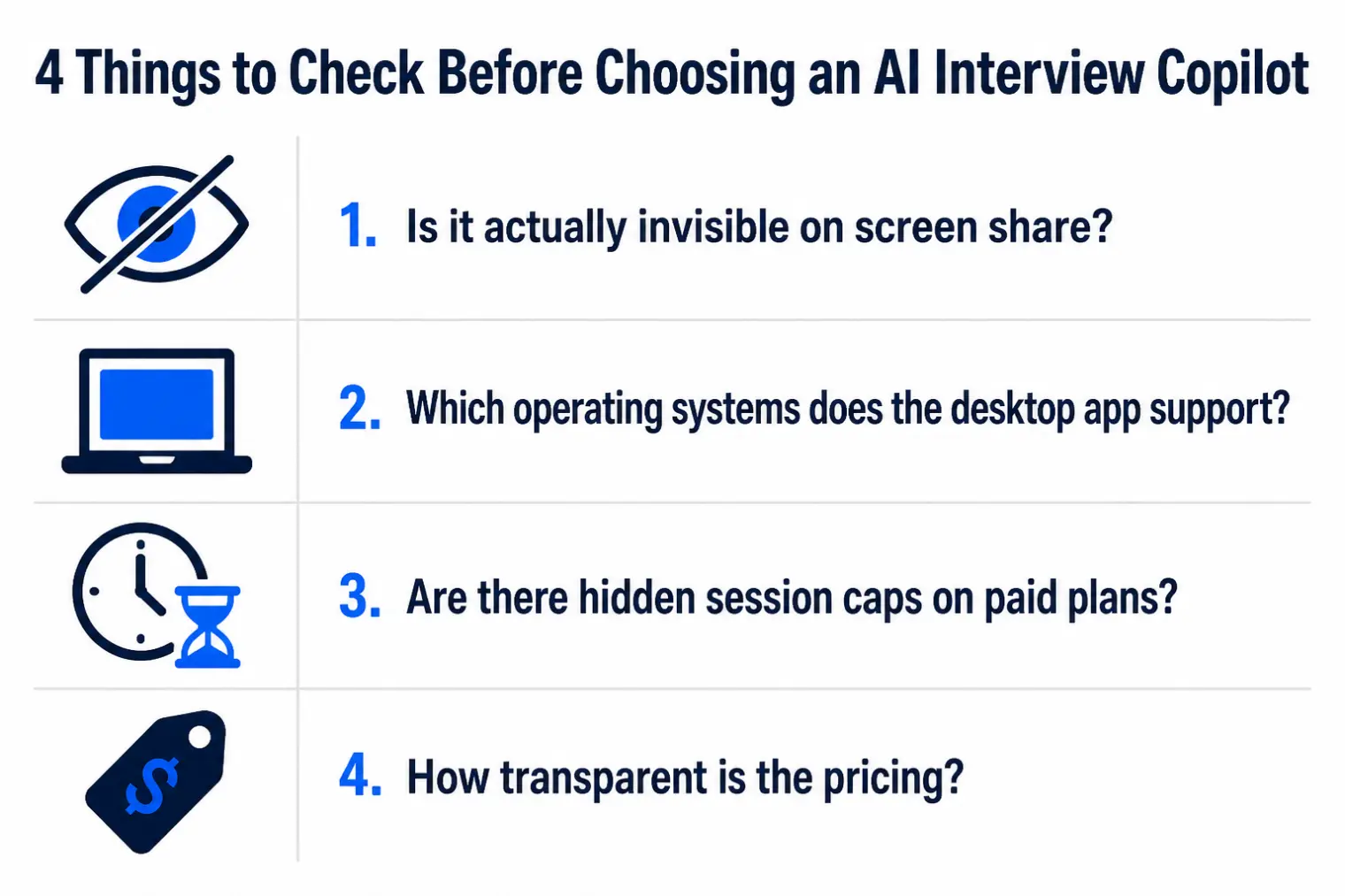
- Does your OS get the real invisible mode, or the browser fallback? If you're on a Mac, you're currently limited to the version reviewers say is more detectable.
- Does the tool survive a full-screen share, not just a window share? Ask this directly rather than trusting a marketing page — full-screen requests are common precisely because they're harder for any overlay to hide from.
- How many sessions does your actual plan include, and how many interviews are you realistically doing this month? A session cap that looks generous on a slow week can run out fast during an active search.
- Is the price you'd be charged the number in the headline, or a promo/discount rate? Confirm on the vendor's own pricing page before comparing tools.
How AceRound Compares as an InterviewBee Alternative

AceRound AI is built as a native desktop client for both Mac and Windows, rather than a browser-tab overlay with a separate, more limited desktop version — so Mac users aren't routed to a fallback mode. We won't claim to be invisible under every possible screen-share configuration; no vendor honestly can, and treating any tool as guaranteed-undetectable is the wrong way to walk into an interview regardless of which copilot you use. What we'd point you to instead: confirm the session limits on whatever plan you're comparing, and check that the platform coverage matches the operating system you'll actually be interviewing on.
If you want a broader view of the current field before deciding, see our best AI interview copilot 2026 roundup. If screen-share safety is your main concern, this breakdown of what's actually visible on a shared screen goes deeper into the mechanics than any single pricing page will, and our dual-device interview setup guide covers a hardware-level workaround worth knowing about regardless of which software you pick.
FAQ
Does InterviewBee's desktop app work on Mac?
Not yet. As of this writing, InterviewBee's truly invisible desktop app is Windows-only, with Mac support listed as "coming soon" on multiple review sites and its own download page. Mac users are limited to the browser-based version, which several hands-on reviews report can be caught if you switch tabs mid-interview instead of staying on the meeting window.
Is InterviewBee actually undetectable on a screen share?
Only in its desktop-app form, and only on Windows. Independent reviewers have specifically tested the browser version and reported that switching from the meeting tab to InterviewBee's own tab during a live call is visible to someone watching the shared screen. No AI interview tool — InterviewBee, AceRound, or anyone else — should be marketed as guaranteed-invisible under every screen-share configuration.
What happens if I run out of sessions on InterviewBee's paid plan?
Every published tier, including the paid ones, caps how many live and mock sessions you get per month. A Pro-tier user interviewing three to four times a week can burn through a month's live-session allowance in roughly two and a half weeks of active job searching, which matters if you're mid-search rather than prepping for a single interview.
Why do I keep seeing different prices for InterviewBee?
The pricing page and various review roundups quote figures that don't always match — a $39 starter tier shows up in some places and a discounted $29 (via a promo code) in others. Confirm the current price and exact session allowance directly on InterviewBee's own pricing page before comparing it to any competitor, including us.
What should I compare before picking an InterviewBee alternative?
Four things reviewers keep flagging: whether the invisible mode you actually get (not just the marketed one) covers your operating system, whether the session cap on your plan matches how many interviews you're realistically doing in a month, whether the browser version holds up specifically on tab-switch and not just window-share, and whether the price you'll be charged matches the number in the headline.
Author · Alex Chen. Career consultant and former tech recruiter. Spent 5 years on the hiring side before switching to help candidates instead. Writes about real interview dynamics, not textbook advice.
Related Articles
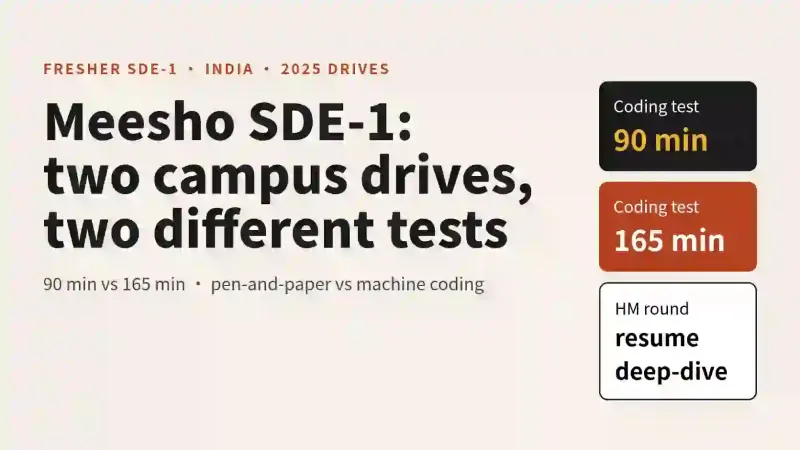
Meesho SDE-1 Interview Process for Freshers: Three 2025 Accounts Compared
Meesho SDE-1 campus accounts from 2025 disagree on test length, round order and design format. Here is what each reported and how to prep for any of them.
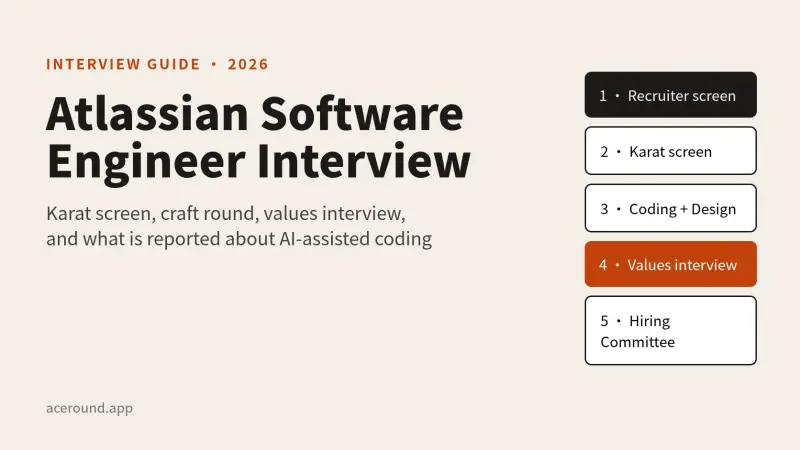
Atlassian Software Engineer Interview: Karat Screen, Craft Round and the Values Interview
How Atlassian's engineering loop works, from the Karat screen to the values round, what is official and what candidates report, including the AI-assisted rounds.
LinkedIn's AI-Enabled Coding Interview: What Candidates Report and How to Prepare
LinkedIn reportedly swaps one coding round for a CoderPad session with an AI panel. Here is the reported format, what gets scored, and what is unconfirmed.