AI Phone Screen Interview Tips: How to Get Past the Voice Algorithm
AI phone screens now replace human recruiters at the first gate. Learn how the NLP scoring works, how to tell if you're talking to an AI, and what tactics actually improve your score.
TL;DR: AI phone screens use NLP to score your answers on keyword density, cadence, sentiment, and structure — before any human ever listens. These AI phone screen interview tips cover how to detect when you're talking to a bot, what the algorithm rewards, and how to prep for questions you can't predict in advance.
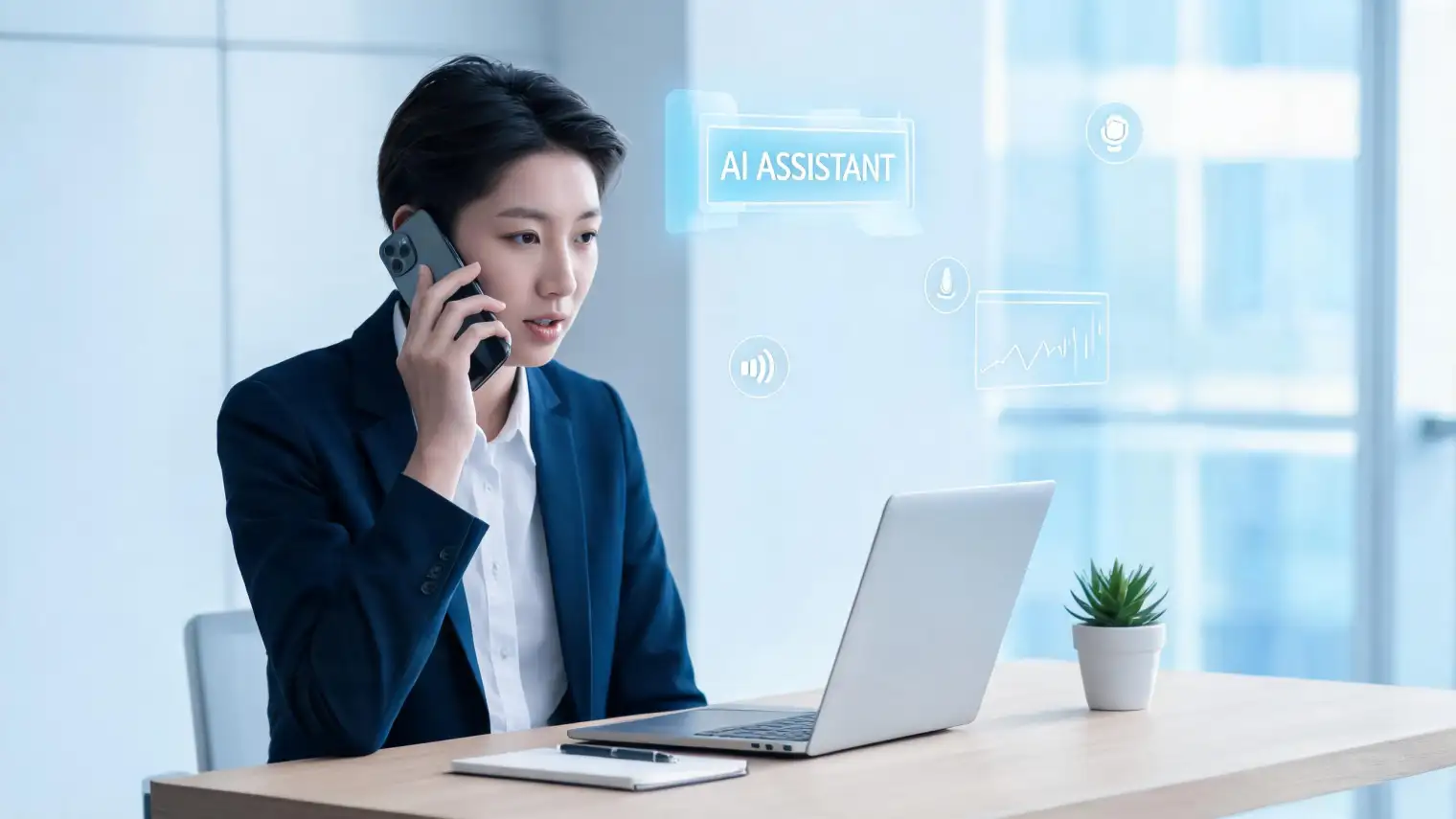
You call the number on the interview invite. A voice greets you, asks if you can hear it clearly, then immediately launches into questions about your background. It sounds professional. Maybe slightly flat. No "uh-huh" when you finish a point. No warmth when you tell a good story.
About 30 seconds in, you start to wonder: is this an actual person?
By 2026, AI-conducted phone screens have moved from pilot project to standard practice. HireVue, Paradox (Olivia), HireQuotient, and Carv all offer voice-AI screening pipelines that handle tens of thousands of calls simultaneously. A recruiter at a company running one of these never listens to your call — the AI transcribes it, scores it, and pushes a recommendation into the ATS. Your human contact only appears at Stage 2.
Most prep guides treat an AI phone screen like a human one with some extra nervousness. That's wrong. The scoring mechanics are fundamentally different, and preparing without understanding them is leaving points on the table.
How to Tell If You're Talking to an AI
The cues are consistent once you know them:
Timing patterns. Human interviewers pause naturally — they're thinking, checking notes, reading body language over the phone. AI systems respond within 300–800 milliseconds after silence. The transition feels slightly mechanical.
No social acknowledgment. Humans say "mm-hmm," "great," "interesting" — even if they're being professional. AI systems acknowledge nothing. They move directly to the next prompt.
Exact re-prompting. If your answer triggers a follow-up, AI systems repeat the same exact follow-up phrasing every time. Humans reword. A phrase like "Can you give me a specific example of that?" repeated verbatim twice is a strong signal.
Static background and audio quality. AI callers use synthesized or high-quality recorded voices with no ambient noise variation. Human callers in open offices sound like humans in open offices.
If you're mid-call and suspect you're talking to an AI: it doesn't change what you should do. It does change how you should pace yourself, and whether rapport-building language helps (it doesn't).
How the Algorithm Actually Scores You
This is the part no one covers. Understanding NLP scoring mechanics gives you a structural advantage.
Keyword matching. AI screening systems compare your word choice against a target corpus — usually derived from the job description and successful candidate transcripts. If the role says "cross-functional collaboration," saying "I work with different teams" is a weaker match than "I collaborate cross-functionally." The job description is not flavor text. It's a word bank.
Cadence scoring. Speaking rate, pause frequency, and filler word density all affect your score. Research from Carv's AI phone screening documentation shows these systems flag candidates whose pace drops significantly mid-answer (interpreted as uncertainty) or who use filler words more than once per 15 seconds. Target: 130–160 words per minute, deliberate pauses at logical transitions rather than mid-sentence.
Sentiment and energy markers. Voice AI systems trained on behavioral data use tone analysis. Flat monotone answers score lower than answers with natural variation. You don't need to perform enthusiasm — but deadpan delivery actively hurts your score.
Answer completeness. Most systems use a completion signal — typically a change in pitch or a period of silence longer than 2 seconds — to determine you're done. Ending your answer before you've made your key point is a common mistake candidates don't realize they're making.
Structural coherence. AI systems trained on behavioral interview data reward STAR-structured answers (Situation, Task, Action, Result). Not because STAR is explicitly programmed in, but because STAR produces transcripts with clear transitions ("the result was...," "what I did next was...") that the model has learned to recognize as complete, well-formed answers.
The scoring happens in real time. By the time you hang up, you have a score in the ATS.
What Questions an AI Phone Screen Actually Asks
The question set is narrower than a human interview, but the format follows a few predictable patterns:
Structured screening questions. These are pass/fail thresholds: "Are you authorized to work in [country]?" / "Are you open to relocation?" / "What's your current notice period?" AI systems flag your answer and move on — no probing.
Behavioral questions. "Tell me about a time you handled a difficult customer." "Describe a project where you had to meet a tight deadline." These are the ones where STAR structure and keyword matching matter most.
Motivation questions. "Why are you interested in this role?" / "What do you know about our company?" Candidates who mirror language from the company's public-facing materials (careers page, mission statement) score higher here.
Functional fit questions. Role-specific skills questions — "Walk me through your experience with [tool/method]." These require specificity. Vague answers ("I've used it in various projects") score lower than specific ones ("In my last role, I used Salesforce daily to manage a pipeline of 200+ accounts").
AceRound AI can surface answer suggestions in real time during your call — useful when you draw a blank on a behavioral question or want to mirror specific keywords from the job description without memorizing them first.
Tactics That Actually Work for Voice AI Interviews
Treat the job description as a vocabulary list. Before the call, pull 8–10 specific phrases from the job posting. Work them into your answers naturally. "Strong communication skills" is meaningless — "clear stakeholder communication" or "asynchronous written communication" maps to actual job description language.
Structure your answers with explicit transitions. "The situation was... What I had to do was... The action I took was... The result was..." It sounds slightly formal out loud. It scores well. The AI is essentially looking for these signposts.
Don't rush silence. After the question, it's acceptable to take 2–3 seconds before answering. AI systems don't penalize brief pre-answer pauses the way uncomfortable humans sometimes interpret them. Use the pause to structure your first sentence.
Watch your ending. End answers with a clear result or takeaway. "...and that's when I realized" trailing off is an incomplete signal. "The end result was a 15% reduction in ticket backlog" is a completion signal.
Name the skill they asked about. If the question is "tell me about a time you handled conflict," name it early. "In my role at [Company], I navigated a conflict between..." — the word "conflict" in your answer within the first 10 seconds reinforces keyword matching.
For more on platform-specific AI screening mechanics, our guide to passing AI interviews on HireVue, Mercor, and Apriora covers what each platform's algorithm emphasizes differently.
Non-Native English Speakers: Accent Bias in Voice AI
This is a real problem and most prep guides don't mention it.
AI voice screening systems trained primarily on American or British English transcripts have documented accuracy issues with non-native speaker accents. A 2025 Scientific Reports study showed that humans cannot reliably distinguish AI-generated from real voices — but the reverse is also relevant: AI systems trained on limited phonetic data have lower accuracy when transcribing accented speech.
Practical implications:
- Speak slightly slower than feels natural. 120–140 wpm rather than your conversational pace. This improves transcription accuracy.
- Enunciate consonants at the end of words. Transcript errors most often happen on final consonants that don't exist in your native phonology.
- Avoid idioms unique to your home country. Not because they're wrong, but because the NLP may not have strong confidence on them and may transcribe incorrectly.
- Use shorter sentences. Complex sentence structures with embedded clauses increase transcription error rate.
If you're interviewing with a major US or European company from Southeast Asia, South Asia, or a non-English-speaking country, this isn't theoretical — it's a real scoring disadvantage that you can partially offset through delivery.
Using an AI Copilot During an AI Phone Screen
This is almost never discussed, and it's worth being direct about it.
If the AI is scoring your transcript, not watching your eyes or face, then using a real-time answer suggestion tool during the call doesn't require anything to be "invisible" — there's no camera. The practical question is whether it actually helps in the moment, since you're speaking and need to sound natural.
AceRound AI's real-time interview assistant works on desktop while you're on a call. It surfaces answer structures and keywords as the question is being asked. The use case for AI phone screens: it's most useful for the behavioral questions where you might draw a blank ("tell me about a failure"), not for the screening questions where you already know the answer.
The honest limitation: you need to be comfortable enough with the suggestions to not sound like you're reading. The tool works best as a prompt or keyword reminder, not a script.
Data Privacy: Who Hears Your AI Phone Screen?
Candidates rarely ask this, but you're entitled to know.
Most enterprise AI screening platforms (HireVue, Paradox, Carv) store recordings and transcripts per their enterprise contract with the employer — typically 90 days to 24 months. The employer's privacy policy applies, not the platform's. A company using Paradox is responsible for how long Paradox retains your data under their contract.
If privacy matters to you for a particular application, you can ask the recruiter before the call: "Is this screening conducted by an AI system? How long are recordings retained?" Most enterprise HR teams have a standard answer. The question itself won't hurt your candidacy.
FAQ
What questions does an AI phone screen ask?
Typically three types: structured screening questions (eligibility, availability, logistics), behavioral questions ("tell me about a time..."), and motivation questions ("why this role?"). The set is usually 5–8 questions and takes 15–25 minutes. The exact questions often come from the job description and role-specific competency library the recruiter configured.
How long should my answers be in an AI phone screen?
45–90 seconds per answer is the industry benchmark. Under 30 seconds usually reads as incomplete. Over 2 minutes tends to get scored as unfocused. Use STAR structure and end with a clear result — the AI's "done" signal is a logical conclusion, not just silence.
Can you tell if you're talking to an AI during a phone screen?
Yes, with high reliability. Watch for: instant re-prompting after you stop talking, no social acknowledgment ("mm-hmm," "great"), exact verbatim follow-up questions, and perfectly consistent audio quality with no ambient noise. Human interviewers don't sound like that.
Does AI phone screening record my answers and who sees them?
Yes. AI screening systems transcribe and score your answers. A recommendation and score go into the ATS for the recruiter to review. Whether the recruiter also listens to the recording depends on the company — some do for borderline scores, many don't for clear pass/fail outcomes.
What happens if I mess up an answer in an AI phone screen — can I redo it?
Usually no. Most AI screening systems don't offer retakes mid-session. Some (like HireVue in video mode) allow one retake per question, but phone-based voice screens typically don't have this feature. If you stumble, complete the answer, then explicitly summarize: "To summarize, the key action I took was..." — this helps the transcript end on a clear note even if the opening was rough.
How do I prepare for an AI interview in 2026 — what's different from a human interview?
The core difference: AI systems score transcripts, not impressions. Rapport, charm, and small talk don't factor in. Structure, keyword alignment, and cadence do. Prepare by extracting vocabulary from the job description, practicing STAR structure out loud (not just in your head), and recording yourself to check pace and filler word frequency.
Author · Alex Chen. Career consultant and former tech recruiter. Spent 5 years on the hiring side before switching to help candidates instead. Writes about real interview dynamics, not textbook advice.
Related Articles
OpenAI's AI Interview Policy: Banned, Required, or Team-Dependent
OpenAI sells AI coding agents, then bans most candidates from using one. Here's the round-by-round policy, including the new agentic round that flips it.
Does Harver Detect Cheating? What Its Proctoring Actually Checks
Does Harver detect cheating on its pre-employment assessments? A candidate look at Harver's Proctoring add-on, what gets logged after a flag, and what happens next.
Micro1's Zara AI Interview: What It Actually Tests (And Why Timing Gets Flagged)
Micro1's AI interviewer Zara has run 300,000+ interviews for remote roles. Here's why it flags response latency as a cheating signal, and what that means for AI prep.