Canva's AI-Assisted Coding Interview: What They Expect and Score
Canva tells engineering candidates to use AI in the technical interview. Here's what its own posts say about the format, what interviewers score and how to prep.
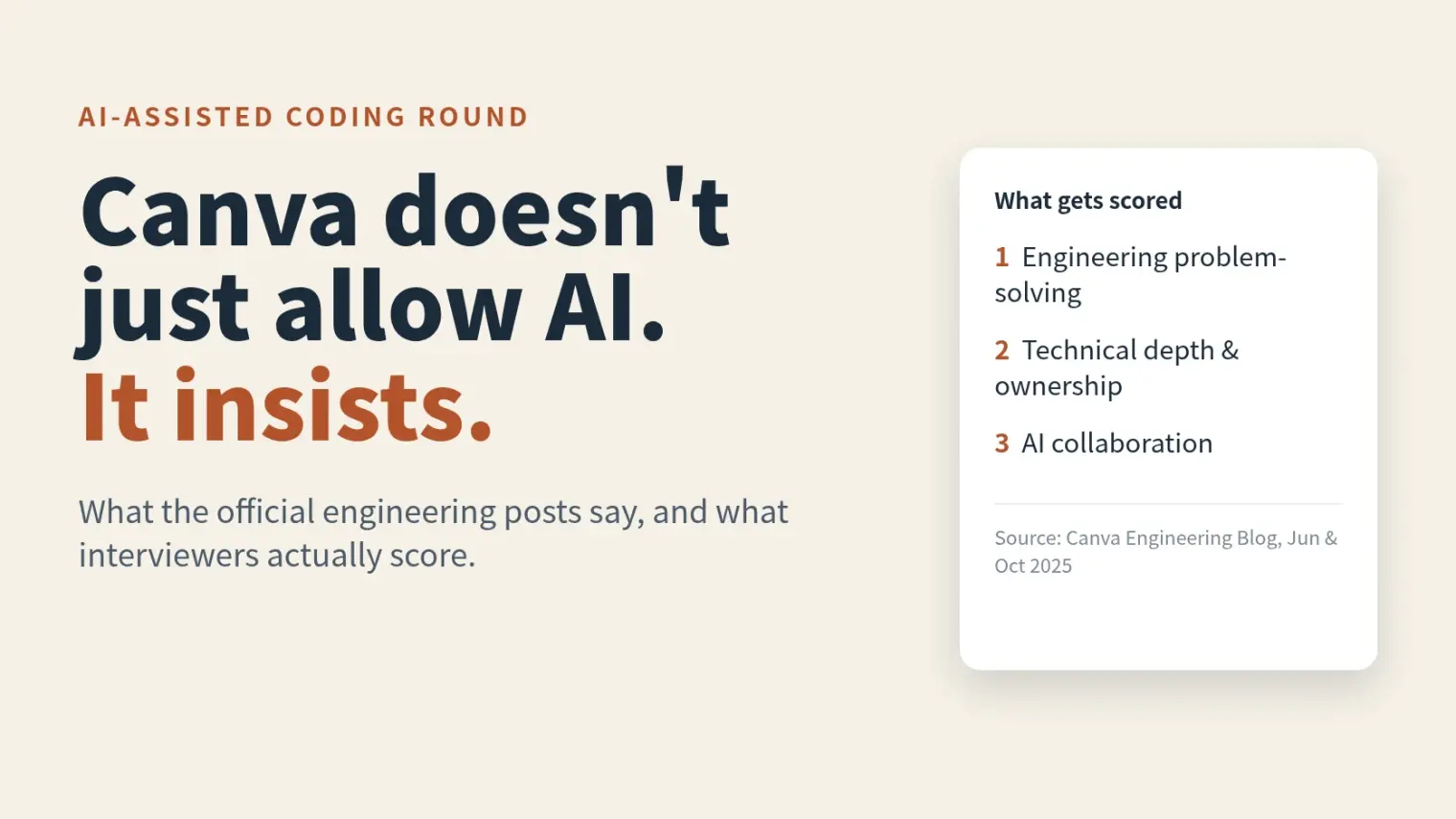
TL;DR: Canva is one of the few companies that has published, in its own engineering blog, that it expects candidates to use AI in technical interviews. The round is called AI-Assisted Coding, it replaces the old Computer Science Fundamentals screen for backend and frontend roles, and a follow-up post from an interviewer spells out what separates strong candidates from weak ones: judgment, ownership and a clear explanation of every decision, not prompt tricks.
Source note: everything about the format and scoring below comes from two Canva Engineering Blog posts (June 11 and October 20, 2025). The posts don't describe the full interview loop, so this guide doesn't either. Confirm stages, timing and role-specific details with your recruiter.
Most interview-AI policies are guesswork stitched together from forum threads. Canva's is different because the company wrote it down, and the reasoning is unusually candid: they tested their old algorithm questions on AI tools and the tools "produced correct, well-documented solutions in seconds."
What Canva Actually Said
The June 2025 post, by Simon Newton, makes three claims worth knowing.
It expects AI use. Canva says it now expects backend, machine learning and frontend engineering candidates to use AI tools like Copilot, Cursor and Claude in technical interviews. Its reasoning is that almost half of its frontend and backend engineers are daily users of an AI coding assistant, so interviewing without one meant it wasn't "truly evaluating how candidates would perform in their actual role."
It chose transparency over policing. The post acknowledges that candidates are increasingly using AI during interviews, "sometimes covertly through tools specifically designed to avoid detection," and says that rather than trying to police that, which is "increasingly difficult," Canva decided to allow it openly and see how well candidates work with it.
It changed the questions. Because AI can solve classic questions in seconds, Canva moved to problems that are "more complex, ambiguous, and realistic." Its example: instead of implementing Conway's Game of Life, you might be asked to "build a control system for managing aircraft takeoffs and landings at a busy airport." These can't be solved with a single prompt. They need iterative thinking and requirement clarification.
The format it describes is the AI-Assisted Coding competency, piloted as a replacement for the Computer Science Fundamentals screening for backend and frontend roles. Candidates are expected to use their preferred AI tools to solve realistic product challenges, and Canva says candidates are told ahead of time and encouraged to practice with these tools first.
What Interviewers Are Scoring
The post lists the questions the interview is meant to answer:
- Do you understand when and how to leverage AI effectively?
- How well do you break down complex, ambiguous requirements?
- Can you make sound technical decisions while using AI as a productivity multiplier?
- Can you identify and fix issues in AI-generated code?
- Can you ensure AI-generated solutions meet production standards?
An October 2025 follow-up from Karl Hörnlund, written from the interviewer's seat, boils that down to three areas: engineering problem-solving (can you handle ambiguity, prioritize scope, think about edge cases), technical depth and ownership (do you understand and own the code in your solution) and AI collaboration effectiveness (do you accelerate the right tasks while keeping control). His summary line is the one to remember: they're assessing "your engineering capabilities enhanced by AI collaboration, not your AI skills in isolation."
One detail from the first post matters for how hard to take the format: Canva says code fluency and technical depth remain "absolute requirements," and that it still assesses computer science fundamentals through the new process. It is a different way of checking the same skills, not an easier bar.
Three Ways Candidates Lose the Room
The interviewer post names three patterns that don't impress.
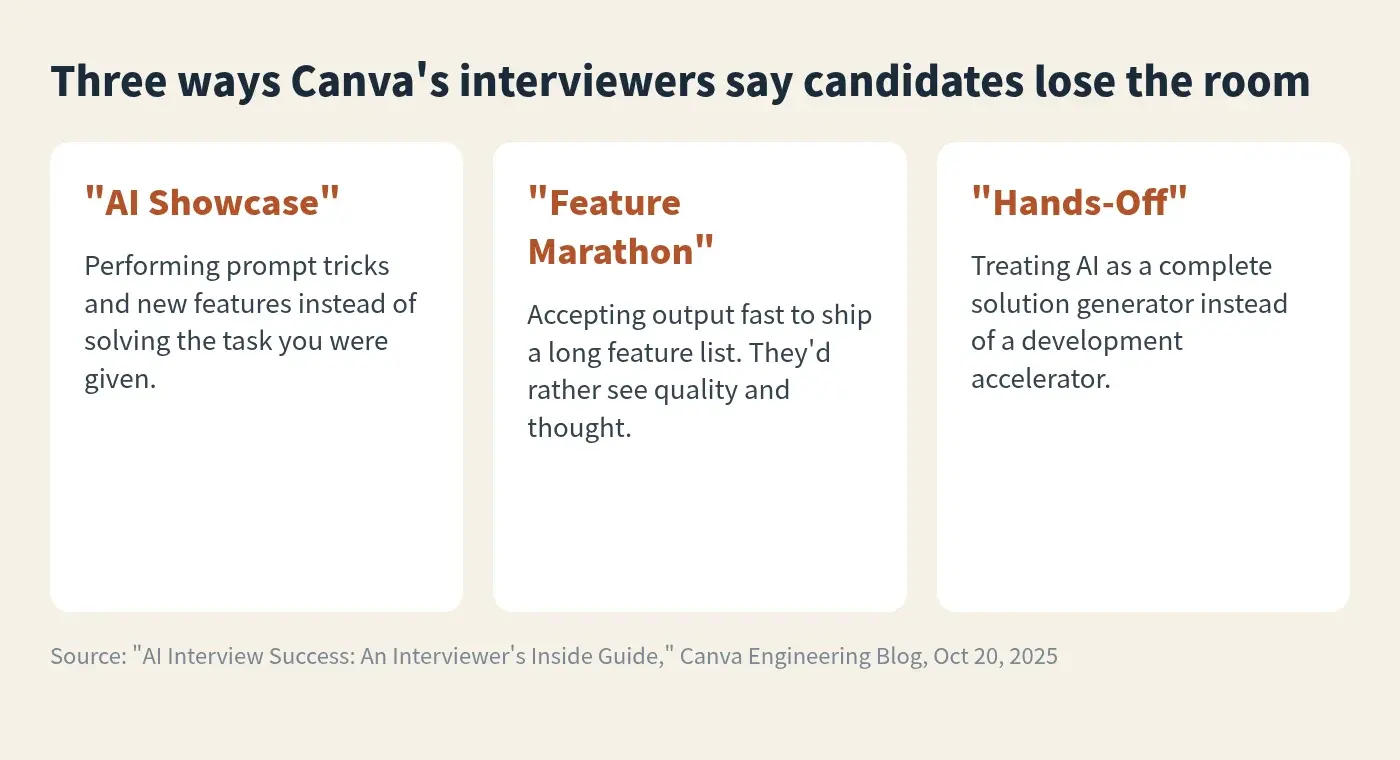
- "AI Showcase." You lose sight of the task and spend the time demonstrating prompting techniques or the newest tool features. They want strong fundamentals amplified by AI.
- "Feature Marathon." You accept output quickly to build as many features as possible. They'd rather see thoughtful problem-solving and quality code than a rushed feature list.
- "Hands-Off." You treat AI as a complete solution generator. The strongest candidates stay engaged and critically review and refine everything.
The June post adds a related observation from the pilot: successful candidates asked thoughtful clarifying questions, used AI for well-defined subtasks while keeping control of the overall solution, critically improved what it generated and debugged well when it went wrong. Candidates with little AI experience "often struggled, not because they couldn't code, but because they lacked the judgment to guide AI effectively."
What a Strong Interview Looks Like
Hörnlund describes the strongest interviews in three phases.
- Planning. Understand the requirements deeply, ask about scope, clarify assumptions and sketch an architectural approach before implementing.
- Development. Use AI for skeleton code, researching unfamiliar APIs and routine implementation. When the AI suggests something complex or unfamiliar, pause and check that it fits your constraints. Keep the code at a standard you'd submit as a pull request.
- Discussion. Explain every technical decision, name what would need more work in production, offer alternatives and weigh trade-offs.
How to Prepare
Canva's own advice is concrete, and it's the best starting point:
- Have your AI-integrated development environment ready, and set up a basic project structure in your preferred language so you don't burn interview time on it.
- Practice with the assistants until you know their limits.
- Think out loud, explore the problem and clarify requirements first.
- If the interviewer asks you a question, say what you think before getting help from AI. That line is a quiet but important signal about where they want your reasoning to live.
Add a few habits on top of that, which are our suggestions rather than Canva's:
- Practice on open-ended prompts, not LeetCode. Take something like "design and build an airport runway scheduler" and give yourself 60 minutes with your actual tools. Afterward, review what you'd defend and what you'd be embarrassed by.
- Read AI output like a diff from a coworker. Look for missed edge cases, invented APIs and quietly wrong assumptions before you run it.
- Rehearse the explanation. The discussion phase is where a candidate who leaned too hard on the tool gets exposed. Practice explaining your solution to someone who keeps asking "why this and not that."
A mock interview session is a practical place to rehearse that last habit, since the failure mode isn't writing the code, it's narrating and defending it under questioning.
If you're comparing how different companies treat AI, we've covered the others too: Ramp's AI-assisted coding round, DoorDash's AI-assisted working session, Datadog's published AI guidelines and OpenAI's policy. Canva sits at the permissive end, but they differ a lot by round, so don't carry one company's rules into another's loop.
FAQ
Does Canva allow AI in coding interviews?
Yes, and it expects it. The June 2025 post says backend, machine learning and frontend candidates are expected to use tools like Copilot, Cursor and Claude, and that candidates are told in advance.
What is Canva's AI-Assisted Coding interview?
A competency Canva piloted to replace its Computer Science Fundamentals screening for backend and frontend roles. You use your preferred AI tools on a realistic, ambiguous product problem.
What does Canva score?
Per an interviewer's October 2025 post: engineering problem-solving, technical depth and ownership, and effective AI collaboration. Not AI skill on its own.
Do I need to bring my own AI tool?
The interviewer guide advises having your preferred AI-integrated development environment ready with a basic project set up. Check logistics with your recruiter.
Is it cheating to use AI in a Canva interview?
Not in this round, since Canva expects it. That doesn't extend to other companies or other rounds. Check each loop separately.
Author · Alex Chen. Career consultant and former tech recruiter. Spent 5 years on the hiring side before switching to help candidates instead. Writes about real interview dynamics, not textbook advice.
Related Articles
Interview Cheat Tools in 2026: What They Actually Do, and What Catches Them
Most 'interview cheat tool' searches are looking for one of two very different products. What live answer-feeding tools do, what proctoring sees in 2026, and how to pick without gambling your offer.
Which Companies Allow AI in Coding Interviews? 2026 Policies Compared
Canva, DoorDash and Meta expect AI in some coding rounds. Snowflake and Palantir ban it. Here's every company's stance, what's official and what's only reported.
Zoho, Juspay and Groww Fresher Interview Process in India: Build-It-Live Rounds, Not Just an OA
Zoho cuts 1,500 to 3,000 applicants with aptitude and coding, then a live build round. Juspay runs hackathon rounds. What candidate posts report.