Interview Cheat Tools in 2026: What They Actually Do, and What Catches Them
Most 'interview cheat tool' searches are looking for one of two very different products. What live answer-feeding tools do, what proctoring sees in 2026, and how to pick without gambling your offer.
TL;DR: "Interview cheat tool" gets used for two products that have almost nothing in common: tools that feed you answers during a live interview, and practice tools that drill you beforehand. The live ones are what people mean by "cheat," and they are also the ones with real risk — proctoring in 2026 looks past the screen at what's running on your desktop, at your typing rhythm, and at whether the answer arrived without keystrokes. The practice ones carry no such risk and no such thrill. Below: what each tool in this category actually does, what it can and can't hide, and how to decide which one you're actually shopping for.
Search "interview cheat tool" and you get a wall of pages that all answer the same question in the same way: here are nine overlays, here is the one that stays invisible in screen share, here is the discount code. What almost none of them do is separate the two products the phrase actually covers. That distinction is the whole decision.
The two products hiding behind one phrase
Live answer-feeding tools listen to the interviewer, transcribe the question, and put a suggested answer on your screen while the interview is happening. The overlay is designed to stay out of screen captures. This is what most people mean when they search this term, and it's the category with the detection arms race attached.
Practice tools ask you questions, record your answers, score them, and tell you what to fix. They don't run during the interview at all. They get caught up in "cheat tool" lists because they're sold to the same person, in the same week, with the same anxiety — but using one is no more cheating than using a friend to run a mock round.
Most buyers discover which one they needed about forty minutes into a real interview. The point of this page is to save you that forty minutes.
What the live tools actually do
The mechanics are more mundane than the marketing suggests. Three examples from tools that describe themselves on their own sites (checked 19 October 2026):
- AmberFox describes itself as an "AI interview helper that listens to your live interview and quietly surfaces short bullet reminders from your own experience" — the story, the number, the detail you'd forget under pressure. It advertises being invisible on screen share, and it also runs voiced mock interviews when you're not interviewing. The bullet-reminder framing is the most honest description of what this category does well: it is a memory aid pointed at material you already have, not an answer generator.
- AceRound — ours, so weigh this accordingly — is a native desktop app that reads the interviewer's speech and shows reference answers during a live round, plus scored mock interviews and coding-round support between them. The technical claim worth checking rather than trusting: the overlay is excluded at the window-capture level (Windows
WDA_EXCLUDEFROMCAPTURE, macOS window-share exclusion), not hidden by being small or transparent. - Final Round AI and the Cluely family sit in the same live-copilot bracket with different positioning and price points; our Cluely alternatives comparison prices eleven of them, and the best AI interview copilot roundup covers the category as a whole.
What none of them do, despite the category's marketing: understand a coding problem better than you do, or produce an answer to a question about your own career that you couldn't have written yourself. Every honest review of this category lands in the same place. The output is a prompt, not an oracle.
The other half: practice tools that get called cheat tools
- Huru runs AI mock interviews across 242+ career roles in five languages, scores each answer against criteria like "defined the problem" and "quantified the result," and shows the score per answer. Its free tier is advertised as free for everyone. Nothing about it runs during a live interview.
- Hone is a voice interview platform with 19 interview tracks, spoken behavioural and technical rounds, live coding with real-time hints, and a system-design whiteboard. Five free interviews a month.
Both are in this article because they show up in the same search results, and because a candidate who spends a week with either one will walk into the interview needing the live layer far less. That's not a sales line — it's what the score breakdowns are for. When the feedback says "you didn't quantify the result," that's a fixable problem, and fixing it is cheaper than buying an overlay.
What proctoring actually sees in 2026
This is the part the affiliate pages skip, because it doesn't convert.
Screen-share invisibility solves exactly one threat model: the interviewer shares their screen, or you share yours, and the overlay doesn't appear in the captured frames. That part is real and well understood — see whether online interviews can detect cheating for the mechanics.
It is not the only threat model anymore. Assessment platforms have added a desktop-integrity layer that scans for known interference tools running on the machine, which is precisely the loophole the "it's a separate app, so they can't see it" argument depended on — Codility's Device Integrity rollout is the clearest published example, and it explicitly does not record your screen continuously. It doesn't have to. It only needs to know what's running.
The behavioural signals matter more than most candidates expect, too. An answer that arrives before the question finishes, a perfect answer delivered with no pause, a candidate whose eyes track a second window — these are what a human interviewer notices, and no capture exclusion touches them. Recruiters who have sat through fifty interviews this month are not running a forensic analysis; they're pattern-matching, and the pattern of someone reading is easy to spot.
The risk that has nothing to do with detection
Employers are writing this down now. A growing number of interview policies name AI assistance explicitly, and a policy that names it converts "undetectable" from a technical question into a contractual one. If the policy says no AI assistance and you use it anyway, being invisible to the proctoring software doesn't change what happens if it comes up later — in a reference check, in a probation review, or in a hiring manager's notes.
Our guide to which companies allow AI in coding interviews tracks the published positions we could verify. The short version: the number of companies that state a position at all is still small, and the ones that do mostly land on "not during a live assessment."
How to choose, honestly
| What you actually want | What fits | What it costs you |
|---|---|---|
| Not blank on a behavioural question you've answered before | A live assistant that surfaces your own stories (AmberFox, AceRound) | Policy risk if the employer forbids assistance; nothing if you never needed it |
| Stop freezing in the first place | A practice tool with scored feedback (Huru, Hone, AceRound's mock layer) | A week of evenings, no policy risk |
| Coding rounds specifically | A coding-focused tool, or structured mock coding | The live-coding category is the weakest of the three — see the coding specialist comparison |
| A written cheat sheet on a second monitor | Nothing here | Everyone can see you reading it, and it's the easiest thing in the world to catch |
If you're going to use a live tool, the version with the least downside is the one you've already rehearsed with: run the mock rounds first, learn where your answers are thin, and keep the live layer for the questions you genuinely didn't anticipate. That's the difference between a tool that covers a gap and a tool that replaces preparation — and only one of those is worth the risk.
Author · Alex Chen. Career consultant and former tech recruiter. Spent 5 years on the hiring side before switching to help candidates instead. Writes about real interview dynamics, not textbook advice.
Related Articles
Which Companies Allow AI in Coding Interviews? 2026 Policies Compared
Canva, DoorDash and Meta expect AI in some coding rounds. Snowflake and Palantir ban it. Here's every company's stance, what's official and what's only reported.
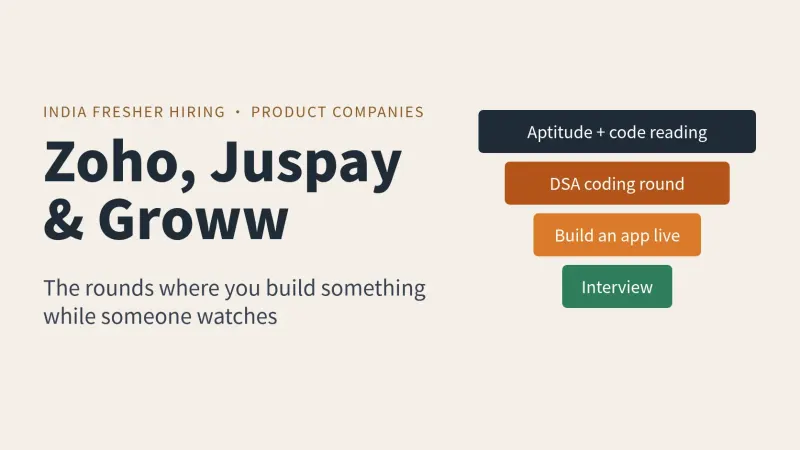
Zoho, Juspay and Groww Fresher Interview Process in India: Build-It-Live Rounds, Not Just an OA
Zoho cuts 1,500 to 3,000 applicants with aptitude and coding, then a live build round. Juspay runs hackathon rounds. What candidate posts report.
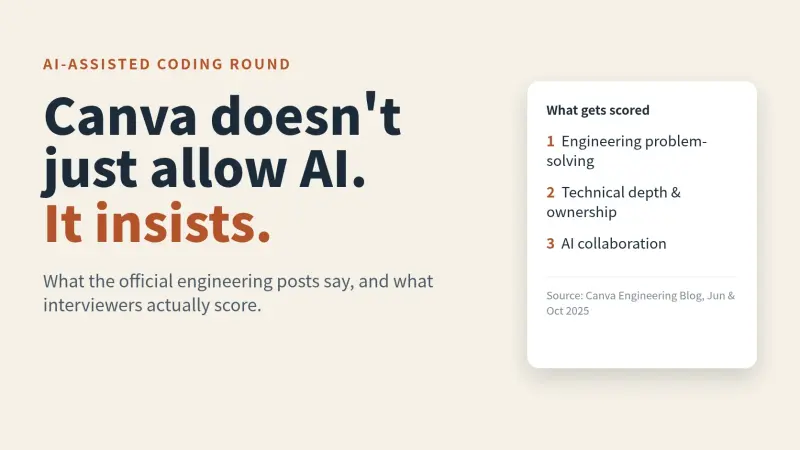
Canva's AI-Assisted Coding Interview: What They Expect and Score
Canva tells engineering candidates to use AI in the technical interview. Here's what its own posts say about the format, what interviewers score and how to prep.