Best AI for Technical Interviews in 2026: Prep Tools vs. Live Copilots
A practical guide to AI tools for technical interviews — comparing mock practice platforms with real-time copilots that actually work during your live coding round.
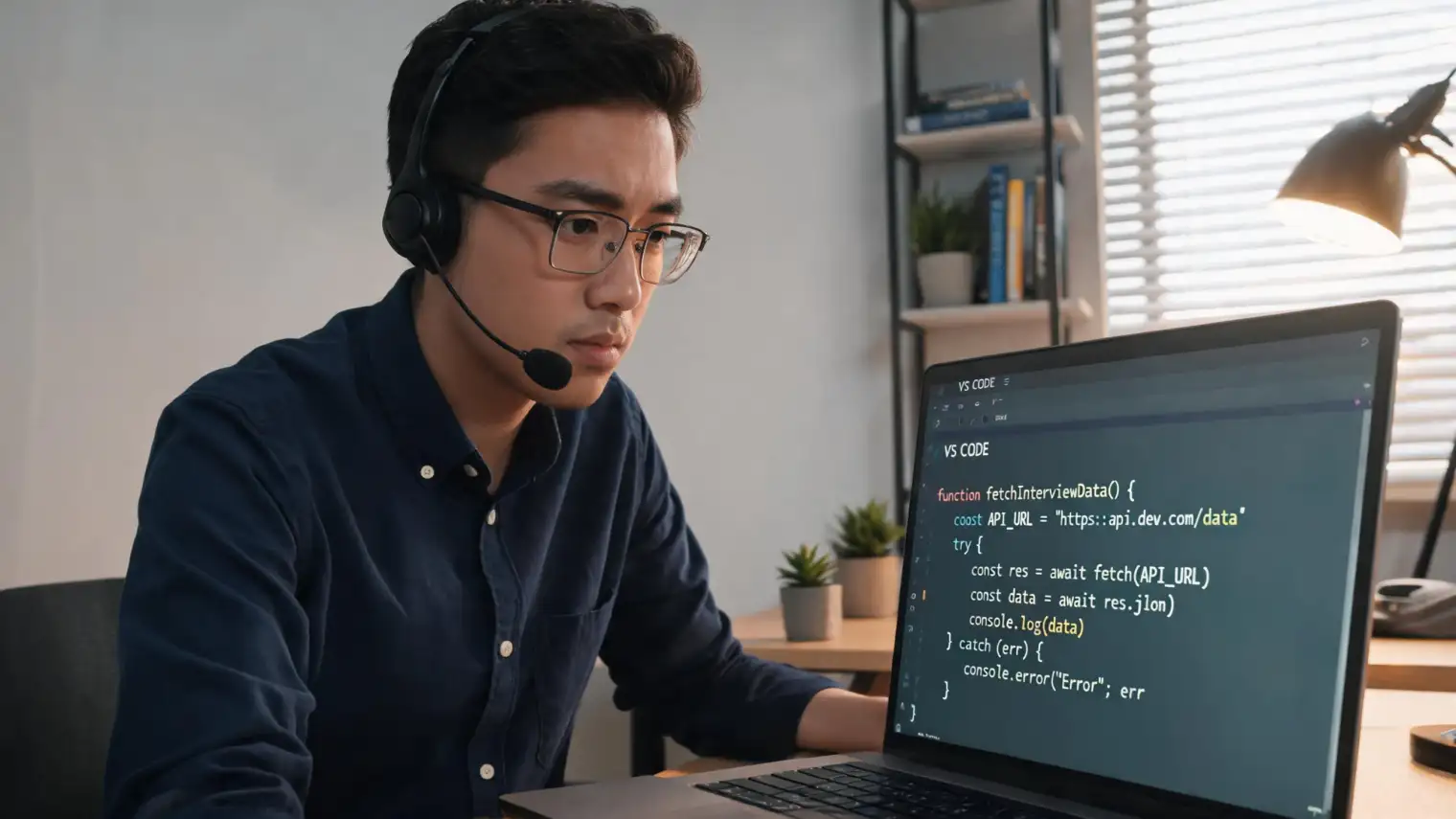
TL;DR: There are two very different types of AI tools for technical interviews — those that help you practice beforehand, and those that give you real-time assistance during the actual interview. Most articles lump them together. This one doesn't. Whether you need to practice system design problems or survive a live coding round in a second language, the right tool depends entirely on when you need the help.
You've solved 500 LeetCode problems. You've read the FAANG interview guides. You've done mock interviews until the questions feel boring. Then the real interview starts, and your mind goes blank.
Not because you don't know the answer. Because thinking through a binary tree rotation while an interviewer watches you and you're trying to explain your approach in English — when English isn't your first language — is a fundamentally different skill than solving the problem alone at midnight.
This is the gap that separates genuinely useful AI tools for technical interviews from the ones that only look good on a comparison chart.
Two Things Both Called "AI for Technical Interviews"
Before comparing any tools, you need to understand a distinction that most listicles deliberately blur: prep tools and live copilots are not the same category.
Prep tools work before the interview. You practice with them — mock coding rounds, system design walkthroughs, behavioral question drills. They give feedback after the fact. They're valuable, but they don't help when you're mid-interview and blanking on the time complexity of a hash map insertion.
Live copilots work during the interview. They read your screen or audio, process the question in real time, and surface suggestions before you've even finished typing. These tools are controversial (more on that later), but they exist and they work.
The best AI for your technical interview depends entirely on which problem you're trying to solve.
The Real Problem: Cognitive Freeze Under Live Pressure
Here's something no algorithm-grinding platform will tell you: many technical interview failures aren't knowledge failures — they're performance failures.
A developer who has built distributed systems for three years can blank on how to explain eventual consistency when an interviewer is waiting, the clock is running, and the shared screen shows a half-drawn architecture diagram.
This problem is worse — by a significant margin — for non-native English speakers. Thinking in your first language and translating to English while simultaneously working through a technical problem taxes two different cognitive resources at once. It's not a language proficiency issue. It's a working memory issue.
Real-time AI interview assistance addresses exactly this failure mode. Having a system surface the core answer structure the moment you read the question doesn't replace your thinking — it anchors it, giving you something to start from before anxiety spirals.
Best AI Tools for Technical Interview Practice
If preparation is your goal, these are the tools worth your time:
LeetCode (with AI features)
LeetCode remains the baseline for DSA preparation. Its built-in AI hint system and editorial explanations are genuinely helpful for understanding why a solution works, not just how to code it. The weakness: it's entirely focused on DSA and doesn't touch system design or behavioral rounds.
Interviewing.io
Anonymous mock interviews with real engineers from top companies. The feedback quality is high because humans run the sessions. No AI shortcut here — just deliberate practice with people who've been on the other side of the table. Expensive, but irreplaceable for the soft-skill dimensions of technical interviews.
Pramp
Free peer-to-peer mock interviews. The AI-powered problem selection and performance feedback make it a solid free option. Best for candidates who want to practice communication and problem-narration, not just code correctness.
AI mock interview for software engineers — what actually works
Dedicated AI mock interview tools (including AceRound's practice mode) let you simulate the pressure of a real technical interview — time-bound, with an AI that asks follow-up questions and evaluates your reasoning, not just your code output. The advantage over pure LeetCode: they train the talking-while-solving skill that live interviews actually test.
Best AI Tools for Live Technical Interviews
This is where the landscape gets more interesting — and more contested.
What "live AI interview copilot" actually means
A live technical interview AI copilot runs during your interview session. It typically:
- Reads the interview question from your screen
- Surfaces answer structures, code outlines, or key concepts in a floating overlay
- Responds to your audio or typing to refine suggestions in real time
The latency matters enormously here. A suggestion that arrives 8 seconds after the question is useful for a take-home test. A suggestion that arrives within 1–2 seconds is what you need in a live coding session.
AceRound AI
AceRound is built specifically for the live interview moment — real-time answer suggestions while the interview is in progress. It works across Zoom, Google Meet, Teams, and other video platforms without requiring installation on the interviewer's side.
The standout feature for technical interviews: AceRound doesn't just pull from a generic answer bank. It processes the actual question as asked and generates a structured response that you can use as a starting scaffold. For system design questions in particular — where the structure matters as much as the content — having a framework surface immediately is genuinely useful.
It's also one of the few tools designed explicitly for non-native English speakers, combining answer generation with phrasing support for candidates who know what they want to say but struggle to say it under pressure. See our full breakdown of real-time AI interview assistance for how this works in practice.
What real-time AI coding interview help looks like in practice
Imagine this scenario: you're asked a system design question about designing a rate limiter for a distributed API gateway. You know the concepts — token bucket, sliding window, Redis — but under pressure, you start drawing the components in the wrong order and lose the thread.
A live technical interview AI copilot reads the question, surfaces the standard rate limiter architecture (token bucket algorithm, Redis for state, horizontal scaling considerations) before you've finished your first sentence. You start from structure instead of from panic. That's the value.
The Non-Native English Speaker Double Burden
There's a meaningful difference in how technical interviews land depending on whether English is your first language or your third.
For a native English speaker, the cognitive load during a live coding round is: think about the problem + communicate the thinking.
For a non-native speaker, it's: think about the problem + translate the thinking + self-monitor for grammar + communicate — all while being watched.
This is why candidates who perform well in online assessments sometimes fail live rounds that test identical skills. It's not competence. It's cognitive bandwidth.
AI coding interview help at the live level specifically addresses this. When the AI surfaces a clear answer scaffold in the candidate's working language, they spend less bandwidth on what to say and more on how to solve it. The difference in interview performance for this population is measurable.
Developers in India, Southeast Asia, Brazil, and China applying to US/EU roles report this as their single biggest pain point — not algorithm knowledge, but the live articulation gap. Tools that treat this as a first-class problem, not an afterthought, are genuinely differentiated.
For role-specific preparation, check our guides on software engineer behavioral interviews and backend developer interviews.
Is Using AI in a Technical Interview Allowed?
This question gets asked constantly, and the honest answer is: it depends on the company, the round type, and how you use it.
Some relevant context:
- A 2025 survey by Blind found that 20% of US professionals admitted to secretly using AI during interviews.
- Meta has publicly moved toward allowing AI coding assistants during some interview rounds, reflecting the reality that real-world engineering is AI-assisted.
- HireVue and other pre-recorded platforms actively attempt to detect AI assistance. Live interviews with human interviewers generally have no detection mechanism.
The ethical framing most candidates find useful: preparation with AI is unambiguously fine — every candidate uses study tools. AI during the interview sits in a grey zone that different companies handle differently. Using a live copilot for a take-home coding test where you were explicitly told to work independently is cheating. Using one to scaffold your thinking in a Zoom interview is something you'll need to assess against each company's stated policies.
For a deeper look at this question, see our analysis of is using AI in interviews cheating.
FAQ
What is the best free AI for technical interview practice?
Pramp is the best free option for practicing the live interview format — it pairs you with real engineers and includes some AI feedback features. LeetCode's free tier works for DSA prep. For mock interviews that simulate the full technical round (including system design and behavioral), most dedicated platforms have free trials. AceRound offers a free trial for live assistance.
Can interviewers detect AI tools during a technical interview?
In most live video interviews (Zoom, Google Meet, Teams), there is no technical mechanism for detecting screen overlays or audio processing on the candidate's side. Some platforms (HireVue, Codility) have tab-switching or focus detection. Always check the specific platform and company guidelines.
Which AI tools work best for system design interviews?
System design questions are where live AI copilots add the most value — because there's no "correct" answer to memorize, but there are well-established architectural patterns. AceRound and similar live copilots surface common design patterns (microservices, caching strategies, database sharding) as starting scaffolds. For preparation, Exponent and Educative's System Design course cover the foundational patterns.
How is an AI mock interview different from practicing on LeetCode?
LeetCode trains code correctness. AI mock interviews train the performance of technical interviews — explaining your approach, handling follow-up questions, managing time pressure, and narrating your reasoning while coding. Both are necessary. LeetCode alone is why many candidates who can solve hard problems fail easy live rounds.
Is there an AI that helps non-native English speakers during technical interviews?
Yes — this is AceRound's core use case. It combines real-time answer generation with English phrasing support for candidates who know their technical content but struggle with live articulation under pressure. It's designed for the specific scenario of a fluent-in-their-field developer who freezes when explaining a solution in English to a native-speaking interviewer.
Do FAANG companies allow AI during technical interviews?
Policies vary and change. As of 2026, Meta has begun allowing AI coding assistants in some rounds. Google, Amazon, and Microsoft's policies depend on the specific role and interview stage. For on-site or live coding rounds, the general expectation is still that you're working independently unless explicitly told otherwise. Always ask your recruiter if unclear.
Author · Alex Chen. Career consultant and former tech recruiter. Spent 5 years on the hiring side before switching to help candidates instead. Writes about real interview dynamics, not textbook advice.
Related Articles
OpenAI's AI Interview Policy: Banned, Required, or Team-Dependent
OpenAI sells AI coding agents, then bans most candidates from using one. Here's the round-by-round policy, including the new agentic round that flips it.
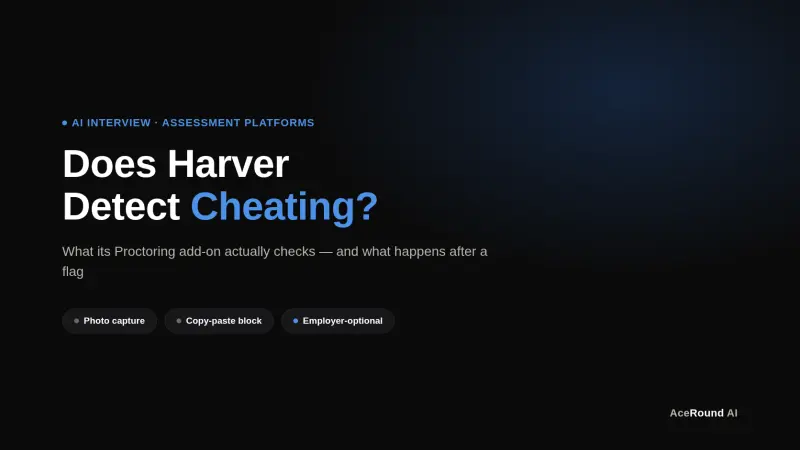
Does Harver Detect Cheating? What Its Proctoring Actually Checks
Does Harver detect cheating on its pre-employment assessments? A candidate look at Harver's Proctoring add-on, what gets logged after a flag, and what happens next.
Micro1's Zara AI Interview: What It Actually Tests (And Why Timing Gets Flagged)
Micro1's AI interviewer Zara has run 300,000+ interviews for remote roles. Here's why it flags response latency as a cheating signal, and what that means for AI prep.