VidCruiter Interview Tips: Retakes, Time Limits & What Trips People Up
VidCruiter one-way video interviews have fixed retake limits, hard time-per-question caps, and no pausing. Here's exactly how the format works and how to prepare.
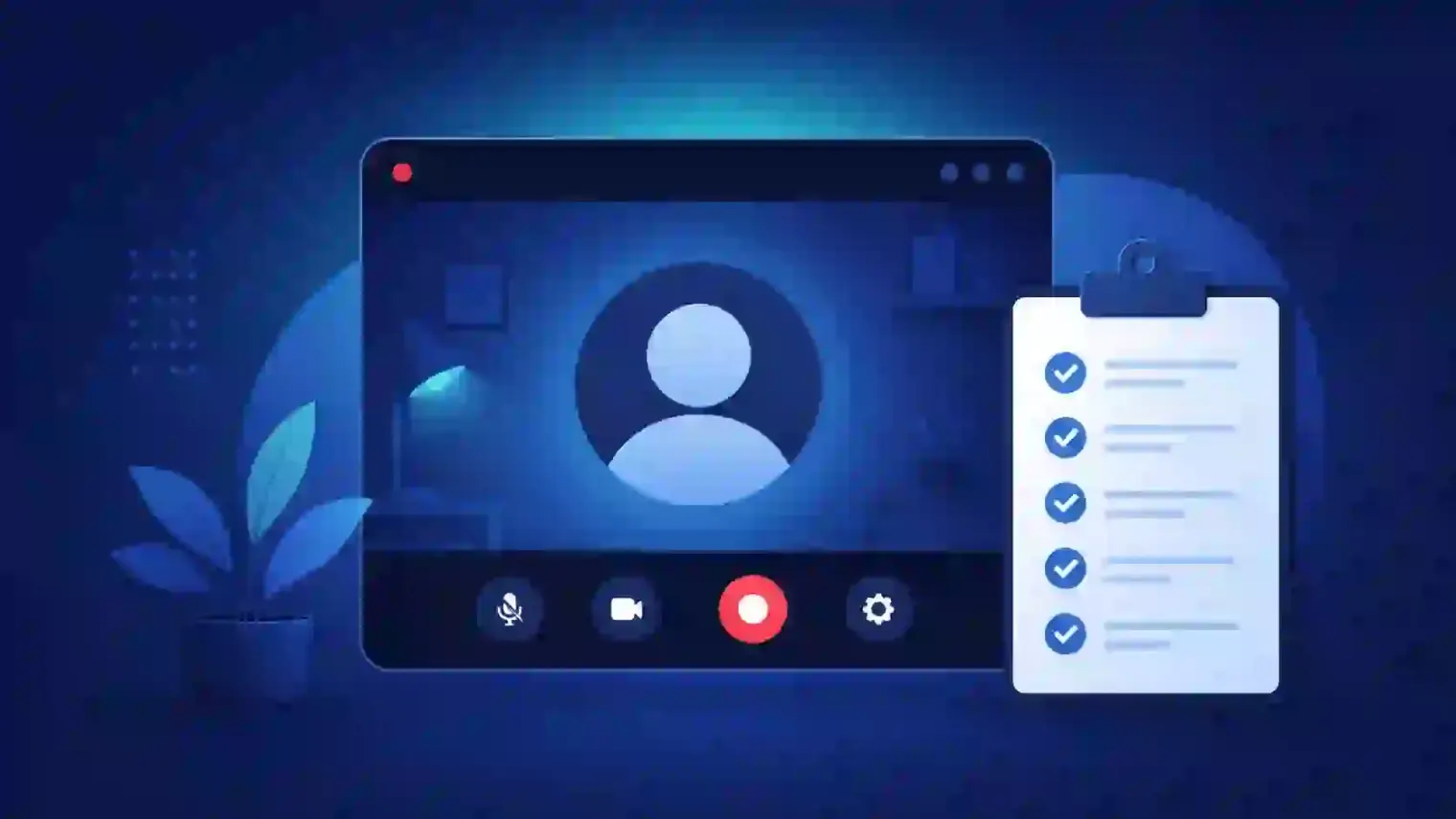
TL;DR — VidCruiter is a widely used video-interviewing platform, especially in government, healthcare, and education hiring. Most candidates encounter its one-way format: you record timed answers to preset questions with no interviewer present, a fixed number of retakes set by the employer, and no ability to pause mid-question. The mechanics are simple once you know them — the anxiety mostly comes from not knowing the rules going in.
You got a VidCruiter link in your inbox instead of a calendar invite. No interviewer joins the call. No one is on camera on the other end. That format — one-way, timed, on your own schedule — trips people up for reasons that have nothing to do with how good their answers actually are.
What a VidCruiter one-way interview actually looks like
VidCruiter is a video-interviewing platform used heavily by government agencies, healthcare systems, and large enterprises for structured, high-volume hiring — it's rated highly on review sites like G2 for this exact use case. The one-way format works like this: you receive a link with a deadline (often 24–72 hours out), open it when you're ready, and record video answers to a fixed set of questions one at a time.
There's no live interviewer. The questions appear as text or a pre-recorded video, you get a short prep window, then you record your answer within a time limit. Your responses are saved for the hiring team to review on their own schedule — which also means there's no way to read the room or adjust based on a reaction, because there isn't one.
The four rules that actually catch people off guard
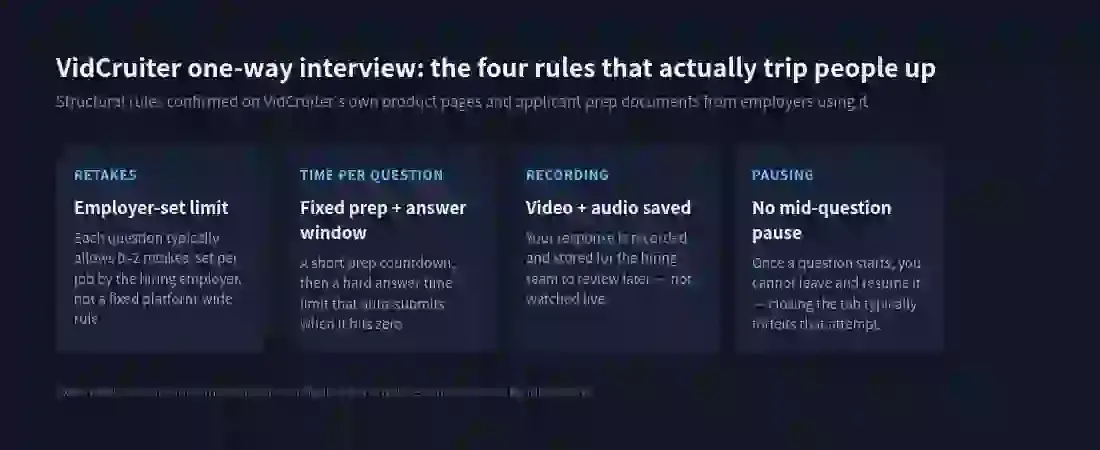
Retakes are set by the employer, not the platform. There's no universal "you get 2 retakes" rule — some postings allow zero, some allow one or two per question. This is configured per job, so the number that applied to your friend's VidCruiter interview last month may not apply to yours. Read the instructions screen at the very start; it usually states the retake count explicitly before you begin.
Time per question is a hard cap, not a suggestion. You typically get a short prep countdown to gather your thoughts, then a fixed answer window that auto-submits the moment it hits zero — mid-sentence if necessary. There's no "wrap up" grace period. Practicing answers to a visible timer beforehand is the single most useful thing you can do to avoid getting cut off.
Your video and audio are recorded and stored. This isn't a live conversation being transcribed — it's a saved recording the hiring team watches later, potentially alongside recordings from dozens of other candidates. Treat lighting, framing, and background the same way you would for a recorded video, because that's exactly what it is.
You can't pause and come back. Once you start a question, leaving the tab or closing the browser typically forfeits that attempt rather than saving your progress. Block out real, uninterrupted time — not "I'll do it between meetings" — before you open the link.
Why this format specifically trips people up
The absence of a live interviewer removes normal conversational feedback — no nodding, no follow-up question that tells you you're on the right track, no natural pause to collect yourself. Candidates who do fine in a real conversation sometimes freeze in front of a countdown timer and a static question with nobody reacting. That's a format problem, not a competence problem, and it's fixable with practice specifically in that format — not by getting better at conversational interviews in general.
The fixed time limit also punishes a very specific habit: rambling into an answer before getting to the point. In a live interview, an interviewer might redirect you. Here, the clock doesn't care, and a strong point made in the last 10 seconds before auto-submit often doesn't land the way it would with more room.
How to actually prepare for the format, not just the content
Most VidCruiter prep advice focuses on what to say. The format itself is the harder part to practice, because most people have never rehearsed answering into a hard countdown with zero human feedback.
Rehearse against a visible timer. Set the same short prep window and answer duration you'll face (check your invitation for exact numbers, or use 30 seconds prep / 2–3 minutes answer as a reasonable default) and practice stopping cleanly when time runs out, rather than getting cut off mid-thought for the first time during the actual interview.
Practice recording yourself, not just talking out loud. Watching your own playback surfaces things a live rehearsal partner might not mention — filler words, restarting sentences, or losing eye contact with the camera to check notes.
Simulate the total silence. The specific discomfort of talking to a static question with no reaction is worth practicing on its own. AceRound AI's mock interview mode runs timed practice sessions with no live human on the other end, which maps more closely to the actual VidCruiter experience than rehearsing with a friend who nods along.
If your VidCruiter interview is paired with a written or technical component, our software engineer behavioral interview guide covers structuring STAR-format answers that hold up even under a hard time cap.
The practical way to approach it
Read the instructions screen fully before recording your first answer — retake count and time limits are usually stated there, and knowing them changes how you plan each response. Then rehearse against those exact numbers beforehand, not generic interview prep. The content of a good VidCruiter answer isn't meaningfully different from a good answer anywhere else; what's different is performing it cold, on a clock, with nobody nodding along — and that part responds directly to practice.
Author · Alex Chen. Career consultant and former tech recruiter. Spent 5 years on the hiring side before switching to help candidates instead. Writes about real interview dynamics, not textbook advice.
Related Articles
Does Harver Detect Cheating? What Its Proctoring Actually Checks
Does Harver detect cheating on its pre-employment assessments? A candidate look at Harver's Proctoring add-on, what gets logged after a flag, and what happens next.
Micro1's Zara AI Interview: What It Actually Tests (And Why Timing Gets Flagged)
Micro1's AI interviewer Zara has run 300,000+ interviews for remote roles. Here's why it flags response latency as a cheating signal, and what that means for AI prep.
Does CoCubes Detect Cheating During the Online Assessment?
CoCubes (an Aon platform) proctors off-campus drives with real AI monitoring — what it actually watches, what candidates report, and where prep helps.