Google Meet Interview Tips: How to Use AI to Actually Prepare
TL;DR: Google Meet interview tips AI guide in brief — run a mic/camera test 20 minutes before, close unnecessary tabs (screen sharing exposes everything), prepare 4–5 STAR stories with AI roleplay, and if you use a real-time AI copilot during the interview, use one that doesn't require screen overlay. The Google-specific quirks below will save you from the mistakes candidates routinely make on this platform.
Six in ten video interviews now happen on Google Meet. That number has been climbing since companies standardized on Google Workspace, and if you're interviewing with a tech company, a startup using Google tools, or any firm that runs on Gmail, the odds are good you'll see that familiar grid of squares on interview day.
Google Meet is not Zoom. The differences aren't huge, but they matter — and most interview guides don't bother distinguishing between them. This one does.
What Makes Google Meet Different From Zoom (and Why It Changes Your Setup)
Before getting into AI prep, you need to understand the platform's specific quirks. These trip up candidates who prepared for video interviews generically.
Gemini AI captures your words. If the interviewer's organization has Google Workspace with Gemini enabled, captions are generated in real-time and can be saved. Your exact phrasing is logged. This isn't a reason to panic, but it's a reason to speak precisely — rambling, excessive filler words, and half-finished sentences show up more clearly when someone can scroll through a transcript later.
Screen sharing shows your entire desktop by default. In Zoom, you can share a specific window. In Google Meet, the default option is "Your entire screen." If you get asked to share something and you click too fast, the interviewer sees every open tab, your messy desktop, and any notification that pops up. Always select "A window" or "A tab" instead.
It runs best in Chrome. This sounds obvious, but candidates on Firefox or Safari regularly hit microphone permission bugs that don't exist in Chrome. Use Chrome. Keep it updated.
Meeting links don't expire the same way. Zoom links often have a built-in time limit. Google Meet links from a Google Calendar invite stay active until the organizer ends the meeting — which means if you join early, you might be visible to the interviewer immediately. Don't assume you have a buffer.
The grid layout shows everyone simultaneously. Unlike Zoom's speaker-spotlight default, Meet often shows all participants in equal-sized tiles. Interviewers can watch your micro-expressions while you think. Your baseline behavior when you're not speaking matters.
Five AI-Assisted Prep Steps for a Google Meet Interview
AI doesn't help you perform better in the moment if you haven't done the groundwork. Here's how to use it effectively in the days before your interview.
1. Generate a story inventory
Feed the job description and company values into an AI tool and ask it to generate 8–10 behavioral question variations likely to come up. Then write brief STAR outlines for each. Don't write full scripts — you want flexible anchors, not memorized speeches.
2. Roleplay with real-time feedback
Tools like AceRound AI run mock interview sessions where you speak your answers and get feedback on structure, pace, and specificity. Run 3–4 sessions in the 48 hours before your interview. The goal is to identify the 1–2 answers you're least confident about and fix them.
3. Research the company's interview style
Search "[Company name] interview experience" on LinkedIn and Glassdoor. Feed what you find to an AI and ask it to synthesize patterns: Do they focus on leadership? Conflict resolution? Technical depth? This tells you which 3 stories to lead with.
4. Prepare for Google-specific technical questions
If you're interviewing at Google (the company), Google's official interview guide is more useful than any third-party prep resource. Read it. Then ask an AI to quiz you on their stated evaluation criteria.
5. Practice your setup, not just your answers
Do a test call with a friend or use Google Meet's preview screen. Check: lighting (window in front of you, not behind), background (neutral, nothing distracting), microphone quality. Harvard Business Review's virtual interview research found that audio quality affects perceived candidate competence more than most candidates expect.
Ready to practice with an AI that gives you real feedback on your answers, not just your setup? AceRound AI runs realistic interview roleplay and shows you exactly where your answers lose structure.
Technical Setup Checklist for Google Meet Interviews (2026)
Run through this the morning of your interview, not five minutes before.
Hardware:
- Wired internet connection if possible (Wi-Fi is fine, wired is more stable)
- Headphones with a microphone — laptop mics pick up room echo
- Camera at eye level (laptop on a stack of books works fine)
- Lighting source in front of you, not behind
Software:
- Chrome browser, fully updated
- Close all unnecessary tabs — including anything that plays audio or generates notifications
- Test your mic and camera at meet.google.com/test (yes, this exists)
- Disable notifications: Mac: Do Not Disturb. Windows: Focus Assist. Both: 30 minutes before.
- Close Slack, email, and anything else that might send a desktop notification
Environment:
- Tell anyone in your space that you're in an interview (obvious, but people forget)
- Phone on silent and face-down
- Water nearby — you'll need it
Pre-join:
- Join 5 minutes early, not 20 — lingering in the waiting room reads as anxious
- Check how you look in the camera preview before entering
- Have a notepad and pen for jotting key points the interviewer mentions
Real-Time AI During the Interview: What's Legitimate, What Isn't
This is the section most people actually want, so here's an honest take.
There are tools that run invisibly on your screen and feed you AI-generated answers in real time. Most of them require screen overlay or a second device displaying suggestions. Some candidates use them. This approach has real risks: companies increasingly use eye-movement analysis and response timing patterns to flag assisted answers. More importantly, if you get through the interview on AI-generated answers but can't perform on the job, you've created a bigger problem.
What legitimately helps: tools that run on a separate device (phone or secondary monitor) and assist with recall rather than generating your entire answer. AceRound AI operates in a way that's less about feeding you scripted lines and more about helping you stay structured when nerves kick in. If you lose your place mid-answer, a brief glance at a structural cue ("Situation → Task → Action → Result") is different from reading a full AI-written response verbatim.
For a detailed breakdown of where the ethical line sits, read our piece on AI interview cheating — it goes through what companies can detect and what they can't, without the moral panic.
If you're using any real-time tool on Google Meet specifically: don't alt-tab. Movement to a different window while answering is visible to the interviewer via your face and the rhythm of your speech. Stay in the window.
Quick Region-Specific Notes for Google Meet Interviews
Google Meet is used globally, but interview norms aren't universal.
Japan: If you're interviewing with a Japanese company on Google Meet, expect more formal opening and closing sequences than you'd see with a US or European company. The host will likely unmute and greet formally. Mirror the energy. Read the room before jumping into casual conversation. Also: many Japanese companies use Google Workspace but some also use Teams — confirm the platform in advance.
Korea: Korean tech companies (Naver, Kakao, and foreign firms with Korean offices) run interviews on various platforms. Google Meet is common for international roles. Prepare for both English and Korean portions if applicable. Formal register in video interviews is expected at large companies.
Brazil and Latin America: Connection quality varies significantly. If you're connecting from a region with unstable internet, prepare a backup — a mobile hotspot as failover, and let the interviewer know at the start if you're potentially dealing with connection variability. It's better to name it upfront than have unexplained lag.
Vietnam, Turkey, Southeast Asia: For interviews with foreign companies in these markets, the English-language proficiency evaluation often starts from your first sentence. Be deliberate with pacing. Google Meet's auto-captions can help verify you're being understood — if they're enabled, you can glance at your own caption to confirm clarity.
For comparison with Zoom-specific interview prep, see our Google Meet versus Zoom breakdown for interview candidates.
FAQ
Can companies detect AI assistance in Google Meet interviews?
Some can, depending on what tools they're using. Eye-gaze tracking, response latency analysis, and behavioral AI assessment tools (like those used by HireVue) are increasingly common. Google Meet itself doesn't have built-in detection, but third-party proctoring integrations exist. The safest approach: use AI for preparation, not live script-reading. Your answers will actually hold up under follow-up questions that way.
How do you maintain eye contact in a video interview?
Look at your camera, not at the grid of faces on screen. Your camera is typically at the top of your display. Put a small sticky note next to it as a reminder. When you're listening, it's natural to look at the interviewer's face on screen — that's fine. When you're answering, look at the camera.
What should I wear to a Google Meet interview?
Professional from the waist up, at minimum. More importantly: wear solid colors. Patterns and bright stripes create visual noise on video. Dark blues and grays tend to read well on camera. Avoid stark white, which can throw off auto-exposure.
Is using AI assistance in interviews cheating?
There's a real spectrum here. Using AI to prepare — mock interviews, story generation, research — is not just acceptable but increasingly expected. Using AI to generate answers live that you read verbatim is where most companies would draw the line, and where detection is most possible. See our full ethics breakdown for more nuance.
How long should you wait before responding in an interview?
Two to three seconds is fine and reads as thoughtful. Longer pauses — five seconds or more — can feel awkward on video because there's no ambient room noise to fill the space. If you need a moment, it helps to verbalize it: "Let me think about a good example" is better than silence.
Author · Alex Chen. Career consultant and former tech recruiter. Spent 5 years on the hiring side before switching to help candidates instead. Writes about real interview dynamics, not textbook advice.
Related Articles
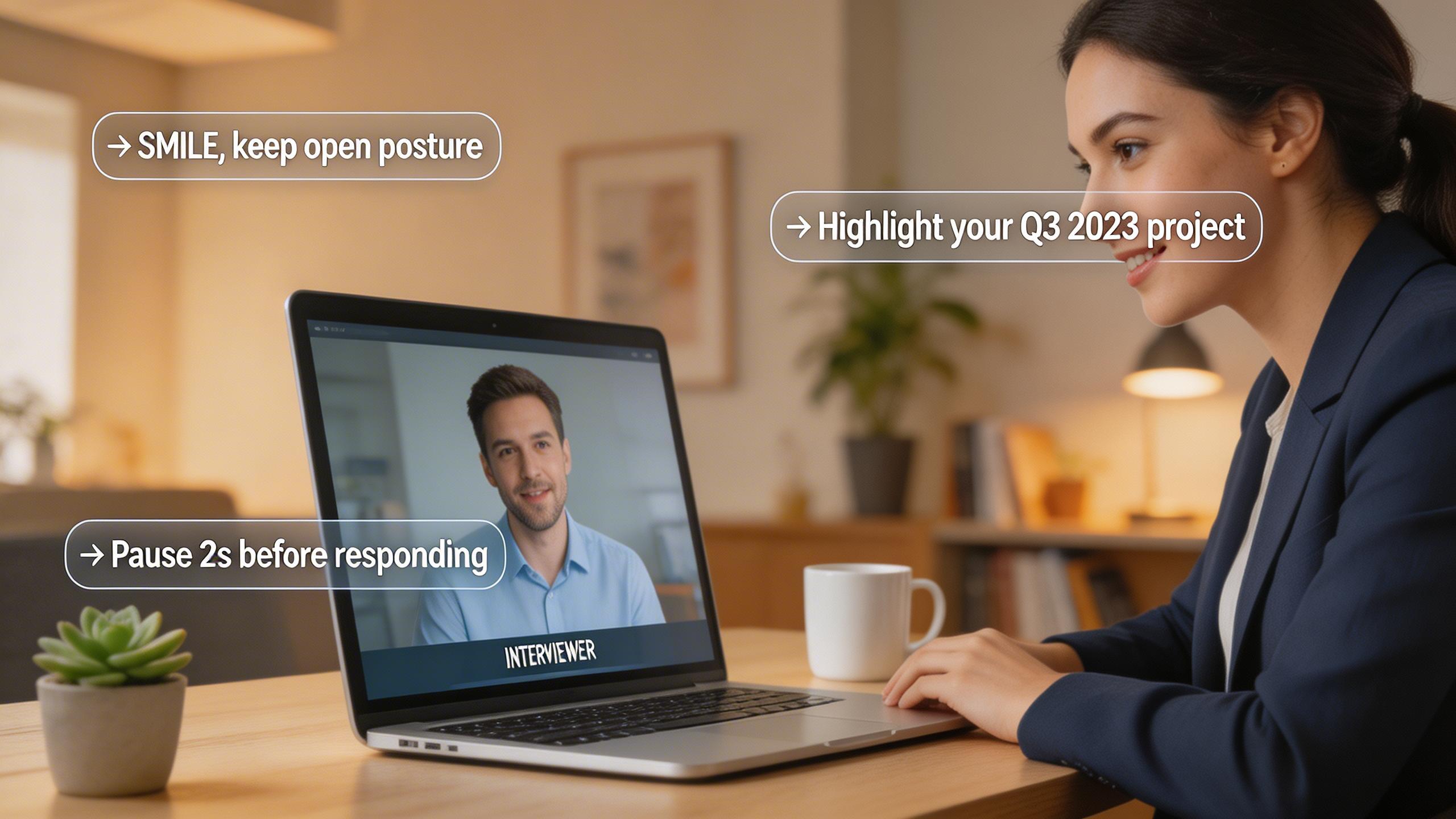
Real-Time AI Interview Helper: What It Does and How to Use It
A practical guide to real-time AI interview helpers — how they work during live interviews, legitimate use cases, and what to avoid.
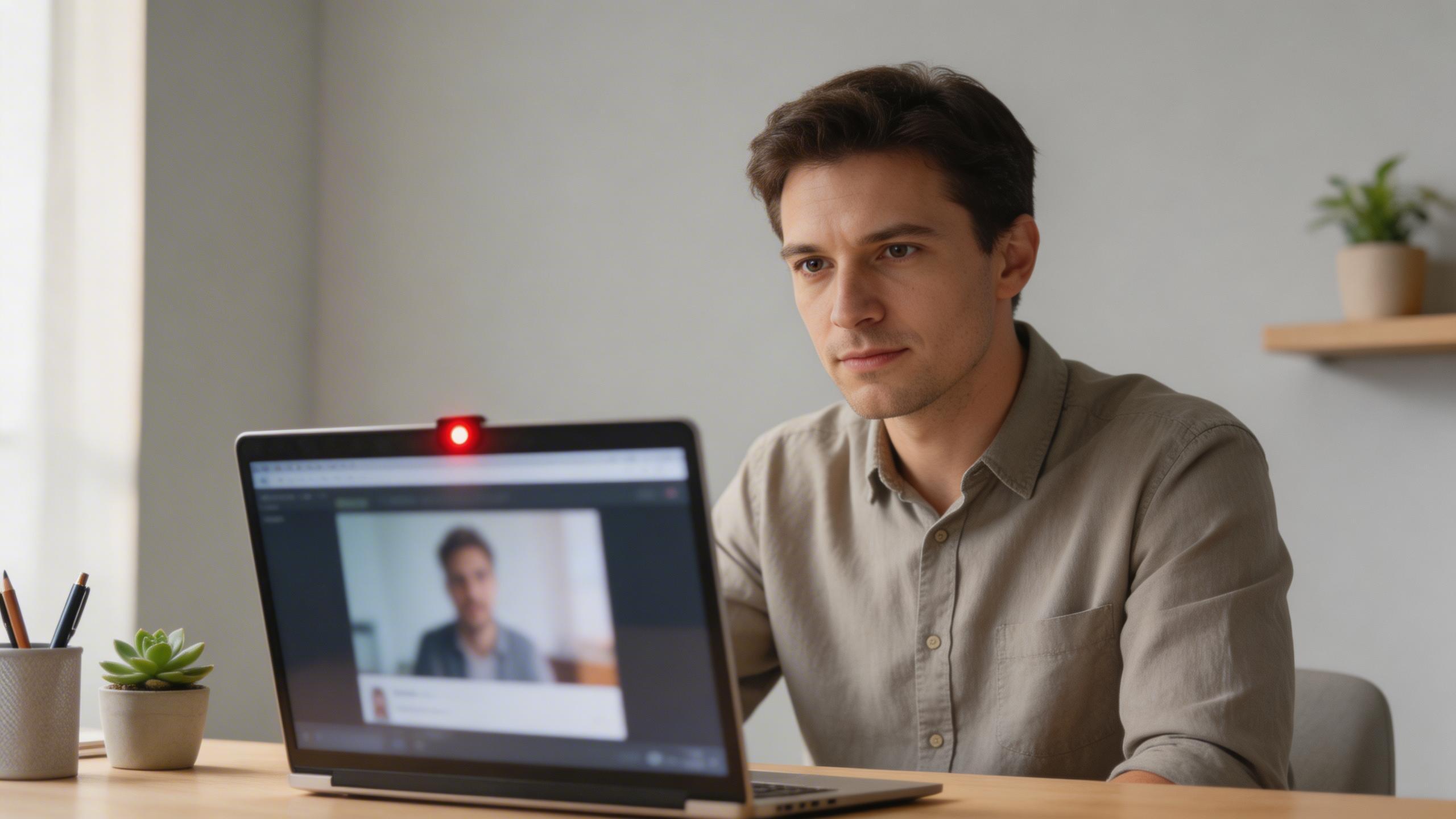
Can HireVue Detect Cheating? What Actually Gets Flagged in 2026
HireVue cheating detection explained: tab switching, shared scripts, AI-generated answers, and looking away — what the system actually flags and what it misses.
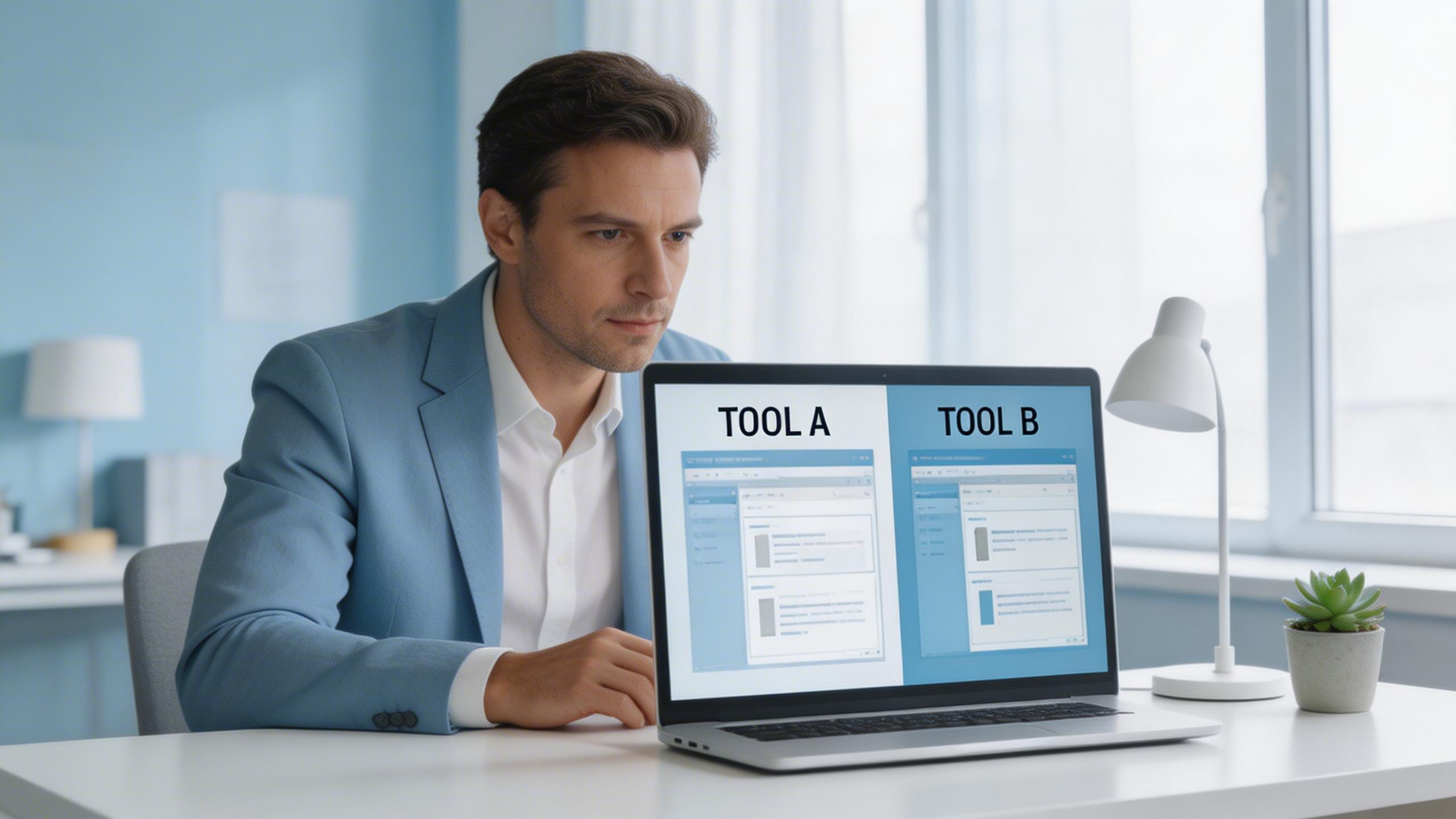
The Honest Switcher's Guide to Finding a Final Round AI Alternative
Comparing the best Final Round AI alternatives for 2026: honest breakdown of pricing, real-time performance, detection risks, and when each tool actually makes sense.