Zoom Interview AI Assistant: How to Actually Use AI to Win Video Interviews
TL;DR: A Zoom interview AI assistant works best when you use it for deep prep — generating questions, running mock interviews, and refining answers — rather than as a live cheat tool. Done right, AI prep can cut your practice time by 60% and noticeably improve answer quality. This guide covers the ethical approach that actually works, plus the setup mistakes that tank good candidates on Zoom.
In 2026, over two-thirds of first-round interviews happen via video call. Zoom alone hosts more than 300 million meeting participants per day. For candidates, that means the camera is no longer a novelty — it's the primary arena where careers are won or lost.
And yet most advice about Zoom interviews is generic: "look at the camera," "test your audio," "find good lighting." That's table stakes. The candidates actually getting offers are using AI more systematically — not necessarily during the interview, but in the weeks before it.
Here's what that actually looks like.
What a Zoom Interview AI Assistant Actually Does
Let's clear up the confusion first.
When most people search "Zoom interview AI assistant," they're imagining one of two things:
- A tool that whispers answers into your ear during a live Zoom call
- An AI that helps you prepare for video interviews in general
Both exist. They carry very different risk profiles.
Real-time AI during live interviews — tools like LockedIn AI, Cluely, or Interview Coder — display AI-generated answers on a secondary screen or overlay that only the candidate can see. The technology works. Whether you should use it is a separate question we'll get to.
AI-powered interview prep — tools like AceRound AI — simulate the interview environment, generate likely questions based on the job description, evaluate your answers, and give structured feedback. You do this work before the interview. Nothing runs during the call.
The second approach has no ethical ambiguity and delivers lasting results. The first approach ranges from "risky" to "resume-ending" depending on the employer.
The 3 Legitimate Ways to Use AI for Zoom Interview Prep
1. Generate role-specific questions before you get them
Generic behavioral prep misses the point. Every job description is a cheat sheet. An AI assistant can extract the core competencies from a JD and generate the 12–15 most likely questions — behavioral and situational — in about two minutes.
Feed the AI:
- The full job description
- The company's stated values (usually on their careers page)
- Your resume
Ask for: "Generate the 15 most likely interview questions for this role, ranked by probability."
Then work your answers against those questions specifically. You're not guessing anymore — you're targeting.
2. Run mock Zoom interviews with AI feedback
The most underused AI prep technique is the recorded mock interview. Here's the workflow:
- Open AceRound AI and start a practice session
- Set your Zoom background and camera exactly as you'll use it in the real interview
- Answer each question out loud — full answer, not bullet points in your head
- Get AI feedback on structure, clarity, and answer length
The camera-on requirement is important. Answering questions while staring at a screen feels different from answering them out loud to a camera. Most candidates practice the former and are surprised by the latter.
3. STAR answer optimization
Video interview preparation AI can score your STAR answers on multiple dimensions simultaneously: did you quantify the result, did you run too long on context, did you use first-person action language ("I built" vs. "the team built").
This type of feedback takes a human coach 20 minutes per answer. AI does it in seconds and can iterate with you until the answer lands cleanly.
Real-Time AI During the Interview: What's Allowed, What's Risky
This deserves an honest answer rather than a dodge.
The technology works. Several tools can overlay AI-generated answers on your screen during a live Zoom interview. The candidate sees them; the interviewer doesn't.
The risks are real and escalating:
- Employer detection is improving. Screen-sharing requests, follow-up probing questions, and behavioral analysis during follow-up rounds catch candidates who used AI in earlier rounds but can't sustain the answers.
- The consequences are severe. Getting caught means blacklisting at that company and potentially across their network. In a small industry, this travels.
- It undermines the point. If you get a role by generating AI answers to live questions you can't actually answer, the job will reveal that within weeks. The outcome for everyone is bad.
The legitimate middle ground: Some employers explicitly allow or even expect candidates to look things up during technical screenings. If the job posting says "open-book" or the interviewer says "feel free to reference any resources," that's different. When the rules aren't clear, ask before the interview.
The most reliable real-time AI interview copilot is the prep you did beforehand. That's not a cliché — it's the mechanism.
Zoom-Specific Setup That Actually Matters
Most setup advice is vague. Here's what specifically tanks candidates on Zoom.
The eye contact problem. You naturally look at the interviewer's face on screen. But their camera is at the top of your monitor. Looking at their face means you appear to be looking down on their end — the same body language as someone avoiding eye contact. Fix: put a small sticky note dot next to your camera lens. Train yourself to speak to the dot, not the face.
Audio matters more than video. Interviewers will forgive a slightly dark room. They will not forgive audio that cuts out, echoes, or has a distracting background. A $30 USB microphone outperforms any laptop microphone for this. If you don't have one, find a quiet room and test your audio specifically — not just your video — before the interview.
The background tells a story. Virtual backgrounds work if they render cleanly with your camera and lighting. They don't if you get a halo artifact or your hands disappear. A real, clean background — a bookshelf, a plain wall — is safer. Interviewers aren't judging your apartment; they're judging whether you're distracted.
Internet connection: Wired over WiFi every time if possible. If you're on WiFi, sit close to the router and close every browser tab and streaming app. Zoom uses roughly 1.5 Mbps for HD video — more than people expect.
The self-view distraction. Multiple candidates report that seeing themselves on screen during the interview pulls focus. Hide self-view (Zoom has a setting for this). You know what you look like. Spending mental energy monitoring your own image costs you on the questions.
How AceRound AI Fits Into Zoom Interview Prep
AceRound AI is built specifically for candidates preparing for live video interviews. The core workflow:
- Paste your target job description
- Get a bank of likely questions, weighted by role type and company
- Record your answers (audio/video)
- Receive instant feedback on structure, answer length, and competency signals
- Iterate until answers hit the right pattern
It's not a cheat tool — it's a practice environment. The output is that you walk into the Zoom interview having answered those questions out loud 10–15 times, at the right length, with concrete examples. That's what confidence in a video interview actually looks like from the other side.
The difference between candidates who use this approach and those who don't isn't intelligence — it's the specificity of preparation.
Online Interview AI Tools: A Realistic Comparison
There are several AI tools in this space. Here's an honest take:
AceRound AI — Focused on real-time prep and answer feedback. Good for behavioral and situational questions. Supports multi-language interviews. Honest about limitations.
Final Round AI — Heavy feature set, 10M+ users. Offers both prep and real-time overlay. The overlay feature carries the risks described above.
LockedIn AI — Primarily positioned as a real-time assistant. Works technically. Risk profile is high for the reasons stated.
Yoodli — Video practice platform with AI feedback on speech patterns (filler words, pace, clarity). Excellent for Zoom-specific communication habits. Weaker on answer content evaluation.
Interview Warmup (Google) — Free. Good for STAR practice basics. Not Zoom-specific, limited customization.
The honest framing: no AI tool replaces domain knowledge or genuine experience. What AI does well is give you structured, high-repetition practice at scale — the kind that used to require paying a coach by the hour.
FAQ
Can employers see if I'm using an AI assistant during a Zoom interview?
They can't see your screen unless you share it. But they can tell — through follow-up questions, second-round inconsistencies, or behavioral cues — when a candidate's answers don't match their baseline communication style. Detection isn't always technical.
Is it cheating to use AI to prepare for a Zoom interview?
No. Using AI to practice answers, get feedback, and simulate interview conditions is the same category as hiring a coach or doing mock interviews with a friend. The ethical line is whether you're generating live responses to questions you couldn't answer without the tool.
What's the best way to practice for a Zoom interview using AI?
The highest-ROI approach: get the JD, generate likely questions, record yourself answering on camera, get AI feedback on structure, repeat until answers are clean and timed correctly. Do this for 5–7 likely questions before any interview.
How do I stop being so nervous on Zoom video calls?
The main driver of Zoom interview anxiety is unfamiliarity with the format. More mock interviews on Zoom specifically reduces it — not generic mental prep. Also: hide your self-view, test your setup the day before (not the morning of), and do a 5-minute audio/video check with someone you trust.
Does Zoom record interviews without telling candidates?
Zoom notifies participants when recording is active — a banner and audio alert appear. Employers can record with the host's permission. If you're unsure, ask the recruiter before the interview whether it will be recorded and how the recording is used.
What's the difference between a Zoom interview AI assistant and a regular interview coach?
Speed of iteration and availability. A coach gives excellent feedback but costs time to schedule and money per session. AI gives feedback immediately at any hour and allows 20+ practice reps in a single sitting. The tradeoff: AI doesn't pick up on subtle social cues or give you the real-time human connection that a coach can simulate. Ideally, both.
Author · Alex Chen. Career consultant and former tech recruiter. Spent 5 years on the hiring side before switching to help candidates instead. Writes about real interview dynamics, not textbook advice.
Related Articles

Free AI Interview Practice: Does It Actually Work? An Honest Guide
AI interview practice free tools promise a lot. This guide cuts through the hype—what's truly free, what research says, and which tools work for non-English speakers.
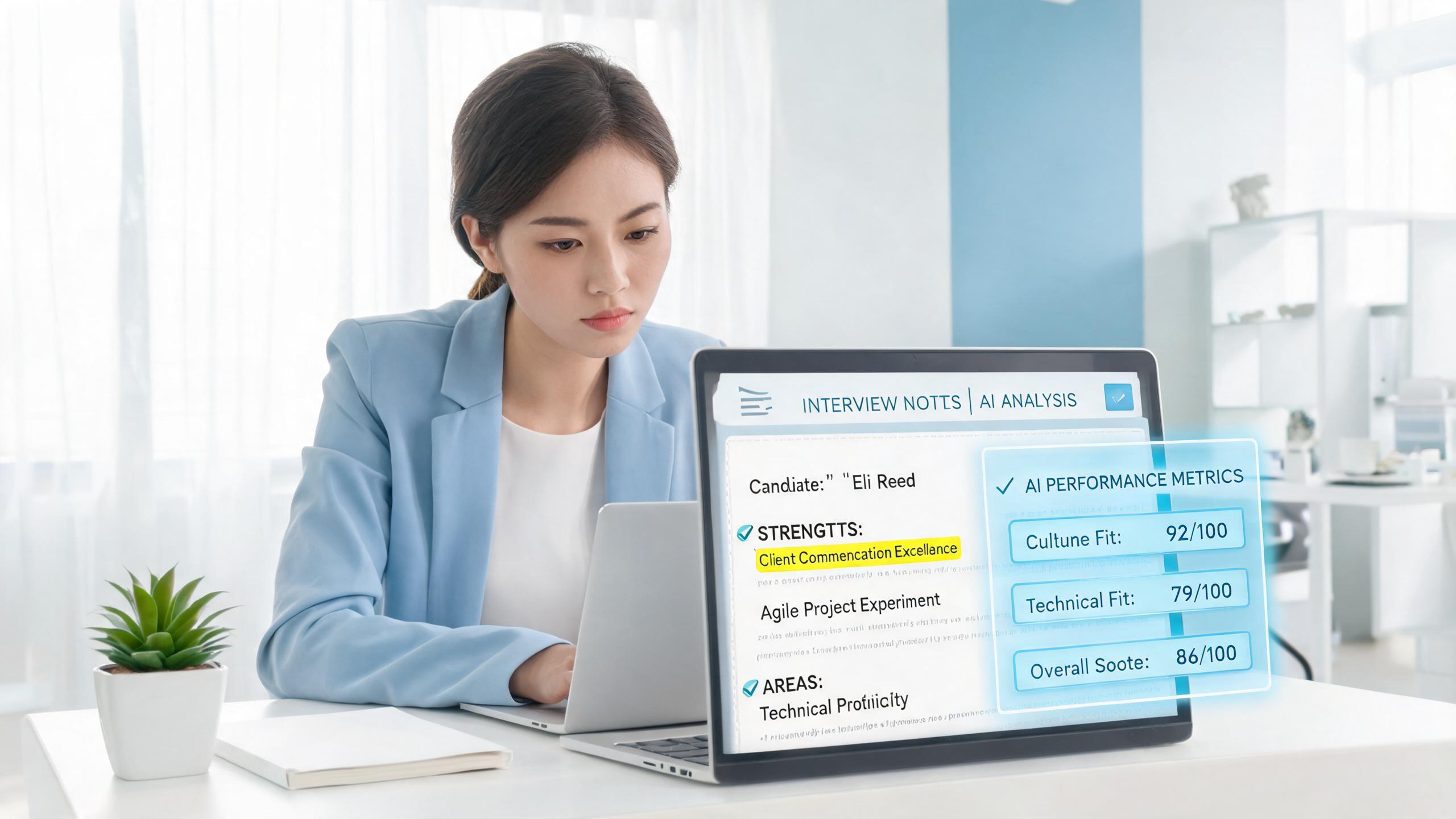
AI Interview Transcript Review: Turn Every Real Interview Into a Coaching Session
Learn how AI interview transcript review works, what it catches that you miss, and how to use it to systematically improve your answers across rounds.

iCIMS Interview Preparation: What Candidates Actually Need to Know
iCIMS is the hiring platform behind 25% of Fortune 500 recruitment. Here's how to navigate its ATS, video screens, and interview stages as a candidate.