Webex Interview AI Assistant: What Enterprise Candidates Need to Know
Webex interviews happen in banks, hospitals, and government agencies — not startups. Here's how the platform differs and where AI fits without touching the host's system.
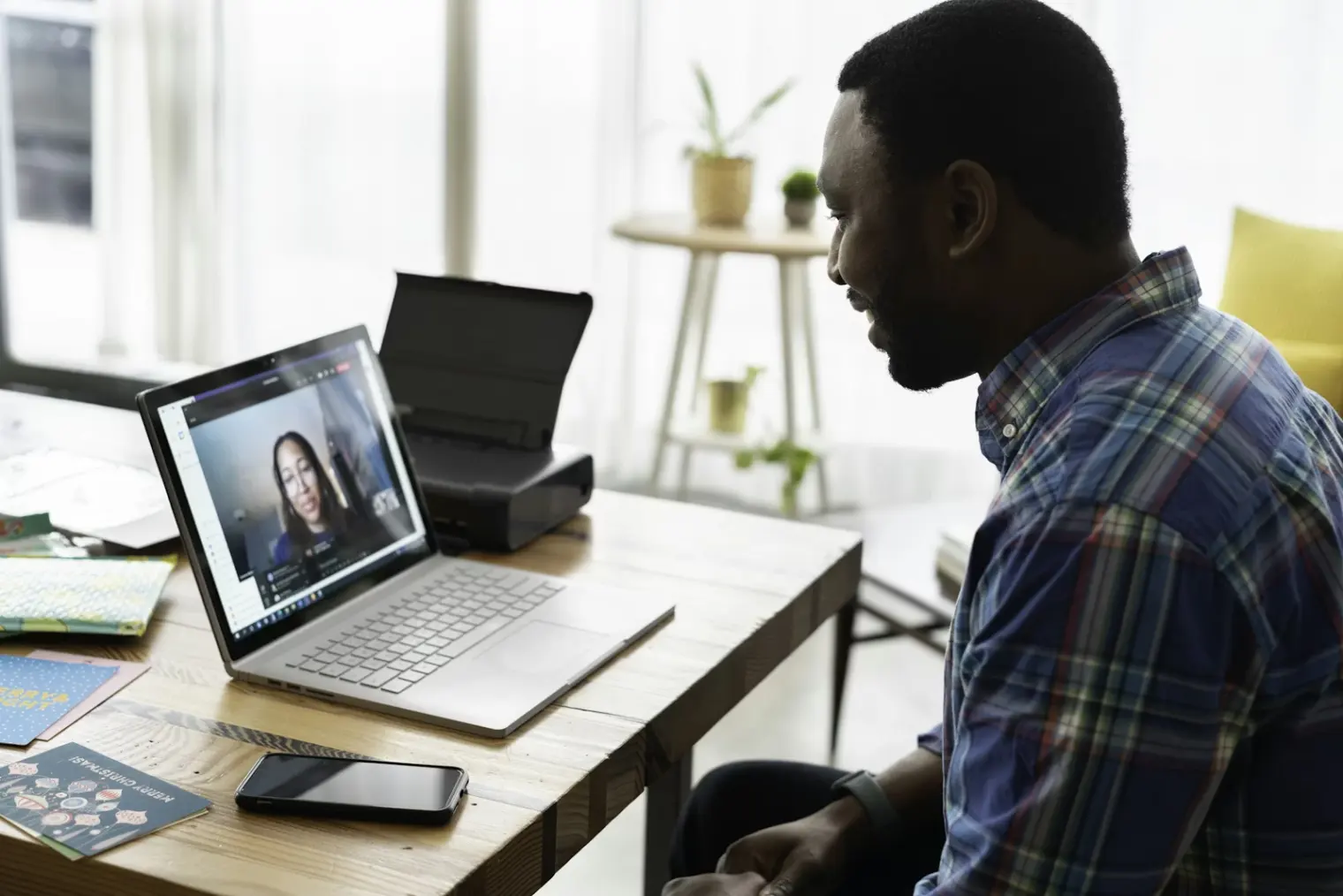
TL;DR: A Webex interview invite almost certainly means you're interviewing with a bank, hospital, government agency, or large enterprise. That changes the setup rules, the compliance context, and what AI assistance looks like. Webex interviews run compliance recording, host-side AI summaries, and often have tighter technical constraints than Zoom or Teams — this guide explains what matters and how an AI interview assistant fits in without leaving any trace in the host's system.
That calendar invite just landed. Cisco Webex. Not Zoom, not Google Meet, not Teams.
If you've spent time on Zoom calls and feel like you know video interviews, Webex is worth a second look. Because the platform tells you something about who you're interviewing with — and those differences are real enough to affect how you prepare.
Forty-eight percent of global financial institutions run their compliance-grade meetings on Webex. The platform powers hiring for US federal agencies (FedRAMP authorized), HIPAA-covered healthcare systems, and much of the APAC enterprise market — 60,000 Webex conferencing units were deployed across Asia-Pacific in 2023 alone. If your invite came from a Webex link, you are almost certainly not interviewing with a startup.
That matters because the candidate experience, the technical constraints, and the host-side recording behavior are all meaningfully different from what you see on consumer-first platforms.
Why Webex Is Different from Zoom or Teams
Webex is a Cisco product built from the ground up for enterprise and regulated industries. Where Zoom grew up in the consumer market and added enterprise features, Webex went the other direction — enterprise-first, with compliance and security baked in.
The practical consequences for candidates:
Industry distribution. You'll encounter Webex primarily in: financial services (investment banking, insurance, asset management), healthcare (hospital systems, pharma, med-device companies), government and defense, and large enterprise technology. If you're interviewing at a Series A startup, you're almost certainly not on Webex.
Regional presence. Cisco's enterprise video market share is 28% globally, with particularly strong deployment across Japan, Australia, Singapore, and India. If you're applying to a multinational from an APAC base, Webex interview chances are higher than you'd expect.
Corporate formality. Webex is the platform where HR teams sit in dedicated video-conferencing rooms with Cisco hardware endpoints. The interviewer likely isn't on a laptop in their kitchen. The room, the lighting, and the setup tend to be more formal — which should inform your own setup.
What the Host Can See (and What Gets Stored)
This is the area most articles skip, and it matters.
Compliance recording. Cisco Webex has compliance archiving built in. At regulated-sector clients — banks, hospitals, government agencies — meeting recordings and transcripts are routinely archived, sometimes indefinitely, per legal and regulatory requirements. Your interview may be on record.
Cisco AI Assistant summaries. Webex now ships with Cisco AI Assistant, which generates meeting summaries, captures action items, and — for participants who join late — offers a "catch-up" prompt that recaps what they missed. The host may have AI-generated notes from your interview before you even say goodbye.
What this means practically: your interview session is likely more documented than a Zoom call at a consumer company. There's no action required on your end, but candidates who know this tend to be more intentional about what they say and when. It's also worth knowing that the AI summary the host sees is generated from the Webex session itself — it doesn't interact with anything on your own device.
Can the interviewer see your screen? Only if you share it. Webex does not automatically grant the host visibility into your desktop. Screen sharing requires an explicit action from the participant. This is consistent across Webex, Zoom, and Teams.
Technical Setup: Where Webex Differs
Background blur requires the right license. This is the most common candidate frustration with Webex. Background blur and virtual backgrounds are not available on basic Webex accounts — they require a paid license tier. If you're joining via a guest link (as most candidates do), you likely won't have the blur option unless the host's organization has configured guest access to include it.
Workarounds: use a plain wall, clean up your actual background, or position yourself so there's minimal visual distraction. A physical background card works on any platform.
Browser vs. desktop app. Cisco strongly recommends the desktop app for the best audio and video quality. The browser join option works, but some features (including background noise suppression) may not be available. Download the Webex app before your interview if you don't already have it.
Audio echo. This is a known Webex-specific issue that shows up more than it does on Zoom. Use wired headphones rather than laptop speakers, especially in a room with hard surfaces. If echo appears, the host can usually suppress it from their end, but headphones prevent it from starting.
Mobile join. The Webex mobile app is stable and functional for candidates who need to join from a phone or tablet. The key issue: ensure your camera is at eye level (prop the device up), and test audio through the app before the interview. Mobile audio in the Webex app can default to speakerphone — use a headset.
FedRAMP and government join links. If you're interviewing with a US federal agency, your join link may point to a .gov or agency-specific Webex instance. These sometimes require a government-issued invite code or may block certain third-party browser extensions. Test the link 30 minutes early.
How AI Interview Assistants Work with Webex
The key thing to understand: a tool like AceRound AI operates entirely outside of Webex's environment.
Webex controls what happens inside the meeting — the video feed, the audio, the recording. An AI interview assistant runs as a separate application on your device (or a second device), analyzing the interview audio through your microphone and surfacing suggested answers to your questions through its own interface. The host's Webex session sees none of this — no overlay, no additional participant, no plugin. It's as invisible to the host as a set of sticky notes next to your monitor.
This is worth stating plainly because candidates sometimes assume AI assistance must interact with the video platform. It doesn't. AceRound captures audio locally, processes it with its own models, and pushes suggestions to your screen — none of which registers in Webex's AI summaries or compliance logs.
The practical workflow:
- Set up AceRound before the interview and run the audio calibration test
- Position the suggestion interface where you can glance without obvious eye movement (off to the side, not directly below the camera)
- During the interview, listen to the question and let AceRound surface a structured answer framework
- Build on the framework in your own words — don't read it verbatim
For a fuller breakdown of real-time AI in live interviews, see our guide on how to use AI in live interviews ethically.
Sector-Specific Preparation
Webex's industry concentration means your interview content should shift to match the sector.
Financial services. Expect competency-based behavioral questions with a strong emphasis on risk awareness, regulatory environment, and client confidentiality. Compliance-specific scenarios ("describe a time you identified a potential compliance issue") are more common here than in tech interviews. Dress formally — video presentations at banks lean toward business attire even for video interviews.
Healthcare. Clinical and operational scenario questions appear alongside standard behavioral interviews. Patient safety, cross-functional collaboration with medical staff, and regulatory knowledge (HIPAA, FDA, CMS) often come up for non-clinical roles too. Healthcare interviewers tend to move at a considered pace — resist the urge to fill every silence.
Government and defense. Structured interview formats (pre-written questions, scored rubrics) are more common in government hiring. Cisco publishes Webex for Government documentation including FedRAMP authorization details that can help you understand the platform context before your interview. Interviewers may not follow up on your answers even when there's more to say — they're working through a standardized list. Answer fully without waiting to be prompted. Security clearance questions may appear for defense-adjacent roles.
APAC enterprise. Japanese enterprise interviewers using Webex are typically in formal settings with multiple participants. Korean conglomerate (chaebol) Webex interviews tend to involve panel formats. In both markets, camera etiquette — looking at the camera rather than your own image, bowing slightly when greeting — matters more than it typically does in Western interviews.
Internal Links Worth Reading
If you're preparing for video interviews more broadly:
- Zoom interview AI assistant guide — if your interview is on Zoom instead
- Microsoft Teams interview AI guide — enterprise interviews on Teams
- Google Meet interview tips with AI — tech company interviews on Meet
- Is using AI in interviews cheating? — the ethics question answered directly
FAQ
Can the interviewer see my desktop during a Webex interview?
No, not unless you explicitly share your screen. Webex does not grant the host automatic visibility into your desktop. Screen sharing is always an active participant action.
How do I blur my background in Webex?
Background blur in Webex requires a paid license. As a guest joining via an interview link, you typically won't have access to this feature. Use a clean physical background, or position yourself against a plain wall instead.
Is Webex recording my interview automatically?
It depends on the host organization. In regulated sectors (finance, healthcare, government), meeting compliance recording is commonly enabled and may archive your session. You're typically notified when recording begins via a banner in the meeting UI. Assuming regulated clients may record is the safer default.
Can I join a Webex interview from my phone?
Yes. The Webex mobile app works well for interviews. Set your phone at eye level, use a headset for audio, and test the app before the interview. The mobile experience is functionally equivalent to the desktop app for standard video calls.
Does Webex detect if I'm using an AI tool during the interview?
Webex has no mechanism to detect software running on your device outside its own application. The platform sees your audio and video feed — nothing else on your system is visible to the host. External AI tools that don't interact with the Webex application are not detectable through Webex.
What's the main difference between Webex and Zoom for job interviews?
The platform difference is less about features and more about context. Webex interviews tend to happen at enterprise and regulated-sector companies with more formal cultures, compliance recording, and structured interview processes. Zoom interviews are more common at tech companies and startups with more conversational formats. Your prep should adapt to the industry, not just the platform.
Author · Alex Chen. Career consultant and former tech recruiter. Spent 5 years on the hiring side before switching to help candidates instead. Writes about real interview dynamics, not textbook advice.
Related Articles
OpenAI's AI Interview Policy: Banned, Required, or Team-Dependent
OpenAI sells AI coding agents, then bans most candidates from using one. Here's the round-by-round policy, including the new agentic round that flips it.
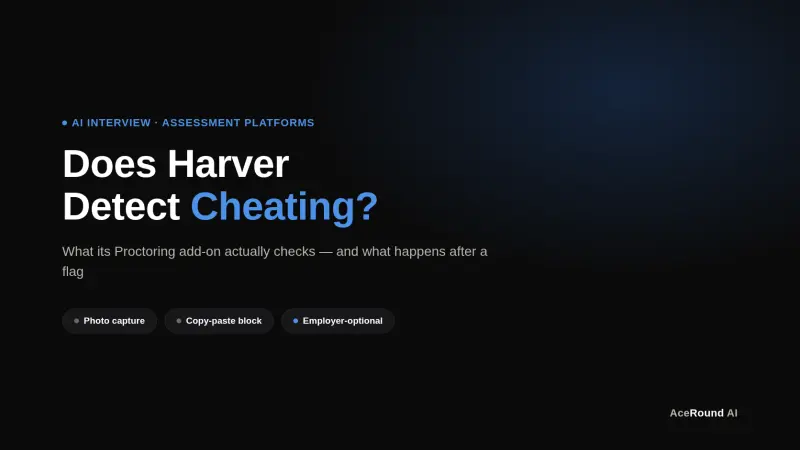
Does Harver Detect Cheating? What Its Proctoring Actually Checks
Does Harver detect cheating on its pre-employment assessments? A candidate look at Harver's Proctoring add-on, what gets logged after a flag, and what happens next.
Micro1's Zara AI Interview: What It Actually Tests (And Why Timing Gets Flagged)
Micro1's AI interviewer Zara has run 300,000+ interviews for remote roles. Here's why it flags response latency as a cheating signal, and what that means for AI prep.