Ribbon AI Interview Tips: What the Screening Bot Actually Scores
Ribbon AI interview tips based on how the platform actually works — adaptive follow-ups, the integrity monitor, and how to prepare honestly for a Ribbon screening call.
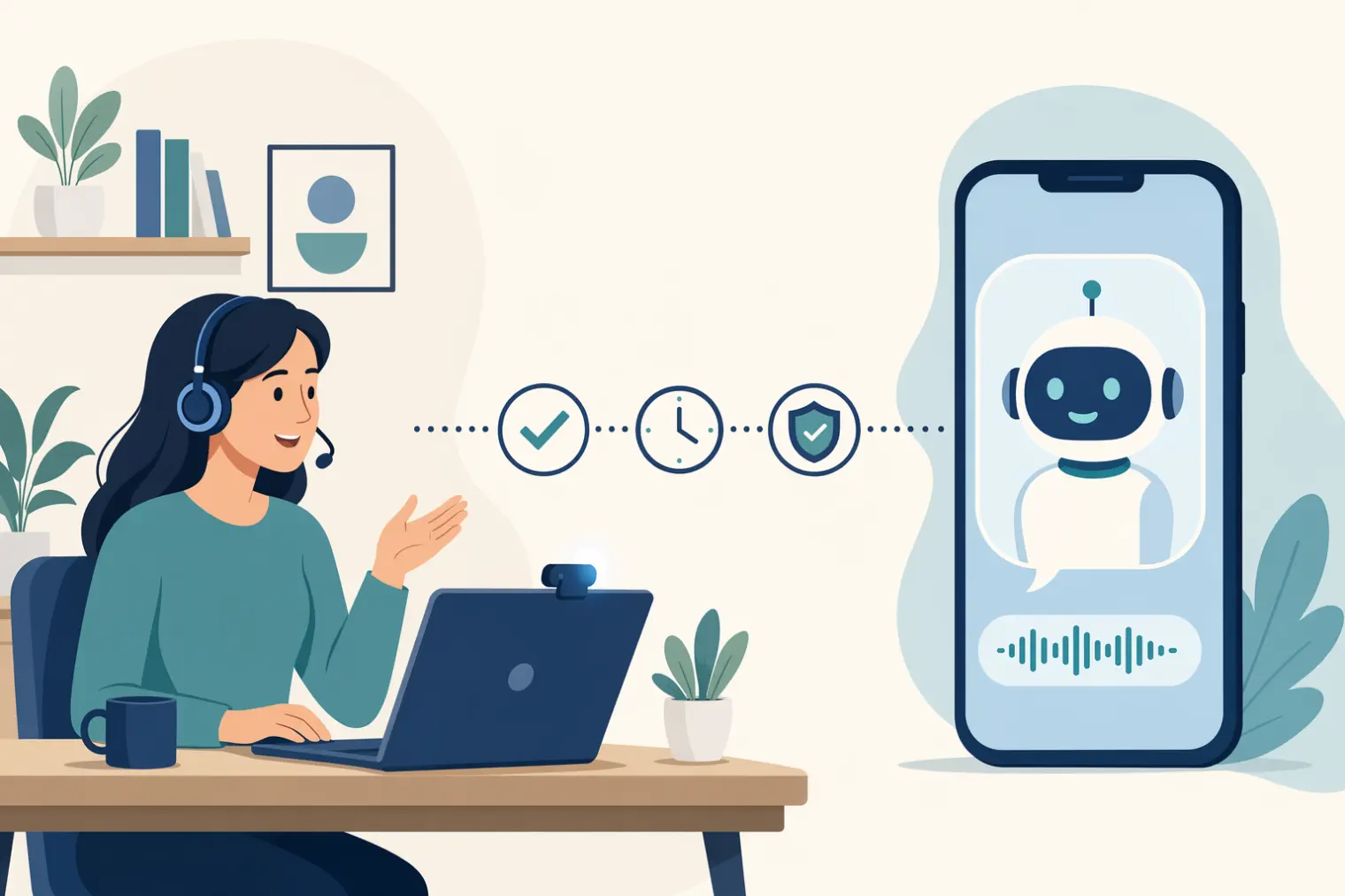
TL;DR: Ribbon AI interview tips come down to understanding what kind of tool this actually is — a high-volume screening system, not a boutique white-collar interviewer. It runs adaptive, voice-or-video interviews on your own schedule, asks real-time follow-ups based on what you say, and flags off-screen activity or scripted-sounding answers before a human ever reviews the recording. Prepare specific, concrete answers you can defend under a follow-up, keep your setup clean, and don't try to out-script a system built to catch scripts.
You get a text or an email with a link. No calendar invite, no back-and-forth about time zones — just "complete this interview by Friday." You click it, a video or voice interface loads, and for the next 15 to 25 minutes you're answering questions to a system that talks back, asks you to go deeper on things you said thirty seconds ago, and never once feels like it's reading from a script. That's a Ribbon AI interview, and if you've never done one before, the adaptive part is what throws people off.
Ribbon (ribbon.ai) isn't a small experiment — the company has raised $8M from Radical Ventures, run past 1 million interviews across 400+ companies, and plugs into 60+ applicant tracking systems including Workable, Pinpoint, and Factorial. It's built specifically for high-volume, high-turnover hiring: retail, hospitality, logistics, call centers — roles where a recruiter physically cannot phone-screen every applicant. That context matters, because it changes what "doing well" actually looks like.
What a Ribbon AI Interview Actually Is
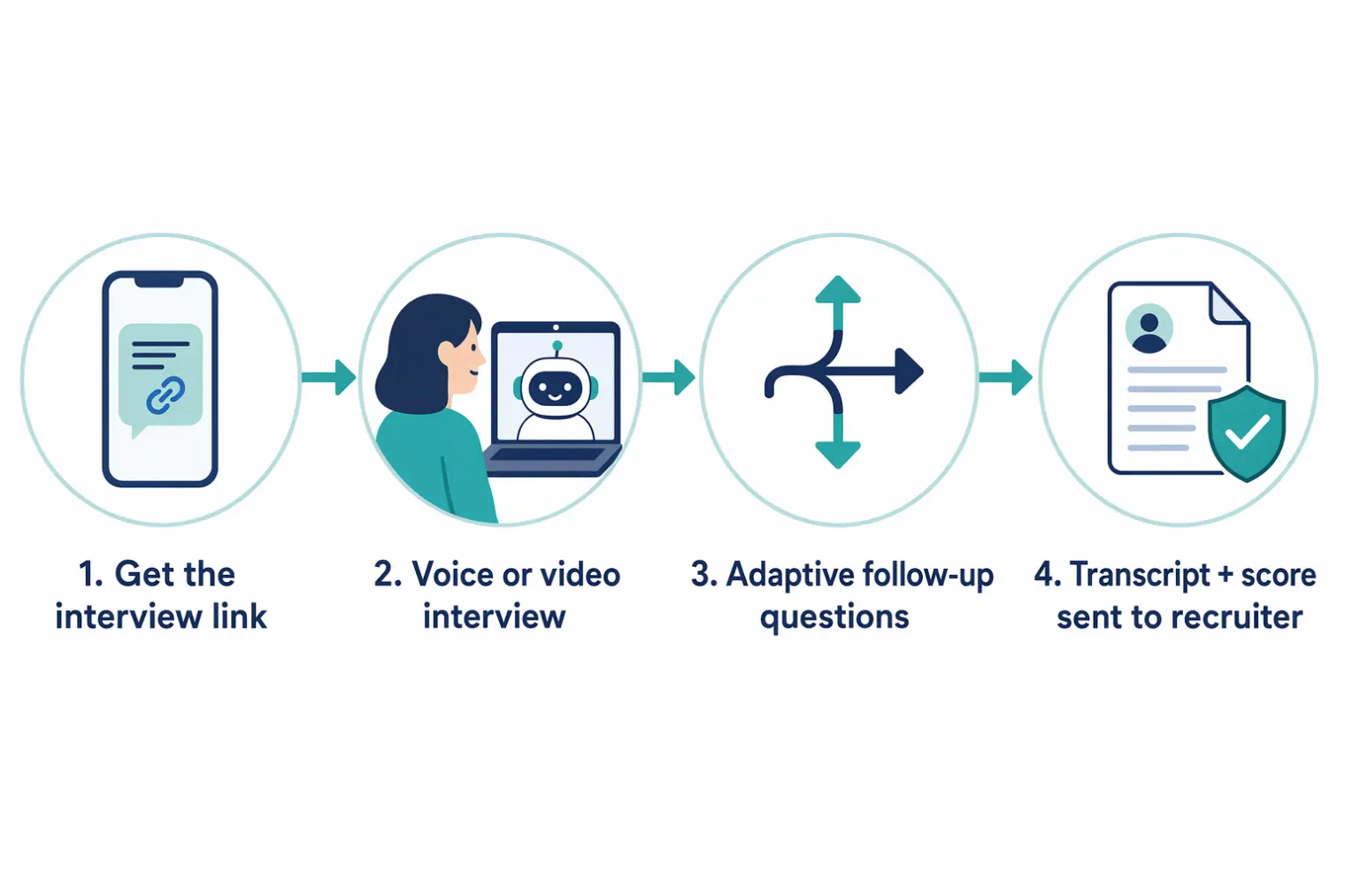
You get a link by email or SMS and complete the interview on your own schedule — no live scheduling with a recruiter. It supports voice and video formats across 10+ languages. Unlike a fixed question list, Ribbon's system generates adaptive follow-up questions in real time based on what you just said — the platform's own marketing leans hard on "not scripted Q&A," and in practice that's mostly accurate: vague or generic answers tend to trigger a specific probe rather than moving straight to the next topic.
Once you finish, Ribbon writes a structured result back into the employer's ATS: the recording, a transcript, an AI-generated summary, and scores against whatever rubric the employer set up. A recruiter or hiring manager typically reviews that package before deciding on next steps — the AI isn't usually the final word, just the first filter.
Why Ribbon Feels Different From Mercor or Apriora
If you've already read up on Mercor's autonomous interview or Apriora's Alex, don't assume Ribbon behaves the same way. Mercor gates access to an entire freelance/contractor marketplace with one interview. Apriora's Alex is positioned as a consumer-facing autonomous interviewer for white-collar screening. Ribbon is B2B infrastructure sold to hiring teams for volume — its pricing tiers ($199–$999+/month for employers) and ATS integrations are built around screening hundreds of hourly applicants a week, not gatekeeping a handful of senior engineering roles.
Practically, that means: expect the tone to feel more like a structured phone screen than a deep technical interrogation, expect questions grounded in the specific job posting rather than abstract case studies, and expect the bar to be "can this person actually do the job and show up reliably" rather than "does this person have exceptional technical depth."
How the Integrity Monitor Actually Works
Ribbon ships a feature it calls the integrity monitor, and it's worth understanding honestly rather than either panicking about it or ignoring it. Documented capabilities include flagging:
- Off-screen activity — tab switches, a second window in focus, or unusual gaze patterns away from the camera
- Unusual response timing — long pauses that look like someone is reading a written answer off-screen, or answers that come suspiciously fast for their complexity
- Scripted or AI-generated-sounding language — phrasing patterns the system associates with a candidate reading a canned response rather than speaking naturally
None of this should make you nervous if you're not doing those things. It should shape your prep: rehearse the content of your answers — the specifics, the numbers, the sequence of what happened — until you can say it comfortably in your own words, rather than memorizing a paragraph to read verbatim. A system explicitly built to catch scripted answers is the worst possible place to bring a memorized script.
What the Adaptive Follow-Ups Are Really Testing
The follow-up mechanic is the single biggest adjustment for candidates used to static question lists. When Ribbon asks a follow-up, it's almost always because your first answer was too general to score confidently. Common follow-up triggers:
- A claim without a number — "I improved the process" invites "by how much, and how do you know?"
- A team accomplishment with no individual role — "we redesigned onboarding" invites "what specifically did you personally do?"
- A skill mentioned without evidence — naming a tool or system invites a scenario question testing whether you've actually used it
The fix isn't cleverness, it's specificity going in. If your first answer already includes a rough number, your individual action, and one concrete detail, you'll draw fewer follow-ups — and the ones you do get will be easier to answer because you're elaborating on something real, not improvising a save.
Preparing Answers That Hold Up Under a Follow-Up
Standard STAR prep (Situation, Task, Action, Result) still works here, with one adjustment: don't front-load your Situation. Compress it to a sentence, spend most of your time on Action — specifically what you did, in sequence — and always land on a Result you can quantify, even roughly ("cut return calls by about a third" beats no number at all).
Then go one step further than most prep advice: for each story, write down the two or three most obvious follow-up questions an interviewer would ask, and make sure you actually have an answer ready. If you can't answer your own follow-up, that story isn't ready yet.
Running a few mock rounds with a real-time tool like AceRound is a low-stakes way to practice reacting to an unplanned follow-up out loud, instead of only rehearsing your opening answer in the mirror.
Technical Setup That Affects How You Come Across
A shaky setup doesn't just look unprofessional — on a system scoring your delivery, it can make clear answers sound less confident than they are:
- Wired connection where possible — a dropped frame mid-sentence can make a fluent answer look choppy
- A real microphone or headset — laptop mics introduce echo that can muddy how your pauses and tone come across
- Front-facing light, not backlight — helps if the platform's monitoring includes any video-quality checks
- A quiet, single-purpose room — not because background noise is "cheating," but because it's genuinely harder to think clearly with distractions during an adaptive interview that's reacting to you in real time
Common Mistakes That Cost Candidates the Next Round
- Treating it like a static Q&A — pausing to "wait for the next question" instead of naturally inviting or anticipating a follow-up
- Memorizing scripts word-for-word — exactly what the integrity monitor is tuned to notice
- Staying vague under a follow-up — repeating the original answer in different words instead of adding a genuinely new specific
- Ignoring the job posting — Ribbon's high-volume design means questions are often pulled directly from role requirements; generic answers that don't reference the actual job read as unprepared
- Assuming no one will ever watch it — a real recruiter typically reviews the transcript and recording before the next step, so treat it with the same seriousness as a live call
What Candidates Say About This Category
Ribbon-specific candidate accounts are still thin — it's a newer platform, and most of what's public is Ribbon's own marketing. But the broader autonomous-interviewer category has a real, documented candidate experience worth knowing about. Some candidates describe it as genuinely disorienting the first time: an Ask a Manager reader letter about being screened by an AI agent generated over 250 comments from people working through the same discomfort. NBC News reporting on AI recruiters at other companies quoted candidates calling the experience "dystopian" and describing audio glitches mid-interview. None of that is a reason to dread a Ribbon screen specifically — it's a reason to expect the format to feel unfamiliar the first time, and to treat that unfamiliarity as normal rather than a sign something's wrong.
Related Reading
If Ribbon is one of several AI-conducted interviews on your calendar right now, our broader how to pass an AI interview guide covers what these systems tend to evaluate across platforms, and Mercor AI interview tips breaks down a very differently-designed autonomous screen if you're comparing the two.
Frequently Asked Questions
How long does a Ribbon AI interview take? Most Ribbon screening interviews run 15–25 minutes, depending on the role and how many adaptive follow-ups the system asks based on your answers.
Does Ribbon AI record my interview? Yes. Ribbon's integrity monitor reviews the recording for off-screen activity, unusual response timing, and answers that read as scripted or AI-generated — all before a human ever watches it.
Is Ribbon AI only used for retail and hourly jobs, or tech roles too? Ribbon is built primarily for high-volume hiring — retail, hospitality, logistics, and other roles with frequent turnover — which is a different niche from Mercor's tech-contractor track or Apriora's white-collar screening. You can still encounter it in office roles; it depends on the employer's ATS setup.
Will a human ever actually see my Ribbon interview? Typically, yes. Ribbon generates a transcript, a recording link, and an AI-written summary and score that get pushed into the employer's ATS for a recruiter or hiring manager to review before the next step.
Can I reschedule or retake a Ribbon AI interview? It depends on how the employer configured it — Ribbon integrates with 60+ ATS platforms, and reschedule or retake options are set per-employer. Check your invite email or link for a reschedule option before assuming there isn't one.
Should I use Ribbon's own practice tool to prepare? It can help. Ribbon offers a candidate-facing prep tool called Interview+ that generates resume-based practice questions and AI-written model answers. Treat those model answers as a starting point for structure, not a script to recite — the same system is built to flag responses that sound rehearsed or AI-generated.
Author · Alex Chen. Career consultant and former tech recruiter. Spent 5 years on the hiring side before switching to help candidates instead. Writes about real interview dynamics, not textbook advice.
Related Articles
OpenAI's AI Interview Policy: Banned, Required, or Team-Dependent
OpenAI sells AI coding agents, then bans most candidates from using one. Here's the round-by-round policy, including the new agentic round that flips it.
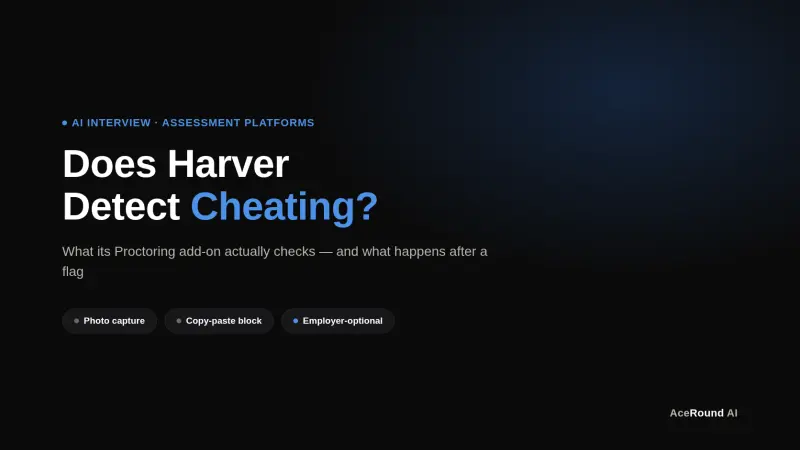
Does Harver Detect Cheating? What Its Proctoring Actually Checks
Does Harver detect cheating on its pre-employment assessments? A candidate look at Harver's Proctoring add-on, what gets logged after a flag, and what happens next.
Micro1's Zara AI Interview: What It Actually Tests (And Why Timing Gets Flagged)
Micro1's AI interviewer Zara has run 300,000+ interviews for remote roles. Here's why it flags response latency as a cheating signal, and what that means for AI prep.