iCIMS Interview Preparation: What Candidates Actually Need to Know
iCIMS is the hiring platform behind 25% of Fortune 500 recruitment. Here's how to navigate its ATS, video screens, and interview stages as a candidate.

TL;DR: iCIMS is not your interviewer — it's the enterprise hiring platform that 4,400+ companies (including 25% of Fortune 500) use to run their entire recruiting pipeline. Here's what to expect at each stage and how to prepare for an iCIMS-powered interview process.
You clicked a link in a recruiter's email, and now you're staring at a career portal you don't recognize. The URL says something like careers.company.com/jobs/icims — or maybe the email came from [email protected]. You accepted a "video interview invitation" but you're not sure if it's live, recorded, or something else entirely.
This confusion is more common than you'd think. And it costs candidates at real opportunities.
Let's fix that.
What iCIMS Actually Is (It's Not What Most Candidates Think)
When people search for "iCIMS interview," they usually land on articles about interviewing for a job at iCIMS the company — the software vendor headquartered in New Jersey. That's a completely different thing.
iCIMS (pronounced "I-sims") is an Applicant Tracking System (ATS) and hiring platform used by enterprise employers. It's the infrastructure behind the recruitment process — the engine your potential employer uses to post jobs, manage applications, screen resumes, run video interviews, and schedule candidates.
The numbers tell you why this matters: iCIMS powers hiring for 4,400+ companies globally, including roughly 25% of the Fortune 500. That means if you're applying to large employers in finance, healthcare, manufacturing, retail, or technology, there's a meaningful chance iCIMS is running the process — whether you see its branding or not.
You are not being interviewed by iCIMS. You are being interviewed through iCIMS.
That distinction changes how you prepare.
The Candidate Journey Inside iCIMS
Most iCIMS-powered recruitment pipelines follow a predictable pattern. Knowing the stages means no surprises.
Stage 1: The Career Portal and Application
Your first touchpoint is usually an iCIMS-branded career portal — often embedded in the employer's own website (so the branding may not be obvious). You'll create a candidate profile, upload your resume, and fill in application fields.
What's actually happening: iCIMS's ATS is parsing your resume and comparing it against the job description using keyword matching. It's not as aggressive as some ATS tools, but it does flag candidates based on keyword alignment, job title match, and education fields.
iCIMS ATS resume tips:
- Match your resume language to the exact phrasing in the job description. If the JD says "revenue operations," don't just say "RevOps."
- Don't use headers that deviate from standard norms (no tables, no text boxes, no graphics — iCIMS parses plain text).
- iCIMS has a feature called AI Role Fit that scores candidates on a 1–3 tier scale. Tier 1 candidates get priority human review; Tier 3 often don't. Keyword density matters here.
- Fill in every optional field. Incomplete profiles rank lower.
The resume stage is often where candidates are screened out before any human ever sees them. Spend time on this.
Stage 2: The iCIMS Video Interview
This is where most candidates get caught off guard. If a recruiter sends you an "iCIMS video interview invitation," you are almost certainly being asked to complete a one-way, pre-recorded video interview — not a live call.
The format works like this:
- You receive a link with a deadline (often 3–5 days)
- You log in, enable your camera and microphone
- You're shown a question on screen
- After a brief read time (typically 30–45 seconds), you record your answer
- There's usually a time limit per answer (60–180 seconds is common)
- You move through 3–8 questions total
The practice feature: iCIMS gives candidates at least one practice question before the real recording begins. This is your chance to check lighting, audio, framing, and pacing. Use it seriously — don't just click through.
Retake policy: iCIMS allows employers to configure how many takes candidates get per question. Some employers allow unlimited retakes; others give you just one. The invitation email often doesn't tell you which policy your employer has set. Assume one take and prepare accordingly.
What the employer sees: Hiring managers review your recordings asynchronously. Some companies use iCIMS's AI scoring features to flag answers for human review. Your delivery, pacing, and answer structure all count — not just what you say.
Stage 3: Live Interviews Scheduled Through iCIMS
If you pass the video screen, iCIMS handles the live interview scheduling through its built-in calendar integration. You'll receive a link to self-schedule based on available slots, or the recruiter will send a calendar invitation directly.
Nothing technically complex here, but a few things to know:
- Confirmation emails come from iCIMS's domain, not the employer's — check spam if you don't see them
- Interview details (format, number of rounds, who you'll be meeting) are sometimes sparse in the automated emails; it's worth emailing the recruiter directly to ask
How to Prepare for iCIMS Video Interview Questions
The questions in iCIMS video interviews are almost always behavioral. Companies use this format to screen for communication clarity and situational judgment — not technical depth (that comes later).
The most common question categories:
1. Motivation and fit
- "Tell me about yourself and why you're interested in this role."
- "Why do you want to work here?"
2. Behavioral / STAR format
- "Describe a time you dealt with a challenging project under a tight deadline."
- "Tell me about a situation where you had to work with a difficult stakeholder."
3. Role-specific scenarios
- Varies by function; often a hypothetical ("How would you approach X?")
Preparation approach:
Structure every answer using the STAR method — Situation, Task, Action, Result — and keep answers within 90 seconds. This matters more in video interviews than live ones because you can't read the room and adjust. Concise, structured answers score better in async review.
Practice with an AI interview tool before recording. AI interview assistants like AceRound can simulate the one-way video interview format, give you instant feedback on answer structure, and flag filler words — things that look worse on video than in person. Running through 3–4 practice answers before your iCIMS session will sharpen your delivery noticeably.
For a full list of common behavioral interview questions and how to answer them, that's worth reviewing before any iCIMS screen.
The CTA You Actually Need Right Now
If you have an iCIMS video interview invitation in your inbox with a deadline, do this before you record:
- Practice your core answers out loud — not in your head. The gap between "I know what to say" and "I said it well on camera" is real.
- Use AceRound's mock interview mode to simulate the format and get feedback on pacing and structure. It takes 20 minutes and shows you exactly where your answers drag or go vague.
- Test your setup using the iCIMS practice question — treat it as if it's real.
- Record somewhere quiet with good front-facing light — not a window behind you.
Start a free mock interview on AceRound →
Does iCIMS Record Your Video Without Telling You?
No. iCIMS Video Interview is an explicitly opt-in process — you receive an invitation, agree to the recording, and initiate the session yourself. The employer reviews your recordings after submission.
What iCIMS does not do: it does not record you during a Zoom or Teams call, it does not activate your camera without consent, and it is not a proctoring tool (that's a different category of software, like ProctorU or HireVue's AI proctoring feature).
The iCIMS platform is transparent about the recording format — you'll see a countdown timer and a clear indication that recording is in progress.
Frequently Asked Questions
What is the interview process like at iCIMS?
If you're asking about the platform: the typical flow is application → ATS screening → one-way video interview → live interviews scheduled through the iCIMS system. If you're asking about the company iCIMS Inc.: their interview process typically involves a recruiter screen, hiring manager interview, and panel rounds — check Glassdoor for recent candidate reports.
How do I know if a company uses iCIMS?
Look at the URL of the career portal (often contains "icims" or the jobs subdomain), the sender address of recruiter emails (sometimes from @icims.com), or the interface of the application portal. Jobscan's guide to iCIMS ATS has screenshots that help you recognize the platform.
Can I retake questions in an iCIMS video interview?
Depends on employer settings. Some allow unlimited retakes per question; others allow one. iCIMS's own documentation notes that candidates get at least one practice question (where retakes are always free). For the real questions, assume one take unless the invitation email says otherwise.
How do you prepare for a pre-recorded video interview?
Practice out loud before recording, structure answers with STAR, stay under 90 seconds, check your camera setup using the practice question, and minimize background distractions. AI mock interview tools can simulate the format and give you feedback before you submit the real thing.
What kinds of questions appear in iCIMS video interviews?
Almost always behavioral: tell me about a time you X, why are you interested in this role, describe a situation where Y. Technical questions rarely appear in the video screen stage — those come in live interviews. See AI interview answer generator tips for more.
Why do companies use iCIMS?
iCIMS positions itself as an enterprise-grade "Talent Cloud" that handles the full hiring lifecycle from job req to onboarding. Companies adopt it for scalable job posting, candidate tracking, compliance, and integrated video screening. For candidates, the relevant implication is that your profile, video, and application data are all stored in one system — which is why a complete, keyword-rich profile matters from the start.
Author · Alex Chen. Career consultant and former tech recruiter. Spent 5 years on the hiring side before switching to help candidates instead. Writes about real interview dynamics, not textbook advice.
Related Articles
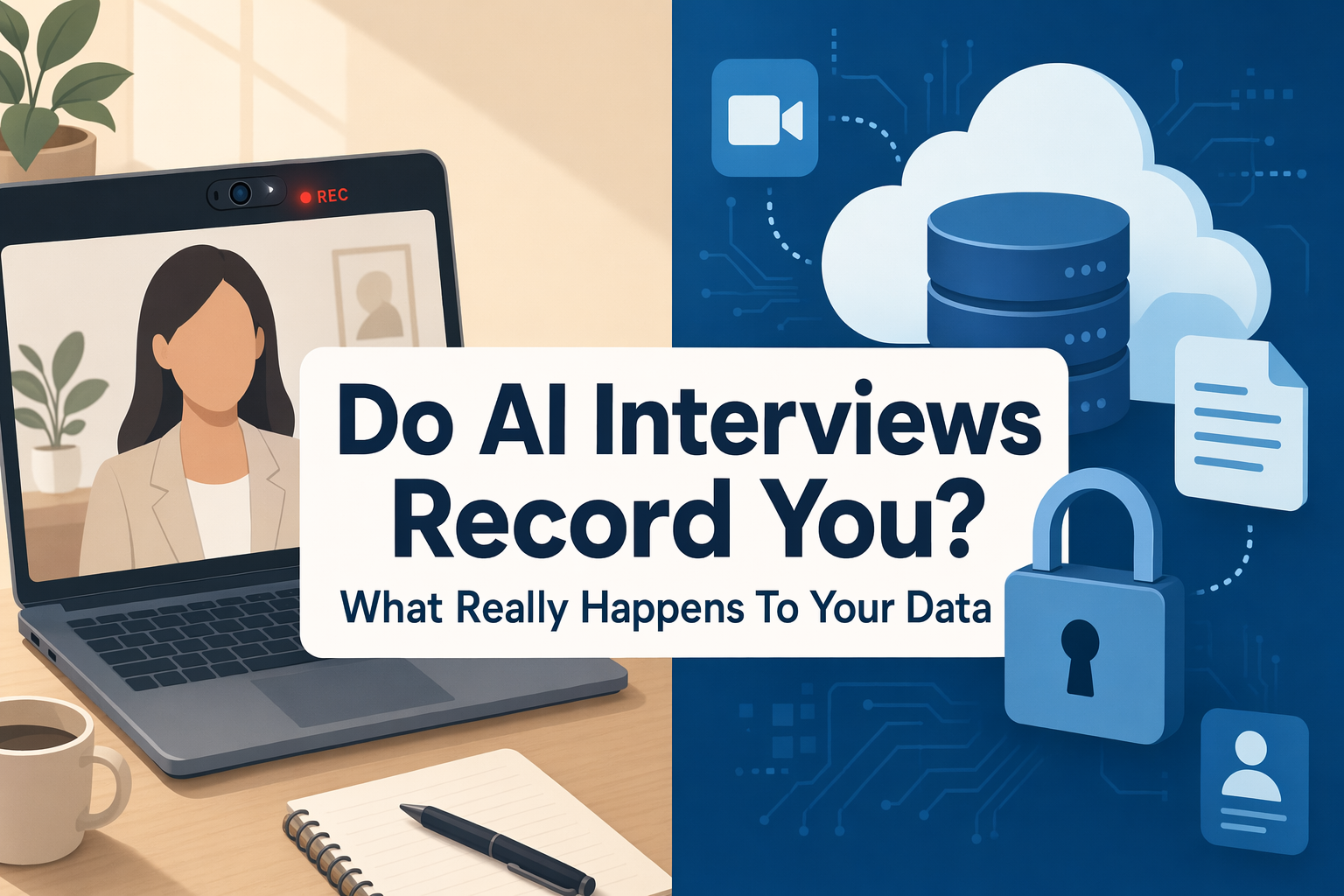
Do AI Interviews Record You? What Mercor, Apriora, Ribbon & HireVue Do (2026)
Yes — AI interview platforms record video, audio, and sometimes your screen. Here's exactly what Mercor, Apriora, Ribbon, and HireVue keep, for how long, and who watches it.
Ribbon AI Interview Tips: What the Screening Bot Actually Scores
Ribbon AI interview tips based on how the platform actually works — adaptive follow-ups, the integrity monitor, and how to prepare honestly for a Ribbon screening call.
Does LeetCode Detect Cheating? What It Actually Monitors (2026)
LeetCode barely proctors interviews itself — the 'LeetCode-style' OA you're taking usually runs on HackerRank or CodeSignal, where the real monitoring lives.