Does HireVue Record During Prep Time? A Phase-by-Phase Answer
HireVue shows a 'Not Recording' indicator during prep time — your video is not captured. Here's exactly what each phase records and what it doesn't.

TL;DR: HireVue does NOT record during prep time. Before each question, you get a 30-second countdown showing a visible "Not Recording" indicator — no video, no audio, no tab-switching data is captured during that window. Only the active recording phase (after you click "Start Recording" or the prep timer expires) is sent to employers.
One candidate posted on Glassdoor: "My webcam light was on the entire time, even when I wasn't doing a video recording. I was wearing PJs at the bottom and I got up between assessments…"
If that sent a cold wave through you, you're not alone. Millions of candidates sit down for a HireVue interview each year and immediately notice the camera LED glowing throughout the whole session — during setup, during practice, during prep time, between questions. It looks like surveillance. It isn't.
Here's the complete, phase-by-phase breakdown of what HireVue records, what it doesn't, and what the HireVue prep time monitoring situation actually looks like from the platform's technical design.
The 4 Phases of a HireVue Interview (and What Gets Recorded in Each)
Most articles oversimplify this into "practice = not recorded, answers = recorded." The reality has four distinct phases, and confusing them is exactly why candidates spiral before their prep countdown even starts.
Phase 1: Technical Setup / System Check
HireVue runs a camera and microphone check when you first open the interview link. The camera feed appears on screen so you can adjust your framing and lighting.
Is it recorded? No. This is a local preview. Nothing is transmitted to HireVue's servers as assessment data.
Phase 2: Practice Questions
HireVue gives you up to three practice questions before the real interview begins. You can respond as many times as you want. These are generic prompts ("tell me something interesting about yourself") with no stakes.
Is it recorded? The session technically captures video locally so you can review your own performance, but per HireVue's official FAQ: practice responses are never uploaded or submitted to employers. Your hiring manager cannot see your practice answers under any circumstances.
Are practice questions submitted to employers? No. HireVue explicitly states this in their candidate documentation.
Phase 3: Prep Time Before Each Real Question
This is what you're here for. After each real interview question appears on screen, HireVue gives you 30 seconds to read and prepare your answer. The interface shows a countdown timer with a clear "Not Recording" status indicator.
Is it recorded? No. HireVue does not capture video, audio, or behavioral data during this prep countdown window. This is the foundation of HireVue prep time monitoring policy: the platform is designed to give candidates a genuine preparation window.
Can you use notes during HireVue prep? Technically yes — HireVue's recording is paused. However, once recording begins, looking down at notes will cause your eye gaze to drift away from the camera, which affects eye-contact scoring. More on that below.
Phase 4: Active Recording
Recording begins either when you click "Start Recording" yourself or automatically when the prep timer expires. This is the only phase where:
- Video and audio are captured and transmitted to employers
- Tab-switching events are logged and surfaced in the employer dashboard
- Response timing data is recorded
- AI analysis runs (tone, word choice, response structure)
You end recording by clicking "I'm Done. Stop Recording."
Important: There is a 3-second countdown from when recording is initiated to when capture actually begins. If you accidentally click "Start Recording" early, you have roughly 3 seconds before you're actually on camera.
Why Your Webcam Light Stays On (The Real Explanation)
The LED confusion is the most common source of HireVue anxiety, and no competitor article addresses it directly.
Your webcam light stays on throughout the entire HireVue session because the browser maintains an active camera preview feed at all times. This is a browser/platform behavior, not a surveillance mechanism. The preview feed lets you see yourself on screen continuously — so you can check your framing, fix your hair, notice your lighting — even when HireVue isn't recording anything.
Camera preview ≠ recording.
Think of it like a car's engine idling. The engine is running, but the car isn't moving. The camera is active (preview), but HireVue isn't capturing data.
This behavior is technically consistent with how WebRTC (the browser video technology HireVue uses) works. The camera feed is kept "warm" for low-latency response when recording does begin, but the actual data capture is controlled by HireVue's application layer — which respects the "Not Recording" state.
Can You Use Notes During HireVue Prep Time?
Technically, yes. During the 30-second prep countdown, HireVue is not monitoring you. You can glance at notes, reread the question, take a breath.
The practical problem is what happens after prep time ends. The moment recording starts, HireVue's AI tracks:
- Eye contact (whether you're looking at the camera)
- Facial expression consistency
- Response fluency and pacing
If you're trying to read from notes during recording, your gaze will drop. HireVue's scoring algorithms weight eye contact significantly. Many candidates who try to use detailed notes during recording find they hurt their own scores by appearing distracted or evasive.
The better approach: use the prep countdown to structure your STAR story in your head, not to read prepared text. Jot one or two mental anchors during prep, then deliver naturally during recording.
AceRound AI provides real-time answer suggestions for HireVue interviews as you speak, displayed in a secondary window that doesn't require you to look away from the camera. Try it free at aceround.app.
Tab Switching During Prep Time vs. During Recording
This distinction matters and is almost never explained clearly.
During prep time (Phase 3): HireVue is not logging tab-switching events. You can technically switch to another browser tab to check your notes. No data from this window is sent to employers.
During recording (Phase 4): HireVue records tab-change events and surfaces them to employers in the interview review dashboard. If you switch tabs during your active response recording, it will show up as a flag. This is well-documented in HireVue's employer tools.
The key distinction our HireVue tab-switching explainer covers in full detail: monitoring only activates during the recording phase, not during prep or between questions.
If You're Used to Korean AI Interviews, Read This First
This section matters specifically for Korean candidates applying to foreign companies via HireVue.
Korean AI interview platforms — Midas HRi (used by Samsung, SK, LG-affiliated companies), Jobflex, and others — operate on a fundamentally different recording model:
Korean AI interview platforms: "시작부터 종료까지 녹음과 녹화는 계속됩니다" (Recording and audio capture continue from start to finish.)
If you've done a domestic Korean AI interview, your expectation is that the camera is recording from the moment you join until the session ends. HireVue is the opposite. Prep time is genuinely a pause — HireVue's "Not Recording" indicator means what it says.
Korean candidates applying to FAANG, finance firms, or international companies via HireVue frequently bring this assumption from domestic interview experience and arrive more stressed than necessary. The practical implication: you can collect yourself between questions in a way that isn't possible on Korean domestic platforms.
Additional Korean context: Korean AI interviews like Midas HRi include a facial registration (안면 등록) step at the start that HireVue does not have. HireVue does not use facial recognition in its assessments.
Japanese Candidates: What's Different
For Japanese candidates applying via HireVue (common in 外資系 recruiting, consulting, IB), the primary concern isn't recording — it's eye contact.
Japanese AI interview guides often focus on the technical setup but miss the eye-tracking scoring implication during active recording. During Phase 4, HireVue's behavioral AI does analyze gaze direction. The common advice in Japanese communities — keeping a カンニングペーパー (cue card) visible just below the camera — carries real risk during recording because it pulls your gaze downward.
The prep countdown (Phase 3) is the right time to review cue cards. Once you click "Start Recording," eyes forward.
The distinction between HireVue (foreign company interviews) and Japanese domestic AI interview tools like HireVue-equivalent screening used in 新卒 processes also matters: Japanese domestic screening tools vary by company — some record continuously, some don't. Always check the specific instructions from each company's recruiting communication.
How to Use Your 30-Second Prep Window Effectively
Since HireVue prep time monitoring is a non-issue, the 30 seconds are a genuine strategic asset. Here's how to use them:
- Read the full question twice. First read for content, second read to identify the core they're really asking.
- Pick one STAR story. Don't spend the 30 seconds trying to choose between three options — pick the first good fit and commit.
- Mentally set your opening line. The first 5 seconds of your recording set the tone. Know your opener before you click "Start Recording."
- Adjust your posture and camera framing. You're not being recorded. Fix your position, check your background, take one slow breath.
- Don't draft text to read. You'll look down. Eye contact scores will drop.
For deeper preparation before the interview itself, our guide on using AI for HireVue interview prep covers question patterns and response frameworks.
FAQ
Does HireVue record during the prep time countdown?
No. HireVue displays a "Not Recording" indicator during the prep time countdown before each question. No video, audio, or behavioral data is captured during this window.
Why is my camera light on the entire time during a HireVue interview?
Your browser maintains an active camera preview throughout the session for low-latency performance. The webcam LED stays on because the camera preview feed is running, not because HireVue is recording. Preview and recording are separate states in the platform.
Does HireVue record practice questions?
Practice questions are not uploaded or submitted to employers. HireVue's official FAQ explicitly states that practice responses are never viewable by hiring managers.
Can I look at notes during HireVue prep time?
Yes, during prep time you can reference notes — HireVue is not monitoring that window. However, referencing notes during the actual recording phase (after you click "Start Recording") will cause your gaze to drift from the camera, which negatively affects eye-contact scores in HireVue's AI assessment.
Does HireVue detect tab switching during prep time?
No. Tab-switching events are only logged during the active recording phase. Switching tabs during the prep countdown or between questions does not generate a flag in the employer dashboard.
Is HireVue the same as Korean AI interview tools like Midas HRi?
No — and this matters if you have Korean AI interview experience. Korean platforms like Midas HRi record continuously from session start to finish. HireVue explicitly does not record during prep time. They operate on opposite recording models.
Author · Alex Chen. Career consultant and former tech recruiter. Spent 5 years on the hiring side before switching to help candidates instead. Writes about real interview dynamics, not textbook advice.
Related Articles
Interview Sidekick Alternative: Pricing Red Flags & 5 Honest Options (2026)
Interview Sidekick quotes three different prices across its own marketing. Before you buy, see what it actually costs, whether Stealth Mode holds up on screen share, and 5 real alternatives.
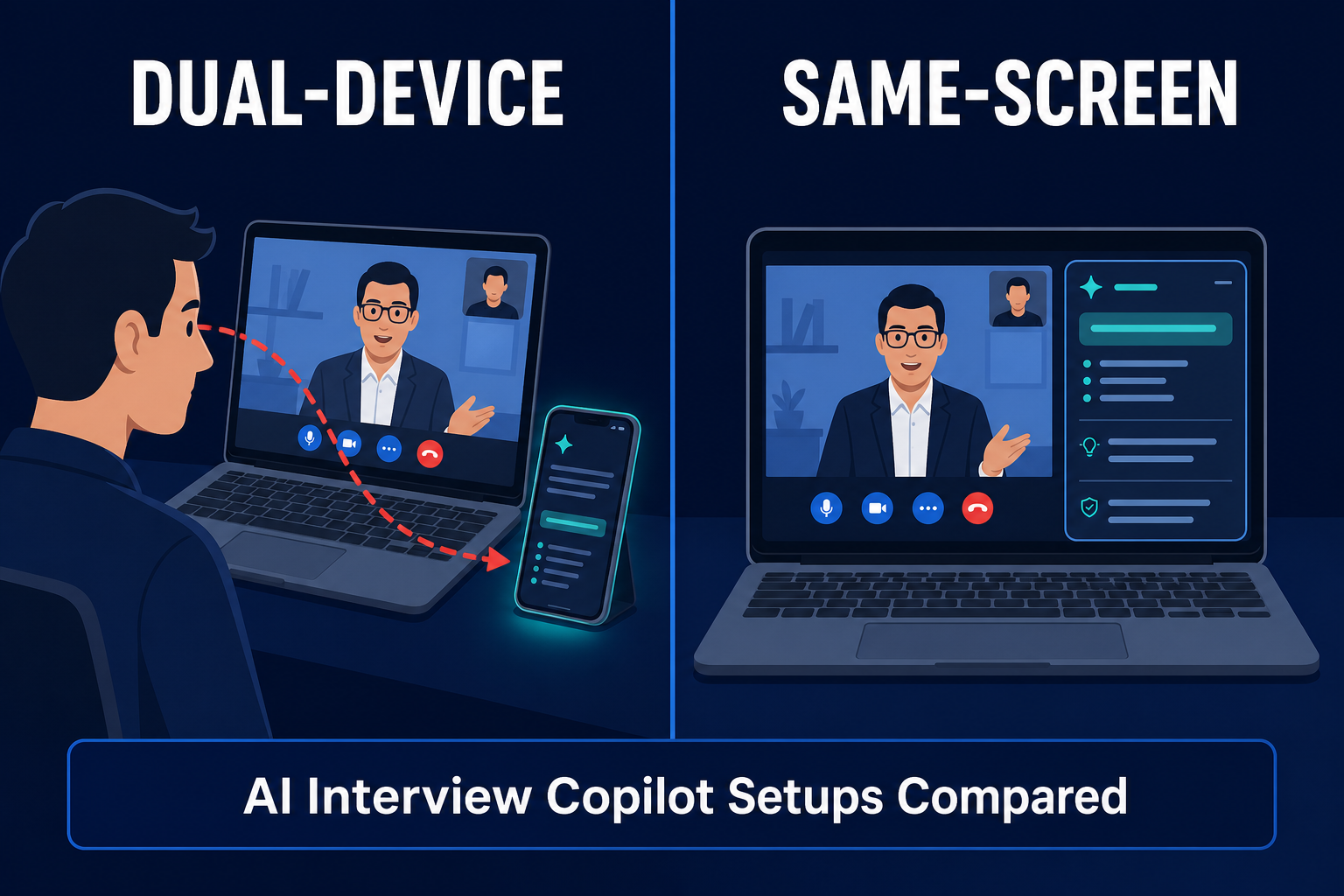
Best InterviewFox Alternatives in 2026: Same-Screen vs. Dual-Device Risk
Looking for an InterviewFox alternative? Compare pricing signals, the dual-device screen-share claim, and same-screen options like AceRound before you buy.
Best Final Round AI Alternative in 2026: Price & Fit
Looking for a Final Round AI alternative? Compare AceRound, Verve, Interview Solver, and Sensei by current price, live help, screen sharing, and fit.