HireVue AI Interview Tips That Actually Work in 2026
TL;DR: HireVue AI interview tips that matter: structure every answer with STAR (90 seconds max), record in a quiet room with your eyes aimed at the camera lens — not the screen, don't panic-retake unless you genuinely blanked, and understand that the AI scores your word choice and structure more than your face. The game assessments are a separate beast — practice them separately.
You open the HireVue link. A countdown appears. You have 30 seconds to prepare, then you're talking to a camera with no one on the other end.
That experience — "faking a connection with a void," as one developer described it — is what 40 million candidates have navigated since HireVue became standard at Goldman Sachs, JPMorgan, Unilever, and hundreds of other employers. The format is disorienting. The AI evaluation criteria are opaque. And most prep guides tell you to "be authentic" without explaining what the system is actually measuring.
This guide covers what's actually happening under the hood, and what actually works.
What HireVue AI Actually Analyzes in 2026
A 30-minute HireVue assessment generates up to 500,000 data points. That sounds alarming. The reality is more nuanced.
Natural Language Processing (NLP) is the core. HireVue's AI evaluates your verbal content — the actual words you use, how you structure your response, whether you hit the expected competency signals. When a company configures HireVue for a finance role, the model has been trained on high-performing responses from previous successful candidates in that role. Your answer is scored against that pattern.
What about facial analysis? This is where it gets complicated. After an FTC complaint filed by the Electronic Privacy Information Center in 2021, HireVue announced it had discontinued its automated facial analysis feature. In a 2024 BIPA lawsuit (Deyerler v. HireVue), the court denied HireVue's motion to dismiss — the case is ongoing.
Here's the honest answer: whether a specific employer has facial/tone analysis enabled depends on how they've configured their HireVue instance. You can't know for certain. What you can control is your verbal content, which is what the AI weights most heavily in most configurations.
Voice and speech patterns are still analyzed in many configurations — cadence, filler word frequency, speaking pace. These are worth optimizing, but not overthinking.
The HireVue STAR Method — And Why Standard Prep Isn't Enough
Every HireVue prep guide mentions STAR (Situation, Task, Action, Result). Most stop there. Here's what they miss.
The time constraint changes everything. In a live interview, you can adjust your pacing based on interviewer cues. In HireVue, you typically have 1–3 minutes per answer. That means:
- Situation + Task: 15–20 seconds maximum
- Action: 60–70 seconds — this is the core
- Result: 20–30 seconds, quantified where possible
Candidates who fail HireVue often spend 45 seconds on context and run out of time before getting to results. The AI is scoring your full response. A truncated answer is a low score.
Practice with a timer. Record yourself on your phone, not just in your head. Review playback. The difference between how you sound in your head and how you sound on camera is significant.
The 3-story minimum. Prepare at minimum 3 high-signal stories you can adapt to different question types:
- A project with measurable business impact
- A conflict or disagreement you navigated
- A time you learned from a failure or mistake
Each story should be adapter-flexible — the same project can answer "tell me about a challenging situation," "tell me about working with a difficult colleague," and "tell me about a time you took initiative" with different emphasis.
HireVue Video Interview Setup: The Technical Checklist
Technical failures account for a significant portion of poor HireVue performance. These are fixable.
Camera and lighting:
- Laptop camera at or slightly above eye level (stack books under it)
- Light source facing you, not behind you — a ring light or a window in front of you
- Aim your eyes at the camera lens, not the face on screen. Stick a small note above the camera: "Look here"
Audio:
- Use headphones or an external microphone if possible — built-in laptop mics pick up every echo
- Test in your specific room; tiled bathrooms and kitchens are brutal for audio
- Close doors, windows, and mute your phone
Background:
- Neutral wall or professional virtual background if the software supports it
- No clutter visible — this sounds superficial but reviewers notice it
30 minutes before:
- Log in to test your audio and camera — but don't start the interview yet
- Close every other browser tab and app
- Turn off desktop notifications
HireVue Game Assessments — The Part Everyone Skips
Many employers add HireVue's game-based assessments to the process, typically before or after the video interview. These are cognitive ability measures — memory, pattern recognition, attention, delayed discounting tasks.
They're not personality tests dressed as games. Research published in PMC found that game-based cognitive assessments do show validity for predicting job performance, though with limitations for certain roles.
The practical advice:
- Don't play on a phone. These are designed for desktop/laptop. Mobile performance degrades.
- Eat beforehand and don't rush. Cognitive performance tanks when you're hungry or stressed.
- Practice cognitive games before the real thing. Sites like Cambridge Brain Sciences offer similar tasks. Your goal is to reduce novelty anxiety, not game the algorithm.
- Each game has a time limit and implicit pace. Don't overthink individual items — the speed dimension is often part of what's measured.
Finance and consulting candidates in particular: expect both video interviews and game assessments as separate sessions. Prepare for both independently.
The Re-Recording Trap
Most HireVue setups give you 1–3 practice questions before the actual interview, and 0–3 retakes per real question depending on employer configuration.
Here's what almost no prep guide mentions: retakes usually produce worse answers, not better ones.
The first take captures your natural delivery. By the second take, you're overthinking structure, second-guessing pacing, and performing rather than talking. The result is a stilted, scripted answer that scores lower on the NLP authenticity markers.
The decision framework for retaking:
- You genuinely blanked — used fewer than 30 seconds on a 2-minute question: retake
- You stumbled on one word: submit
- You gave a complete but imperfect answer: submit
- Your answer was unfocused and went well over time: retake
- You said something factually wrong you want to correct: retake
Default: submit your first complete answer unless it was clearly incomplete. The bar for retaking should be "I barely said anything," not "I could have said that better."
Using AI Tools to Practice for HireVue
This is where AceRound AI becomes genuinely useful in HireVue prep. The platform lets you run mock interviews with AI-generated questions and get instant feedback on your answer structure — useful specifically for drilling STAR timing before the real thing.
The workflow that works:
- Set up AceRound in mock interview mode with the job description for the role you're applying to
- Record 5–10 practice answers, targeting the 90-second range
- Review the AI feedback on structure and completeness
- Record one final version for each answer type — then stop. Don't over-rehearse until you sound robotic.
The goal is muscle memory for STAR structure, not memorizing verbatim answers. HireVue's NLP models flag over-rehearsed responses; the cadence sounds unnatural.
After You Submit: Status Codes and Wait Times
One of the most anxiety-inducing parts of the HireVue process is the silence afterward. Here's what the statuses actually mean:
- "Submitted": Your responses were received. The employer hasn't reviewed them yet.
- "Under Review" / "Screen": A recruiter or AI has begun evaluation. Median wait: 1–3 weeks.
- "Accepted for Next Round": Self-explanatory. Expect a scheduling email within a few days.
- "Not Moving Forward": Rejected at this stage. You won't always get this email promptly.
Do humans actually watch your video? Sometimes. In high-volume graduate recruiting (finance, consulting, consumer goods), recruiters often watch only the top-scoring candidates at 1.5x speed. The AI filter determines who gets watched. At smaller companies using HireVue, a human is more likely to watch every submission.
This isn't cynical — it's the logistics reality of processing thousands of applications. It's also why your STAR structure and verbal content matter more than your on-camera charisma.
Follow-up: One polite follow-up email 2 weeks after submission is appropriate. More than one becomes friction. If you applied through an ATS and have a specific recruiter contact, email them directly; don't reply to the automated HireVue email chain.
FAQ
Does HireVue use facial recognition?
HireVue officially discontinued automated facial analysis in 2021 following an FTC complaint. However, active litigation (including the 2024 Deyerler v. HireVue case) continues to probe how biometric data is collected and used. Whether a specific employer has any facial/emotional tone analysis enabled depends on their configuration. Verbal content and NLP analysis are what you can reliably prepare for.
Can you use notes during a HireVue interview?
Technically you can keep notes nearby since no one is watching in real time. Practically, reading from notes produces robotic delivery that scores poorly. Better approach: write your 3 core stories on a single index card (bullet points only) and glance at it between questions, not while answering.
How many times can you re-record on HireVue?
It varies by employer configuration — typically 0 to 3 retakes per question. Check the practice questions section at the start of your HireVue session; it will tell you the retake limit. Apply the decision framework above rather than defaulting to "more attempts = better."
Does HireVue AI automatically reject candidates?
Yes, in many high-volume implementations. The AI scores responses and ranks candidates; those below a threshold are filtered without human review. This is not universal — some employers use HireVue purely for scheduling and still watch every video. You generally can't find out which configuration an employer uses.
What happens if I run out of time mid-answer?
The recording stops at the time limit. Whatever you said is submitted. Partial answers score lower than complete answers. This is exactly why timing your STAR responses in practice matters — running over isn't a graceful problem in HireVue.
Can HireVue detect if I'm reading from a screen?
Eye tracking is not a standard feature. Looking slightly off-camera (e.g., at a second monitor) won't cause automatic failure. However, the voice pattern of someone reading aloud is noticeably different from natural speech — slower, more monotone, less naturally structured. The NLP will pick this up even if no camera-based detection is in place.
Author · Alex Chen. Career consultant and former tech recruiter. Spent 5 years on the hiring side before switching to help candidates instead. Writes about real interview dynamics, not textbook advice.
Related Articles
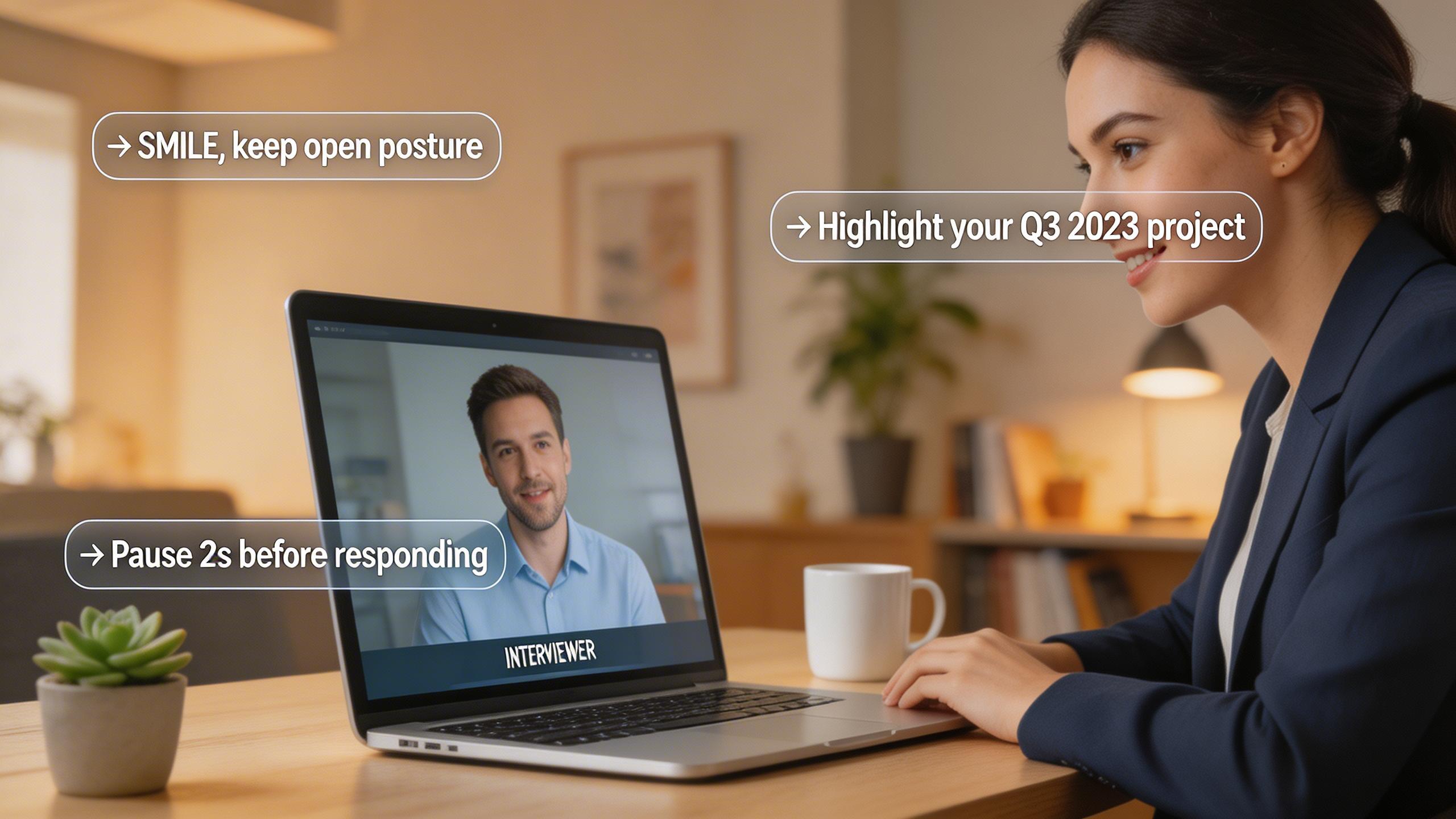
Real-Time AI Interview Helper: What It Does and How to Use It
A practical guide to real-time AI interview helpers — how they work during live interviews, legitimate use cases, and what to avoid.
Can HireVue Detect Cheating? What Actually Gets Flagged in 2026
HireVue cheating detection explained: tab switching, shared scripts, AI-generated answers, and looking away — what the system actually flags and what it misses.
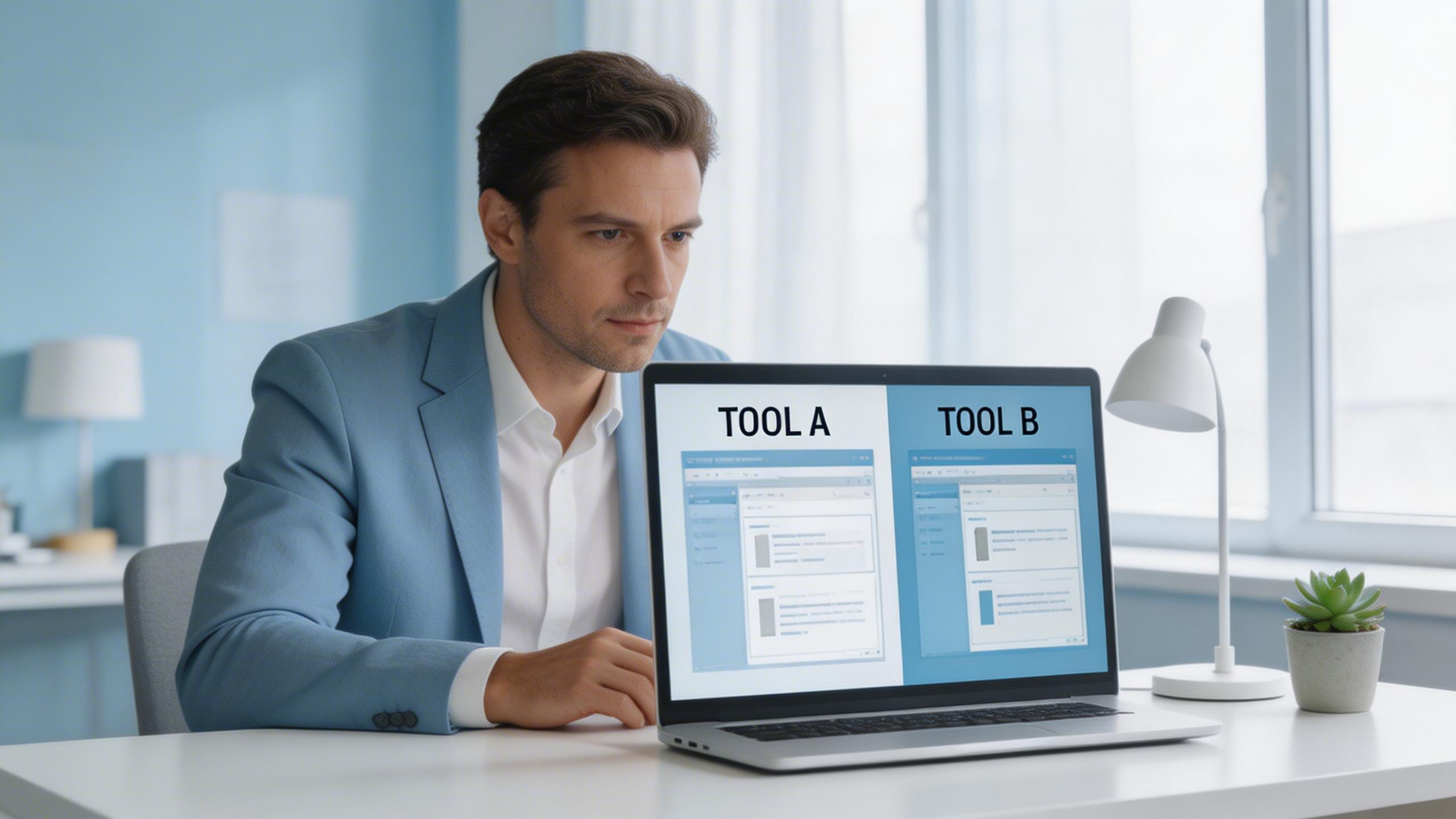
The Honest Switcher's Guide to Finding a Final Round AI Alternative
Comparing the best Final Round AI alternatives for 2026: honest breakdown of pricing, real-time performance, detection risks, and when each tool actually makes sense.