Does Codility Detect Cheating or Record Your Screen?
Codility doesn't record your screen or camera by default — it logs tab switches and paste events. What proctoring tracks in 2026, and what a flag means.
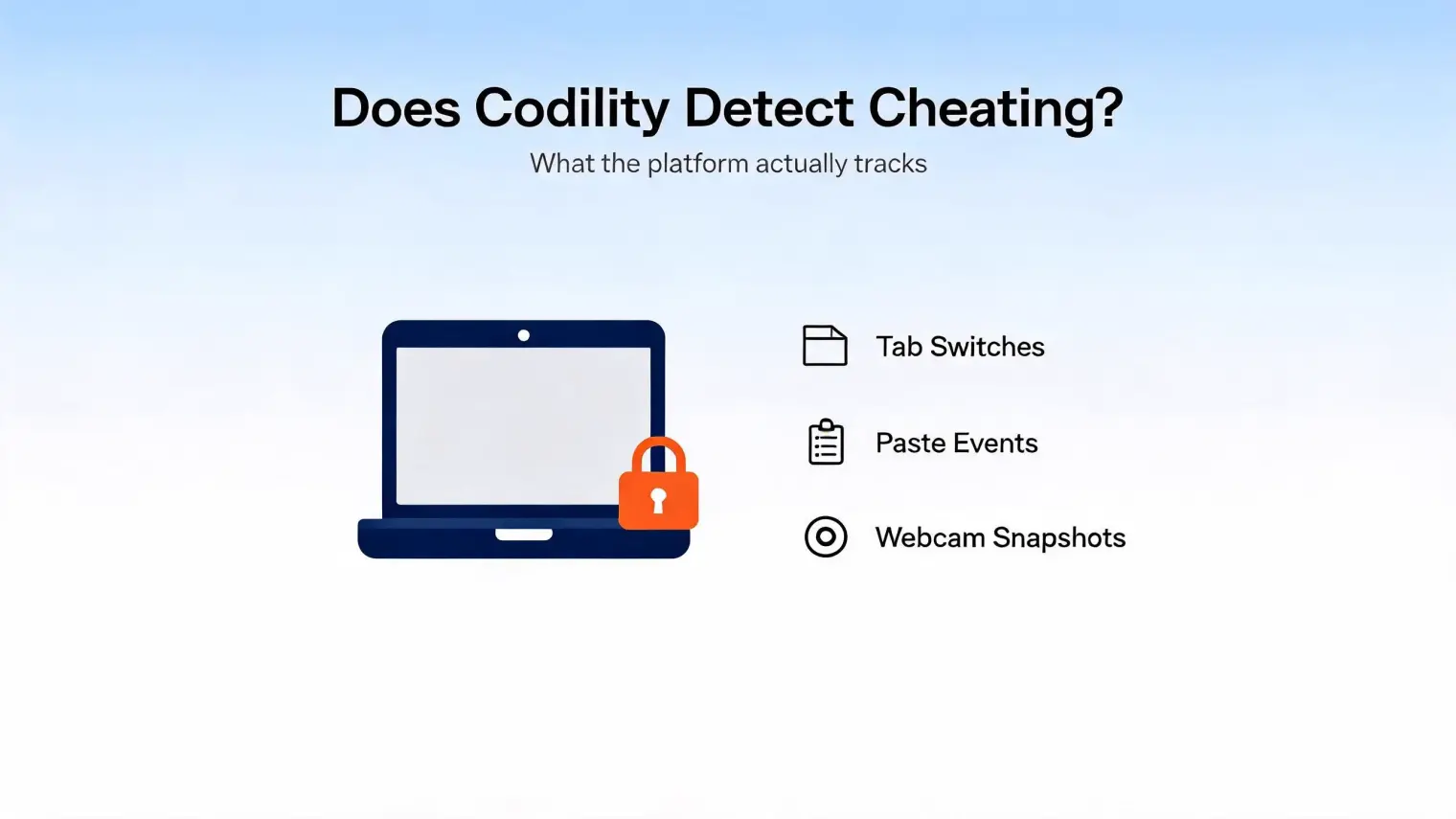
TL;DR: Yes, Codility can detect cheating — but it doesn't record your screen or camera by default. Browser proctoring logs tab switches and paste events, the similarity engine flags copied or AI-patterned code, and screen, camera or microphone recording only happens if the employer turned it on for that test. New in 2026, a Device Integrity layer scans for known cheat tools running on your desktop. None of it is an automatic rejection: a human reviews every flag.
Twenty minutes into a Codility assessment, you switch tabs to check a syntax reference. Then you paste a helper function you wrote earlier in the test. Then your mind starts spinning: is someone watching this in real time, and did you just fail?
That anxiety spawned an entire genre of SEO content built to sell you a $12/month "stealth" browser extension by first convincing you that any tab switch equals a rejection. It's not true, and Codility's own documentation says so directly. Here's what the platform actually tracks, what a flag actually means, and where the real limits of its monitoring are.
What Codility Proctoring Actually Monitors
Codility proctoring isn't a single feature — it's a set of behavioral and multimedia signals that can be enabled per test, per Codility's own support documentation:
- Tab and window switches. This is what Codility tab switching detection actually logs: every time you leave the assessment tab, Codility records the timestamp, duration, and count. One switch to check documentation mid-test is normal candidate behavior and gets buried in a sea of identical events from every other candidate. A pattern of eight switches in twelve minutes, each lasting exactly as long as a copy-paste would take, is a different signal entirely.
- Copy-paste tracking. This is the piece most candidates underestimate. When Codility paste monitoring is enabled, a block of code appearing in the editor without being typed keystroke-by-keystroke is logged with a timestamp and shown in the candidate report.
- Similarity and pattern checks. This is Codility AI code detection in practice: the plagiarism system compares your submission against a global database of prior submissions, publicly available solutions, and known AI-generated code patterns — documented in their Plagiarism Prevention and Fraud Detection guide. This is closer to structural analysis than a text diff — renaming variables or reformatting doesn't reliably defeat it.
- Task-completion speed. Finishing a problem in a fraction of the time an average candidate takes, with no visible iteration, gets flagged for review alongside everything else — not as an automatic red card, but as one more data point a recruiter can look at.
Does Codility Use Your Camera? Webcam Monitoring Explained
Codility webcam monitoring is optional, and it's controlled by the employer, not by Codility as a default. Depending on the test settings, webcam proctoring can mean periodic snapshots, while fuller multimedia proctoring can record the candidate's screen, webcam, and microphone for the session after the candidate opts in.
If your device doesn't have a camera and the test claims to require one, that's a real, common situation Codility itself addresses directly in its support docs: contact the recruiter, since the requirement is configured per-test and can usually be adjusted or waived. This isn't a workaround — it's the documented, intended path.
Device Integrity: Codility's Newest Anti-Cheat Layer
The article genre that dominates search results for this topic hasn't caught up to Codility's newest defense. In 2026, Codility began rolling out Device Integrity for Screen in private preview — a lightweight desktop companion app for macOS and Windows that scans for known hidden cheating tools running on the device during an assessment.
This closes the specific loophole that "undetectable AI helper" articles have been selling for the last two years: the claim that a separate desktop overlay app is invisible because Codility "only sees the browser tab." Codility is explicit that Device Integrity does not record your screen, keystrokes, or webcam continuously — it checks for the presence of specific known interference tools, not general surveillance. But it does mean the "it's a different app, so it's invisible" argument is no longer reliably true, and won't get more reliable as this feature rolls out further.
If the anxiety here is really about being ready for the assessment rather than about evasion, that's a solvable problem in a completely different way. AceRound AI runs structured mock coding interviews so you walk in already knowing your approach — no tab-switching required because you're not looking anything up. For the interview round that follows the OA, the best AI for technical interview guide compares live-support tools against prep-only tools so you pick the right one for what you actually need.
Does a Flag Mean You're Disqualified?
No — and this is the part every anxiety-driven article skips. Codility's own position, echoed in a G2 community discussion on how Codility detects cheating, is that flags go to the hiring team for human review, not to an automated rejection queue. A recruiter sees the flagged event alongside your code replay and full submission, and makes a judgment call — the same way a human reviews any anomaly in a hiring pipeline.
The practical read: a single tab switch, one paste of your own earlier work, or a moderately fast completion time is not, by itself, a rejection. What draws real scrutiny is a cluster of signals pointing the same direction — rapid, un-iterated code appearing seconds after a tab switch to an external site, repeated across multiple problems.
What Codility Cannot See by Default
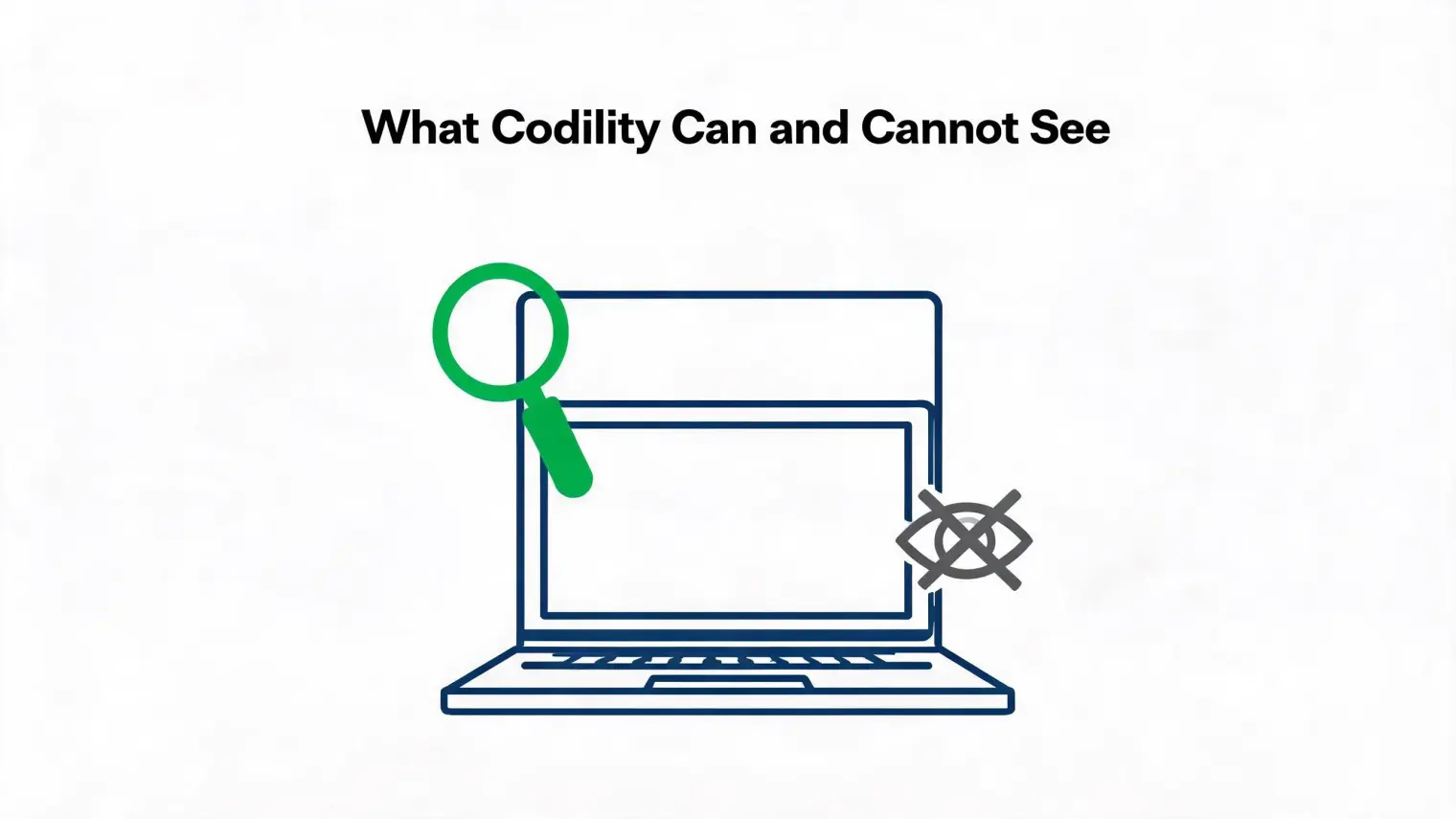
The honest gap — the one most competitor content either ignores or actively obscures to sell a workaround — is real, but it depends on which proctoring layers the employer enabled:
- Without Screen Proctoring or Test Session Recording, Codility's browser-based behavioral signals do not record your whole desktop.
- Paste tracking can show the pasted code in the candidate report, but it is not a general clipboard-history logger.
- Other software running on your machine is only checked when Device Integrity is active and specifically looking for known cheating tools.
- Secondary devices, notes, or a second monitor out of webcam frame remain outside browser-level behavioral tracking.
This is also exactly why the "download this invisible helper app" pitch is a worse trade than it looks: it's selling protection against something Codility's core proctoring (tab/paste/similarity logging) was never designed to see in the first place, while ignoring the layer — Device Integrity — that's built specifically to catch it.
For the round that comes after the OA, HackerRank's cheating detection works differently — worth knowing if your pipeline uses both. And if you're weighing detection risk across platforms generally, this breakdown of how online interviews detect cheating covers HireVue, Zoom, and OA tools side by side.
Before You Start a Proctored Codility Test
A short checklist based on what's actually documented above, not the anxiety-driven version:
- Close unrelated tabs before you start, not because one switch is dangerous, but because it removes the temptation entirely and keeps your logged activity clean.
- Don't paste code you didn't write during the test, including from your own earlier notes — if you need a snippet, type it out; the paste event is what gets logged, not the act of remembering syntax.
- Check the test requirements for webcam and Device Integrity in advance so there are no surprises mid-assessment, and contact the recruiter early if your hardware doesn't match what's requested.
- Treat a slow, iterative solution as a feature, not a failure — code that shows visible thinking and revision reads as more authentic than a flawless first pass, both to a human reviewer and to the similarity engine.
- If you're nervous about the live technical round that follows, that's a preparation problem, not a proctoring problem — practicing the explanation out loud matters more than any browser setting.
FAQ
Does Codility track tab switching or detect AI? Yes to both, as two separate signals. Tab switches are logged with timestamps and duration. Separately, Codility's similarity engine checks submitted code against known AI-generated patterns and prior submissions — these are different systems that both feed into the same review flag.
How does Codility detect cheating? Through a combination of enabled signals: tab-switch logging, paste-event tracking, task-copying events, typing-pattern checks, code similarity/AI-pattern analysis, and, if enabled by the employer, webcam/screen/session recording. In 2026, Device Integrity adds another layer that scans for known cheat tools running on the device itself.
Does Codility use your camera? Only if the employer specifically enables webcam or multimedia monitoring for that test — it is not a default. Basic webcam proctoring uses snapshots; Test Session Recording can also record camera and audio throughout the session.
My test requires camera access but I don't have a webcam. What should I do? Contact the recruiter directly. Camera requirements are configured per test by the employer, and Codility's own support guidance points candidates to request an adjustment rather than treating it as a hard blocker.
Does Codility record your screen? Not under browser-only behavioral proctoring. If the employer enables Screen Proctoring or Test Session Recording, Codility can record the candidate's screen; Device Integrity itself checks for known cheat-tool processes and is not a continuous screen or keystroke recorder.
If I get flagged, am I automatically rejected? No. Every flag is routed to a human recruiter for review alongside your code replay and full submission. A single anomaly rarely triggers rejection on its own — a cluster of coordinated signals is what draws real scrutiny.
Author · Alex Chen. Career consultant and former tech recruiter. Spent 5 years on the hiring side before switching to help candidates instead. Writes about real interview dynamics, not textbook advice.
Related Articles
Datadog Interview Process (2026): What's Allowed With AI, Round by Round
Datadog publishes its AI rules for candidates. Here's what they allow, what they ban, the reported loop, and how to prep for the project deep dive.
Figma Software Engineer Interview Process (2026): What's Reported
Figma publishes no interview rubric. Here's the loop candidates report, the product-flavored coding and design rounds, and what's known about an AI round.
Oracle and PayPal Fresher Interview Process in India: What Candidates Reported, Year by Year
Oracle India's test moved from aptitude plus core CS to HackerRank with a REST API task. PayPal's cut-offs and platform also differ. Posts compared.